 Download Online Help
 Print
|
|
|
|
|


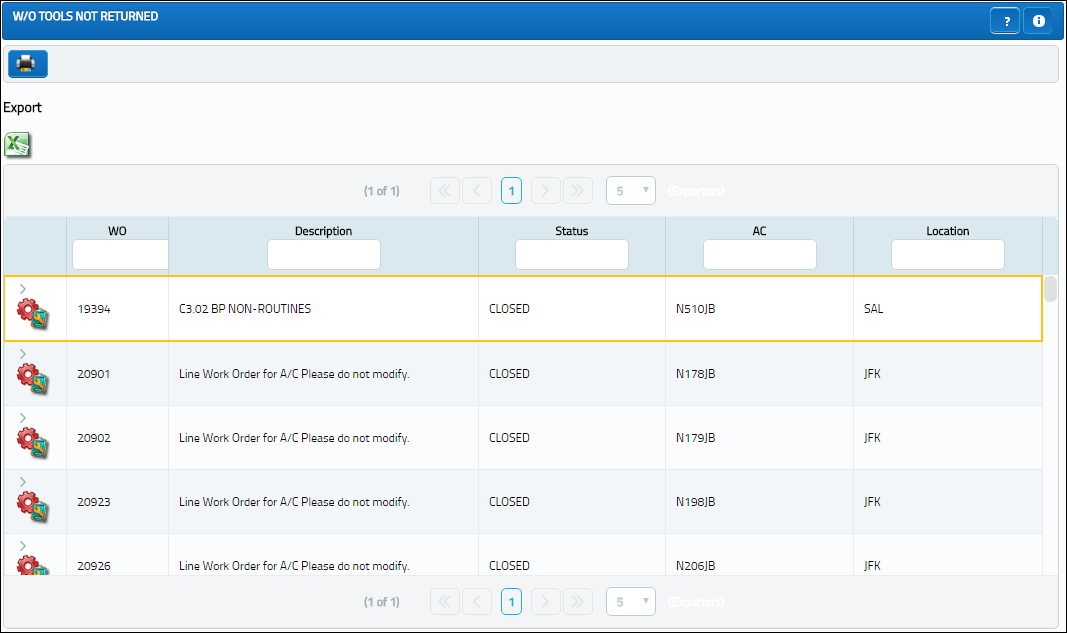
The Tools  button allows the user to review the Completed, Post-Completed and Closed Work Orders (W/O) for any tools which remain unreturned to Inventory. Tools will only appear for the W/O which they were issued against once that W/O goes to Completed status. Tools will remain in this queue until those tools are Return To Stock (RTS).
From the Work Order header window, choose the W/O then select the Tools button. The system will display the tools for the specific Work Order that have yet been returned.
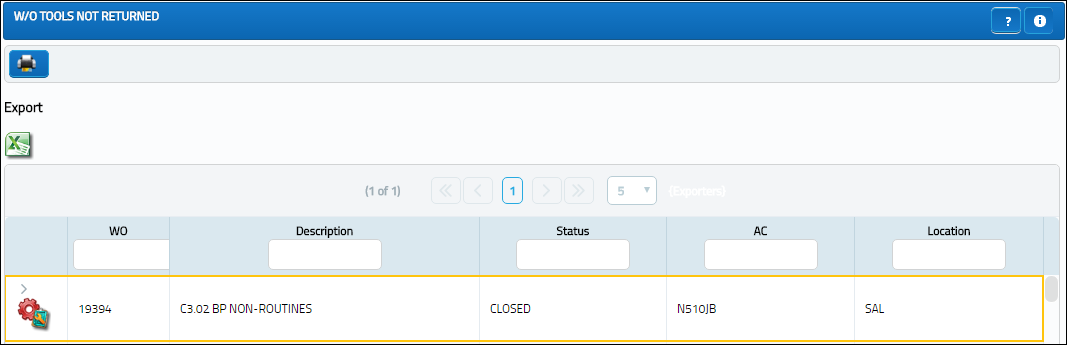
Note: If a specific W/O is not selected in the Work Order header window, by selecting the Tool button, the system will display all of the tools for all of the Work Orders that have not been returned.
Download Online Help
Print
|
©1997-2018 Trax USA Corp. All rights reserved. This manual may not be copied, photocopied, reproduced, translated, or converted to any electronic or machine-readable form, in whole or in part, without prior written approval from Trax USA Corp. |
 |