 Download Online Help
 Print
|
|
|
|
|


The T/C Work  button can be clicked to access the Task Card update window for a Shop Work Order.
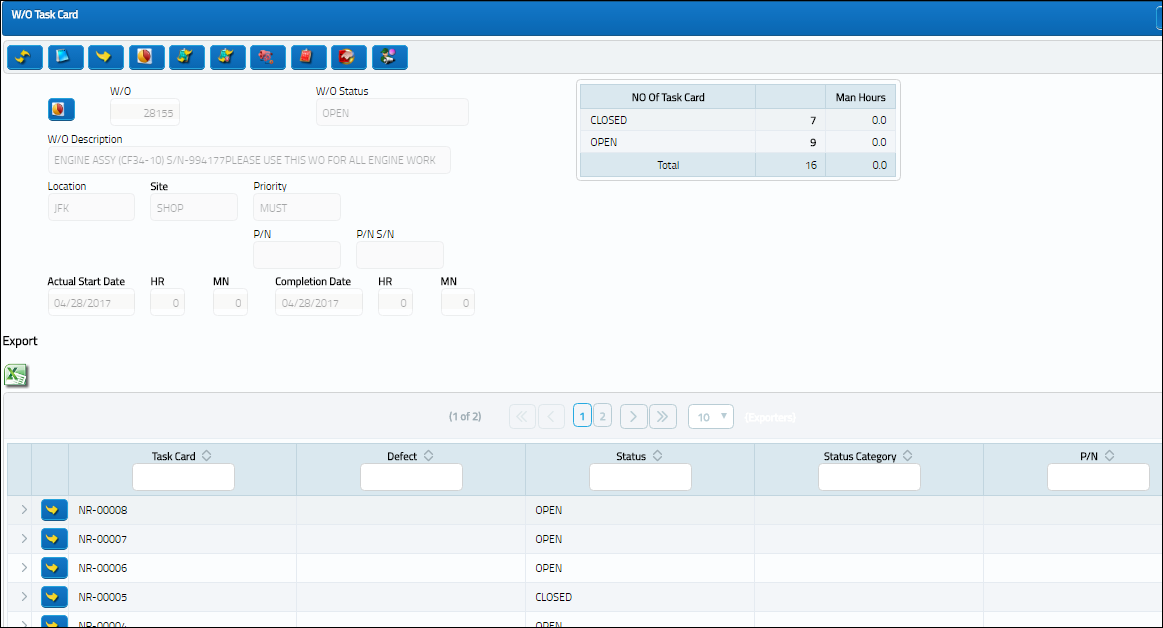
Confirm that the desired record is selected.
Select the Select  button to view/edit the related data.
The status can be changed, or any other data entered as required. Completion notes can be edited or entered by clicking on the Notes button. If the status is changed to Defer, then the system will ask if you require to re-schedule the card, if answered Yes, then you will be presented with another window. If answered No, then the system will only change the status. The Open By, Open On, and the Open Station fields are used for recording the dates at which the appropriately related task was performed.
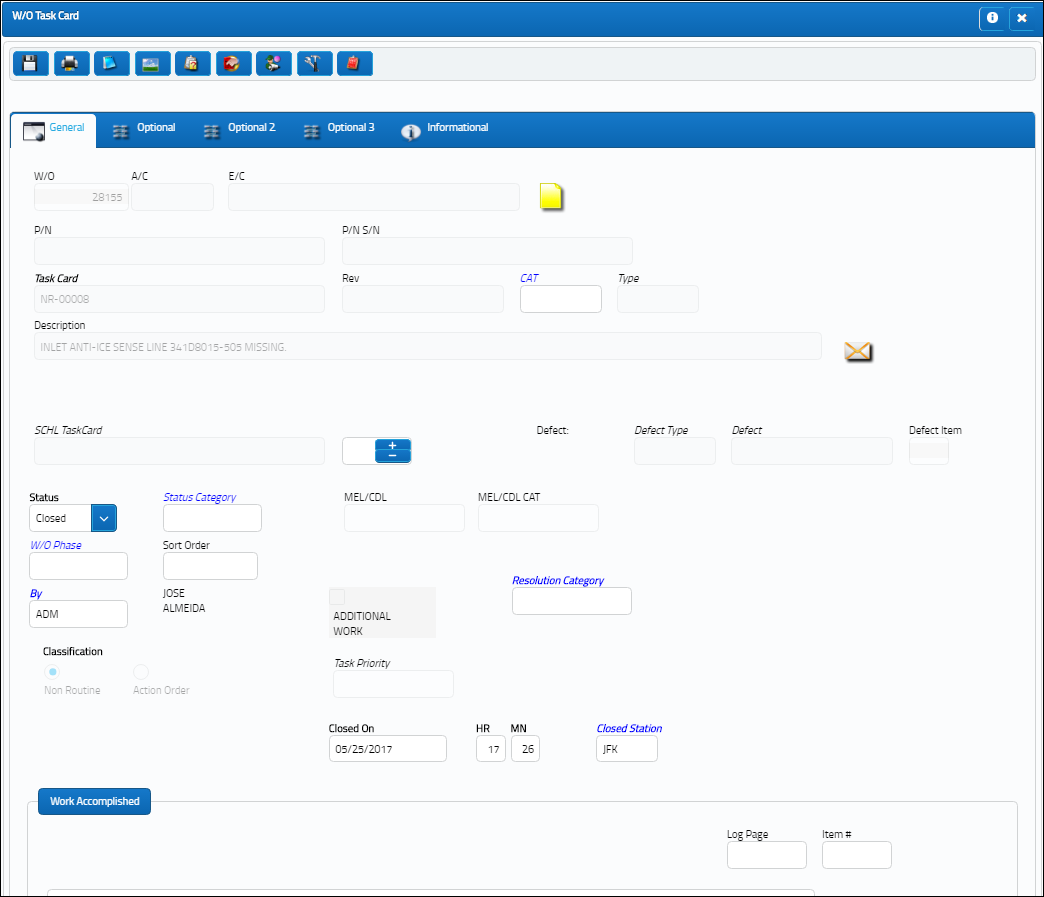
Note: With Switch  COMPTECHLOGWOTC set to Yes, the Completed OnTech Log field is available to be populated upon all Task Cards being closed before the W/O is closed.
The W/O Task Card window offers additional functionality via the following buttons:
- Notes Button
- Status All Button
- Task Card Closing Button
- TC Closing Detailed Button
- P/N N/L/A Installation and Removal Button
- N/R Create Button
- Engineering/Request Button
- Labor Manual Button
- Close W/O Button
Additional information is available for the utilization of this functionality through the following:
- Shop W/O Task Card (Work) Detail
- Shop W/O Task Card Item Close
Download Online Help
Print
|
©1997-2018 Trax USA Corp. All rights reserved. This manual may not be copied, photocopied, reproduced, translated, or converted to any electronic or machine-readable form, in whole or in part, without prior written approval from Trax USA Corp. |
 |