 Download Online Help
 Print
|
|
|
|
|


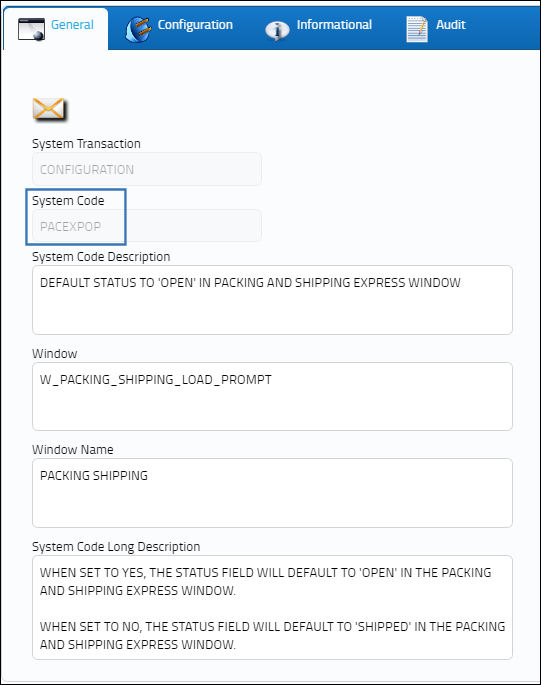
PACEXPOP - Default Status to 'Open" in Packing and Shipping Express
Default Status to 'Open" in Packing and Shipping Express
Affected Window: w_packing_shipping_load_prompt
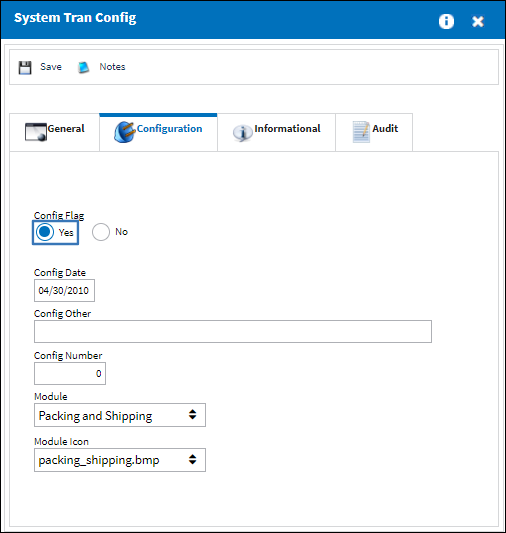
Switch Set to Yes:
When set to Yes, the Status field will default to 'Open' in the Packing and Shipping Express window.
The following record has been presented the option for Packing and Shipping, including the Express Shipping.
Upon selecting the Express Shipping, notice the Status is set to 'Open' by default.
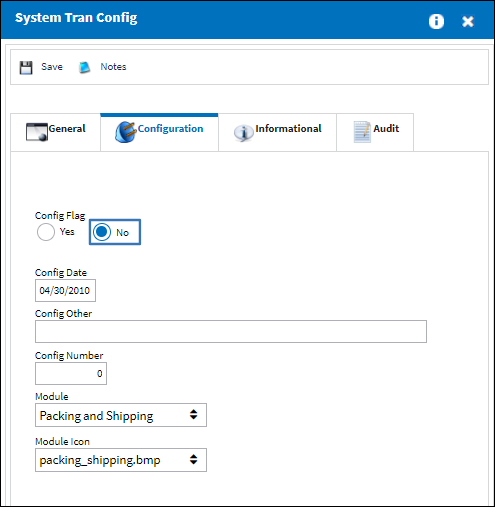
Switch Set to No:
When set to No, the Status field will default to 'Shipped' in the Packing and Shipping Express window.
The following record has been presented the option for Packing and Shipping, including the Express Shipping.
Upon selecting the Express Shipping, notice the Status is set to 'Shipped' by default.
Download Online Help
Print
|
©1997-2018 Trax USA Corp. All rights reserved. This manual may not be copied, photocopied, reproduced, translated, or converted to any electronic or machine-readable form, in whole or in part, without prior written approval from Trax USA Corp. |
 |