
 Share
Share
 Print
Print
|
|
|
|
|


G/L Accounts within the System
General Ledger accounts play an important role throughout the entire system. The following are a few examples of the programs and functionalities that are influenced and/or work with the General Ledger Codes:
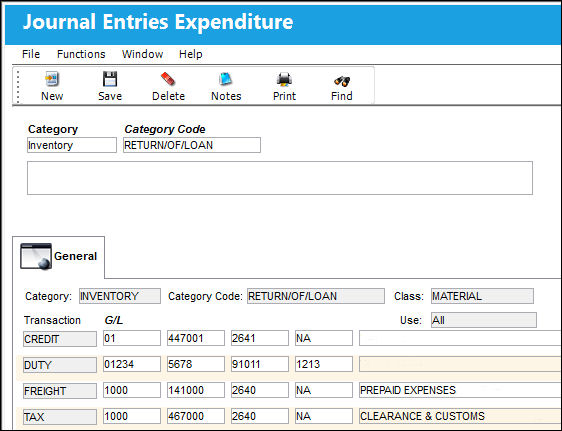
- Journal Expenditure Categories and Category Codes – G/L Interface/ Update/ Journal Entries Expenditure.
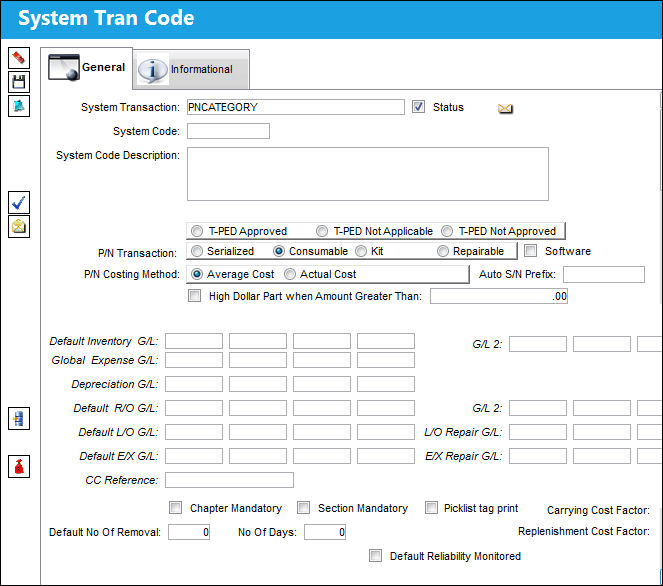
- Settings/ Explorer/ System Transaction Codes, Settings, P/N Category.
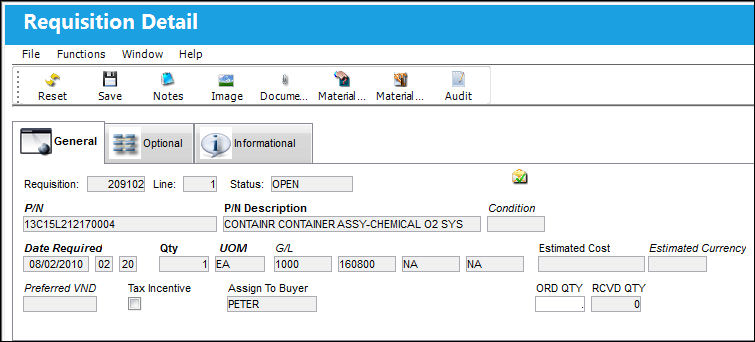
- (Requisition Detail) - Requisition/ Update/ Requisition.
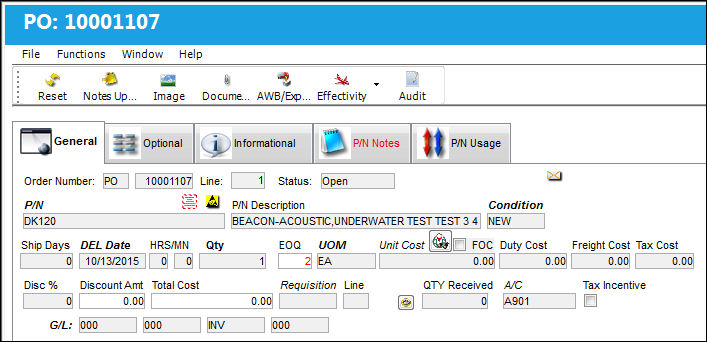
- All Order Details (except Transfer Orders). Purchase Order shown here.
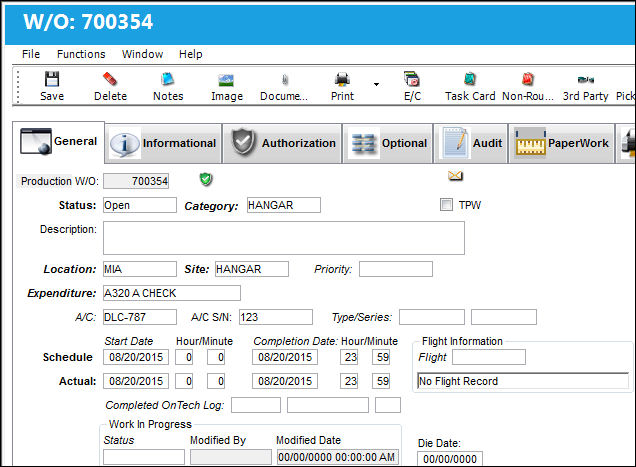
- Production and Shop Work Orders (through the EXPENDITURE Category Code) – Production/ Update/ Work Order.
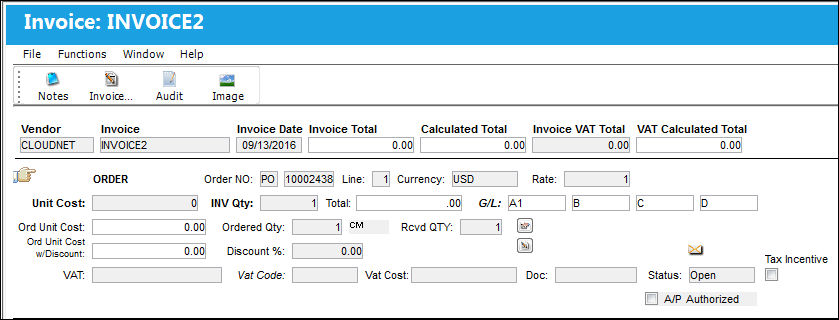
- Creating a new Invoice via the Links module – Links/ Update/ Invoice Entry. The G/L account is placed here automatically if the Part Number Category for the Part Number on the original Purchase Order was properly set up.
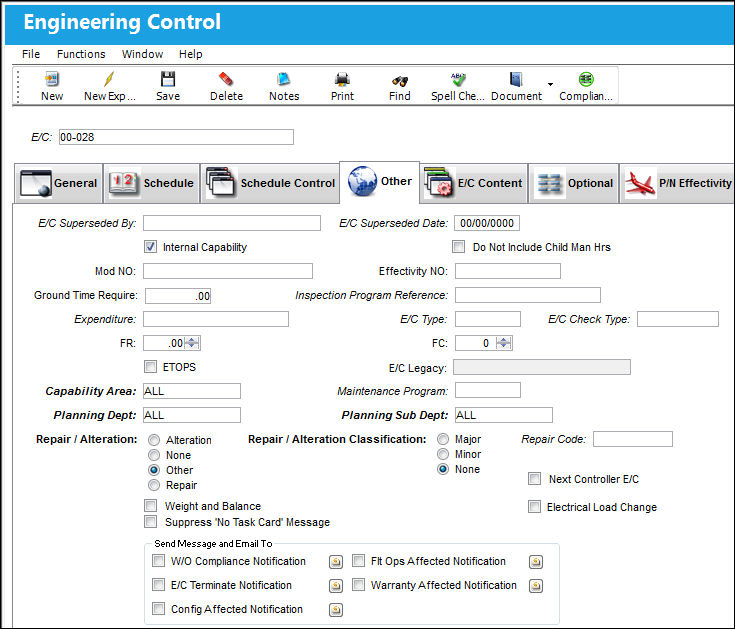
- Engineering/ Update/ Engineering Control/ Other Tab.
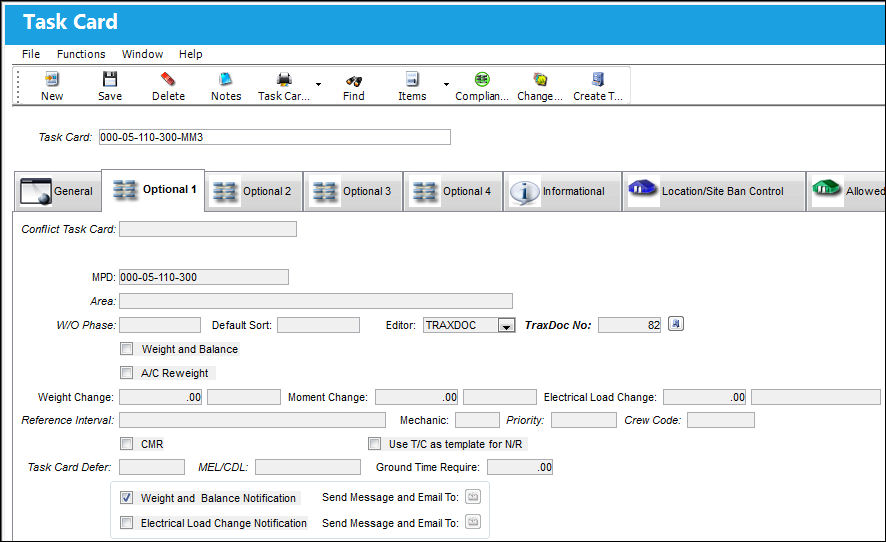
- Engineering/ Update/ Task Card/ Optional 1 Tab.
Share
Print
|
©1997-2026 Trax USA Corp. All rights reserved. This manual may not be copied, photocopied, reproduced, translated, or converted to any electronic or machine-readable form, in whole or in part, without prior written approval from Trax USA Corp. |
 |