 Download Online Help
 Print
|
|
|
|
|


TraxDoc Fleet Explorer
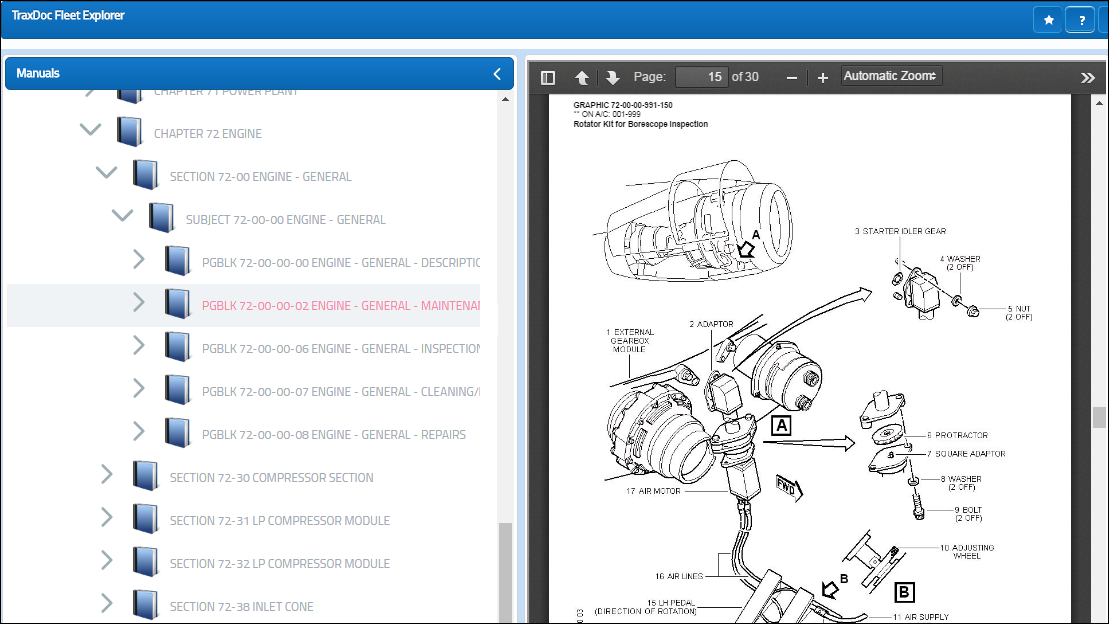
The TraxDoc Fleet Explorer allows users to view digitally loaded manuals within the system.
Navigate to the desired record (on the left side of the window) to view the selected files and images (on the right side of the window).
Note: Users must be granted security access through the TraxDoc Security Explorer before they are able to view any information in the Traxdoc Fleet Explorer.
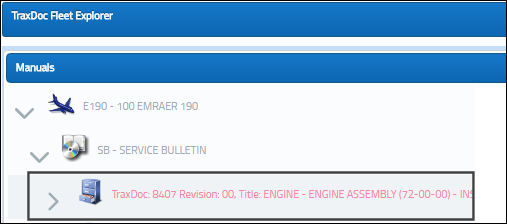
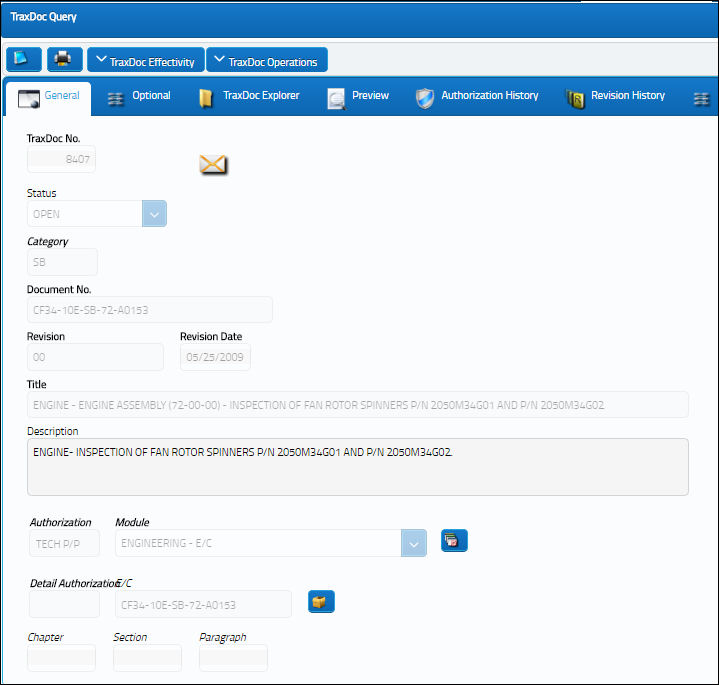
Users can select the TraxDoc Master record to view the record in query mode.
Download Online Help
Print
|
©1997-2018 Trax USA Corp. All rights reserved. This manual may not be copied, photocopied, reproduced, translated, or converted to any electronic or machine-readable form, in whole or in part, without prior written approval from Trax USA Corp. |
 |