 Download Online Help
 Print
|
|
|
|
|


MEL Master Query
The MEL Master Query allows users to query for any MEL (Minimum Equipment Lists) that have been entered into the system.
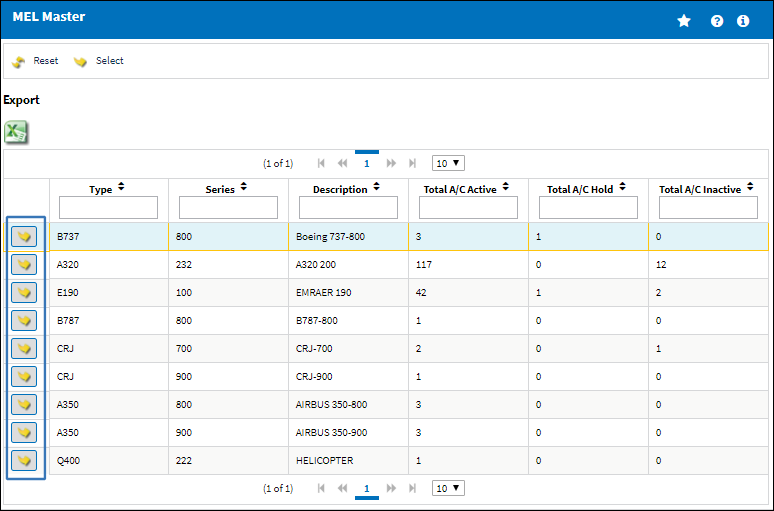
In the MEL Master window, select the aircraft Type/Series for the MELs that you want to view.
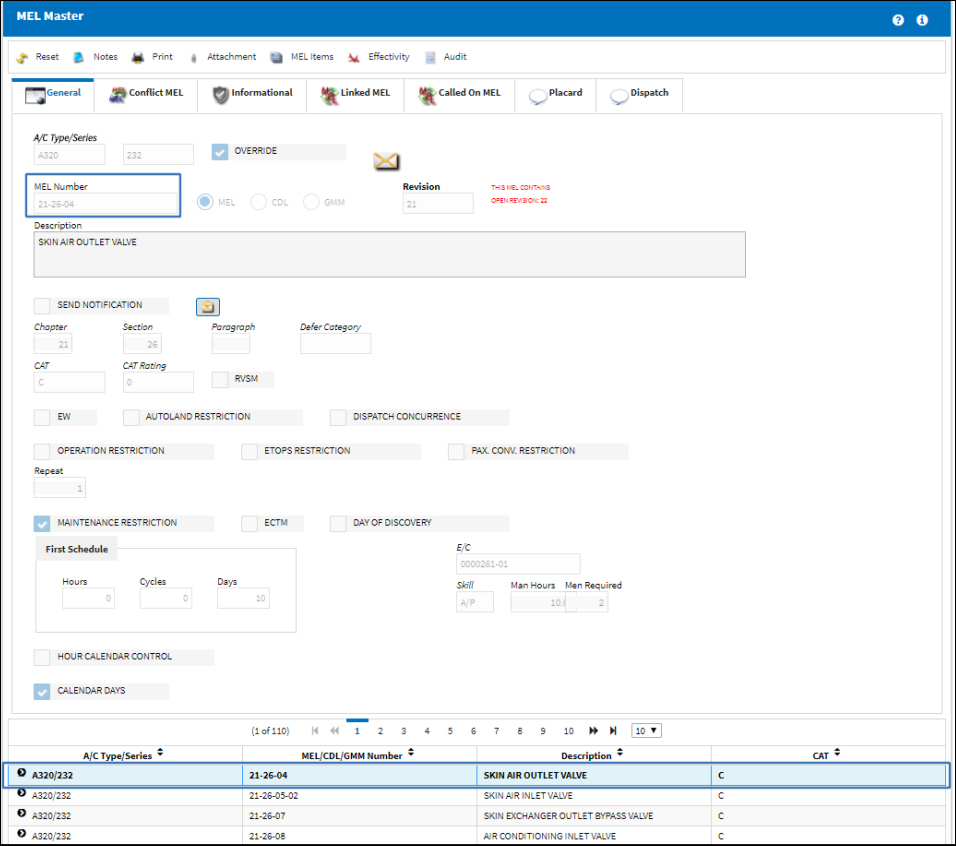
In the next window, the MELs for the selected aircraft Type/Series will be displayed. Select the MEL from the bottom of the window and its information will display at the top of the screen.
.
Note: Actual records cannot be edited from the Query window. For more information on how to create and manage MELs, refer to the MEL Master window.
Download Online Help
Print
|
©1997-2018 Trax USA Corp. All rights reserved. This manual may not be copied, photocopied, reproduced, translated, or converted to any electronic or machine-readable form, in whole or in part, without prior written approval from Trax USA Corp. |
 |