
 Share
Share
 Print
Print
|
|
|
|
|


The user can create the picklist reservation by selecting the Picklist  button.
The system displays the following dialog box prompting to proceed to create a P/N Reservation (Picklist):
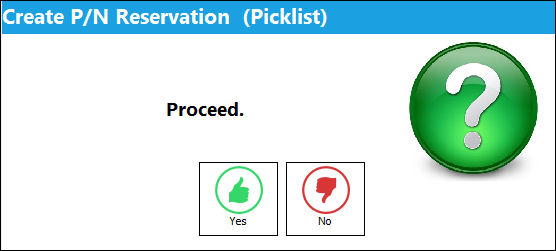
Select Yes to proceed with the Picklist creation, or No to return to the Shop W/O Reservation Control.
Users are allowed to create picklists for unserviceable parts.
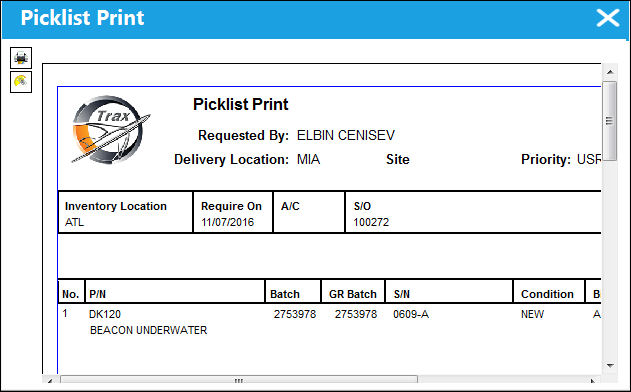
When the user selects Yes, the picklist is created as shown below:
If there are no parts associated to the order, the following error will appear:
If no records are found, the following pop-up will appear:
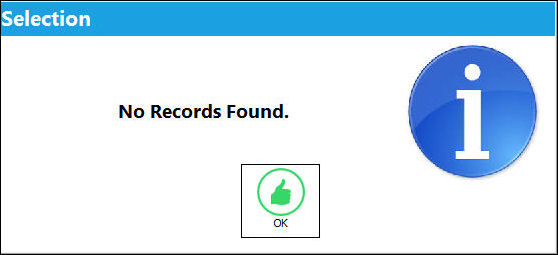
If no records are found, this may be because of the following:
- There is No part attached to the order
- There is No part available at the specified location
- There are No parts for the requested condition available at that location.
If a picklist was created previously for the part, the user will be alerted of the error. Once the picklist reservation is made, the picklist must be issued via Inventory/Update/Inventory Transaction to issue the part from the system.
For more information, refer to the topic regarding how to Re-Print a Picklist.
Share
Print
|
©1997-2026 Trax USA Corp. All rights reserved. This manual may not be copied, photocopied, reproduced, translated, or converted to any electronic or machine-readable form, in whole or in part, without prior written approval from Trax USA Corp. |
 |