
 Share
Share
 Print
Print
|
|
|
|
|



The Sub Location functionality allows the user to set up sub locations for a main location. Once set up, the Re-Order level functionality will take into consideration the availability of a part(s) in all sub locations for a main location before creating a requisition based on the Re-Order level for the respective part number.
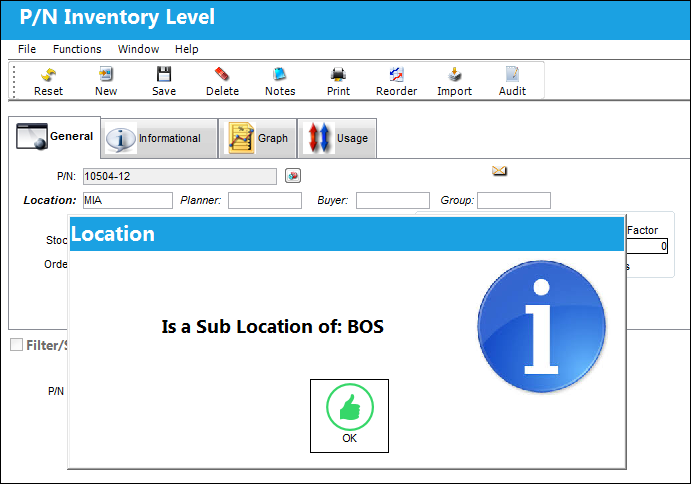
Note: The system will not allow a Re-Order level to be created for a sub location. See below.
Before this functionality can take effect, the user must first set up sub locations for the main location which will then be used to create a Re-Order level for a part number. For additional information, refer to the Sub Location button via the Location Master.
Set Up:
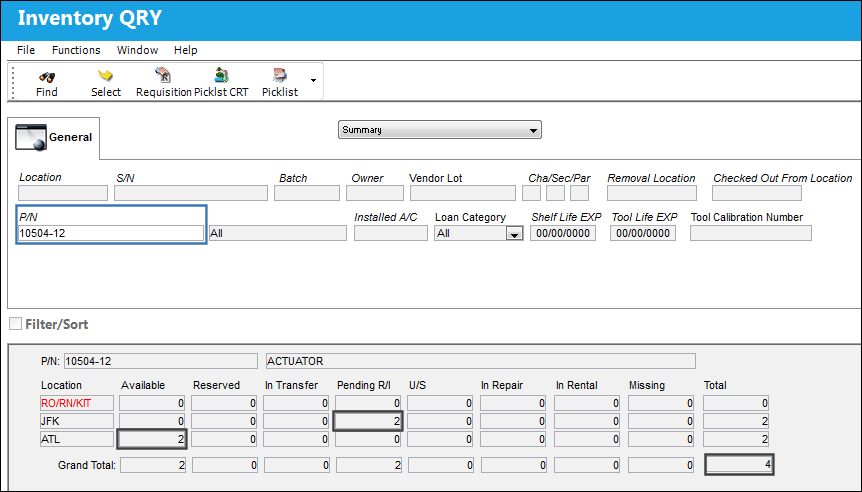
There are 2 parts available in ATL and 2 are pending Receiving Inspection for Location JFK.
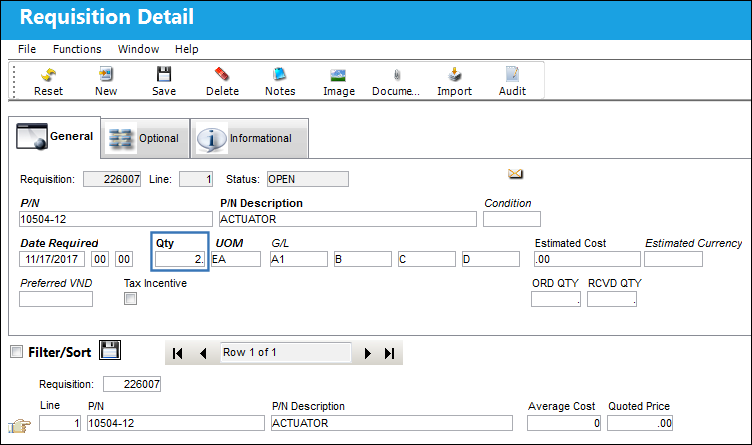
There is an open Requisition for QTY of 2 for Location BOS.
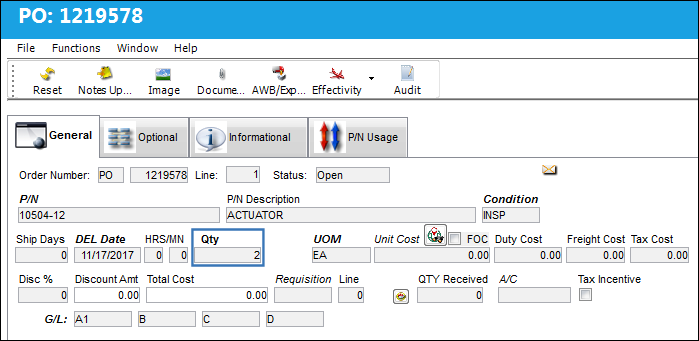
There is an open PO for QTY of 2 for Location BOS.
Altogether, there is a requirement for 8 parts.
Re-Order Level:
A Reorder level is created for 7 parts. This does not trigger a requisition upon saving.
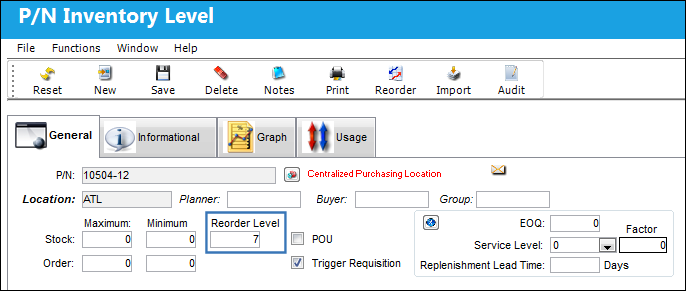
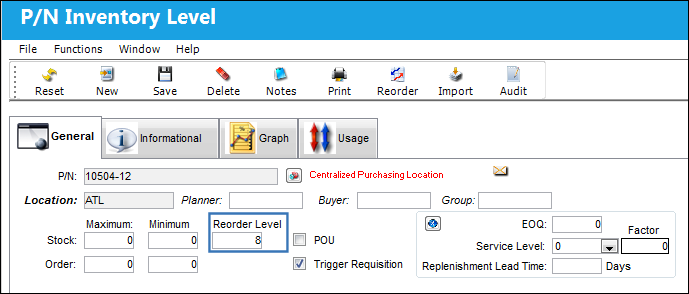
A Reorder level is created for 8 parts. This does trigger a requisition upon saving.
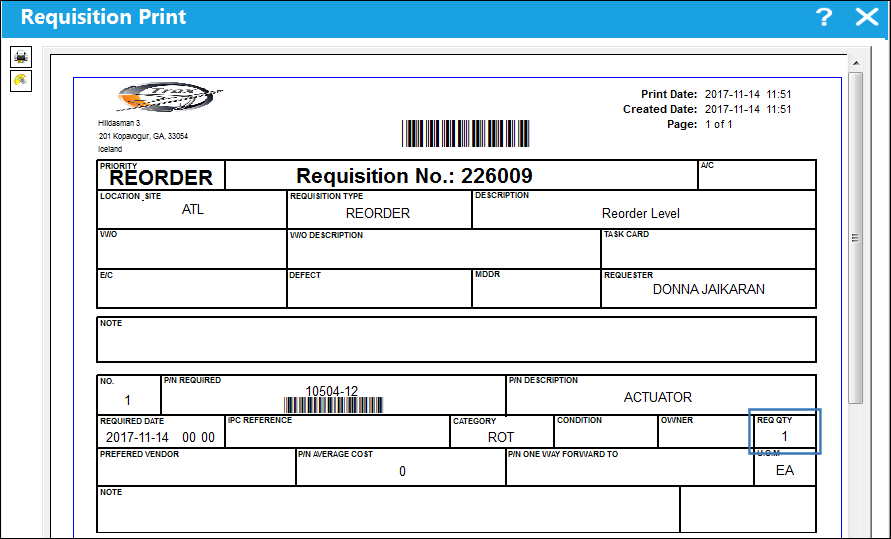
The Requisition print appears, confirming that the requisition was triggered:
Note: Inventory levels cannot be created using a Location that is a sub location:
Share
Print
|
©1997-2026 Trax USA Corp. All rights reserved. This manual may not be copied, photocopied, reproduced, translated, or converted to any electronic or machine-readable form, in whole or in part, without prior written approval from Trax USA Corp. |
 |