
 Share
Share
 Print
Print
|
|
|
|
|


Delivery Date, via Orders Explorer
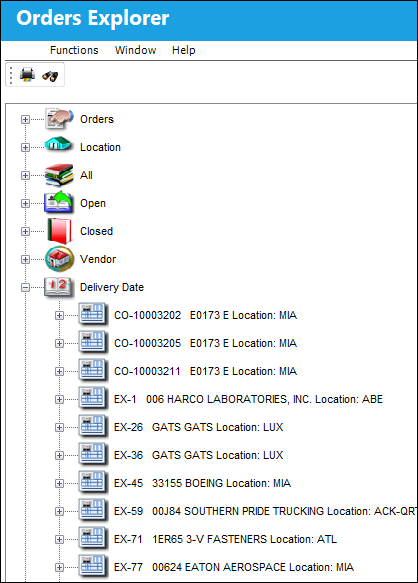
The Delivery View allows the user to query for orders based on the Delivery Date.
From the Orders Explorer, select the Expand  button for the Delivery Date View.
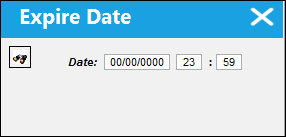
The following Expiration Date drop down selection window appears.
Enter an Expiration Date and select Find.
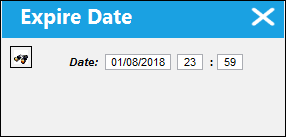
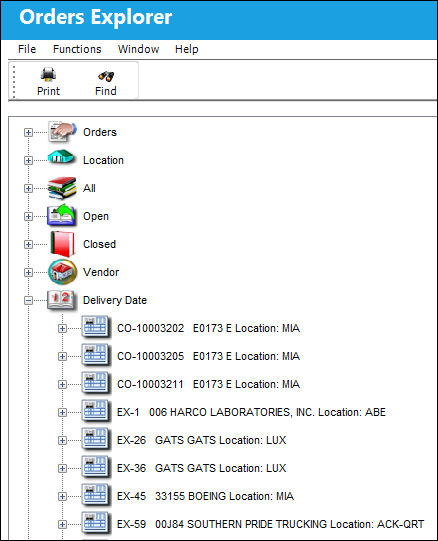
Every order that has a Delivery Date up until the date entered above (01/08/2018), will appear as shown below:
Share
Print
|
©1997-2026 Trax USA Corp. All rights reserved. This manual may not be copied, photocopied, reproduced, translated, or converted to any electronic or machine-readable form, in whole or in part, without prior written approval from Trax USA Corp. |
 |