
 Share
Share
 Print
Print
|
|
|
|
|


GSE W/O Closing
The W/O Closing (GSE) option is provided to close Work Orders associated with the GSE.
In order to close a Work Order you must do the following:
Right click on the W/O field to select a Work Order to close.
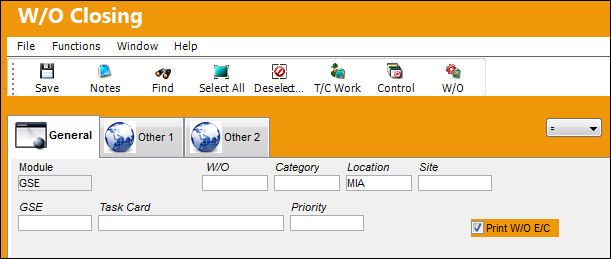
Enter or Select the Work Order you want to close.
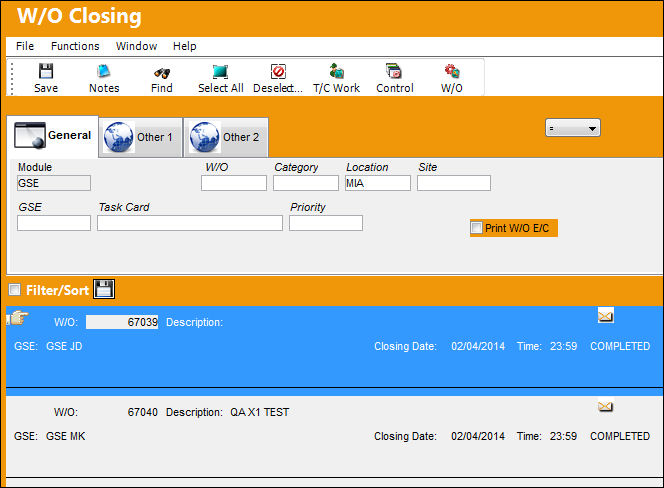
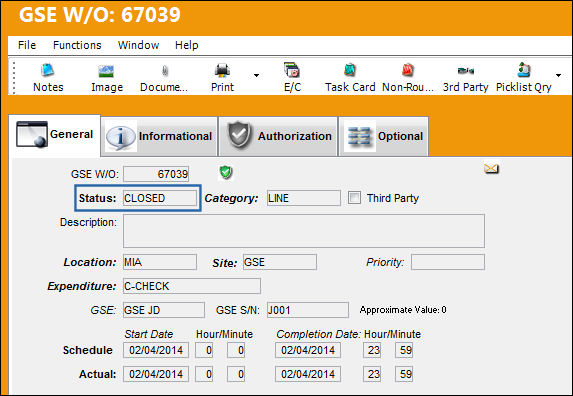
After you select the Work Order you want to close, you must then save. After you have saved the Work Order, the W/O will now be closed as shown below.
Share
Print
|
©1997-2026 Trax USA Corp. All rights reserved. This manual may not be copied, photocopied, reproduced, translated, or converted to any electronic or machine-readable form, in whole or in part, without prior written approval from Trax USA Corp. |
 |