 Download Online Help
 Print
|
|
|
|
|


Online Help Mapping
Online Help Mapping ensures that users have the ability to directly access up-to-date Help files directly from within any window in eMRO using the Help  button.
By default, selecting the Help button located at the top right corner of the Dashboard window will redirect the user to the eMRO Online Help homepage.
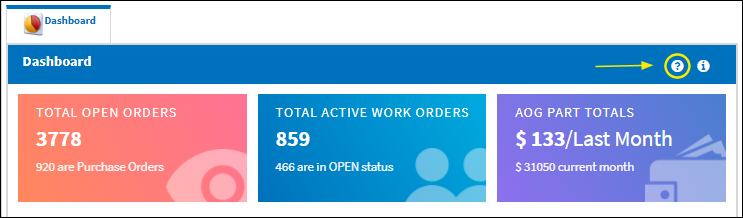
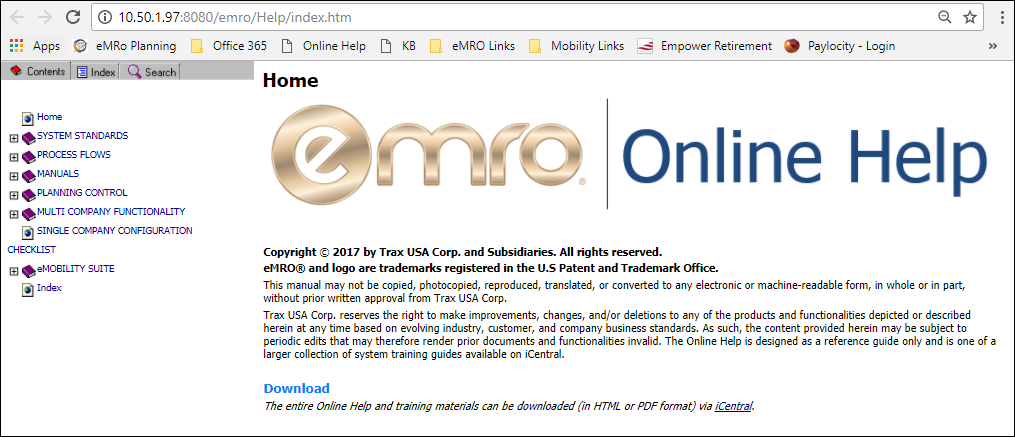
Once the Online Help has been mapped to eMRO, selecting the Help button from within any window in eMRO will redirect the user to the corresponding manual describing that window's features.
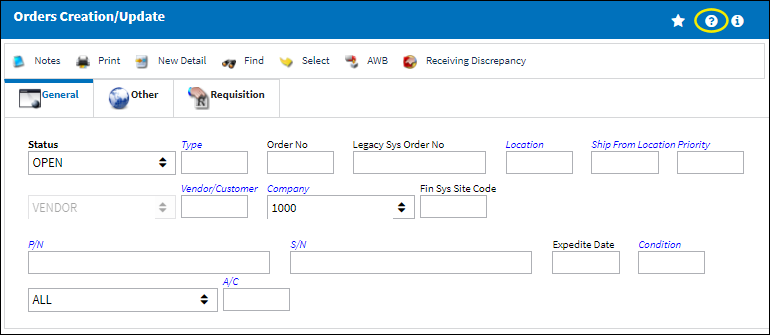
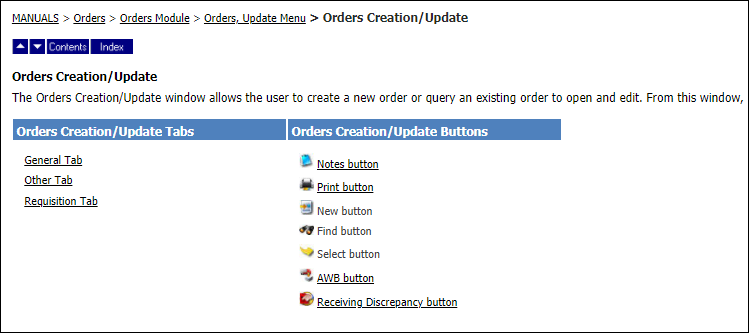
To map the Online Help to eMRO, users can upload the newest Online Help Mapping file through the Upload Online Help window located in the System Administration module.

For more information on the Online Help Mapping process, refer to the Upload Help Files manual.
Download Online Help
Print
|
©1997-2018 Trax USA Corp. All rights reserved. This manual may not be copied, photocopied, reproduced, translated, or converted to any electronic or machine-readable form, in whole or in part, without prior written approval from Trax USA Corp. |
 |