
 Share
Share
 Print
Print
|
|
|
|
|


Company Profile, Servers Tab
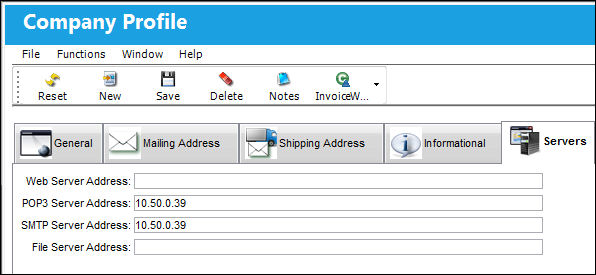
The Servers Tab in the Company Profile is used to assign the Web Server Address, POP3 Server Address, and SMTP Server Address for certain TRAX Programs that use the Web to receive information or e-mail to send and receive information. The web can be used by users outside the TRAX environment to confirm Read and Sign Requests and to submit quotes.
For more information, please refer to the Read and Sign section of the Library Module.
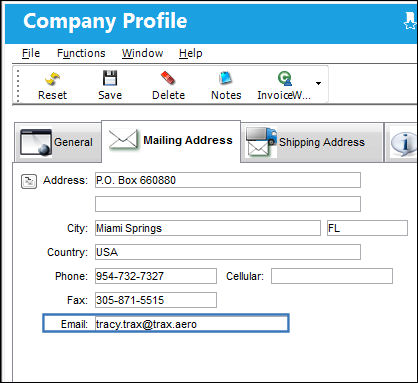
The return e-mail address (From Field) in the out going e-mail will be populated from the E-mail Field in the Company Profile, Mailing Address tab.
Network Administrators concerning SMTP Server: If an organization uses Outlook Exchange Mail Server and it is set up to send from trusted servers, be sure that the server where TRAX is installed is a trusted server. Another option is to set up a relay rule on the Exchange server so that it can accept mail from a non-trusted source.
Share
Print
|
©1997-2026 Trax USA Corp. All rights reserved. This manual may not be copied, photocopied, reproduced, translated, or converted to any electronic or machine-readable form, in whole or in part, without prior written approval from Trax USA Corp. |
 |