
 Share
Share
 Print
Print
|
|
|
|
|


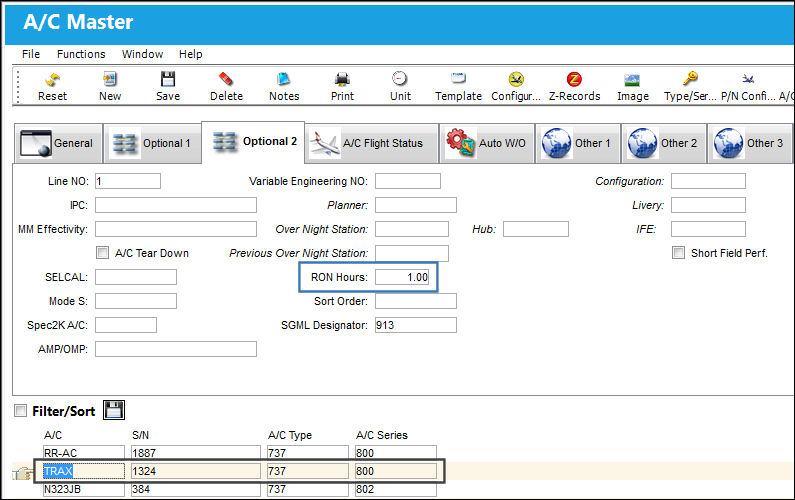
The RON Hours field is being utilized by an already existing aircraft.
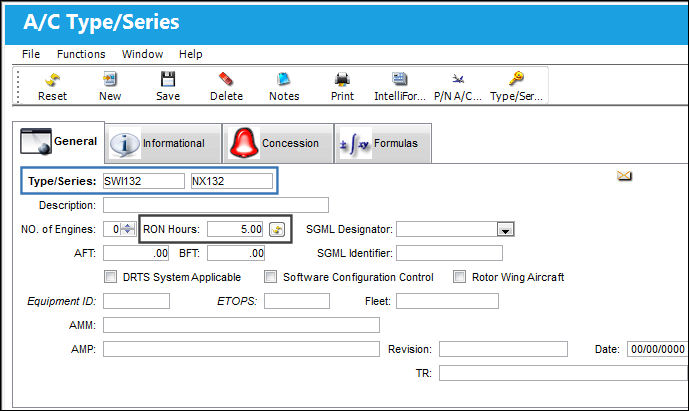
Create a new Type/Series and set the RON Hours at 5.00.
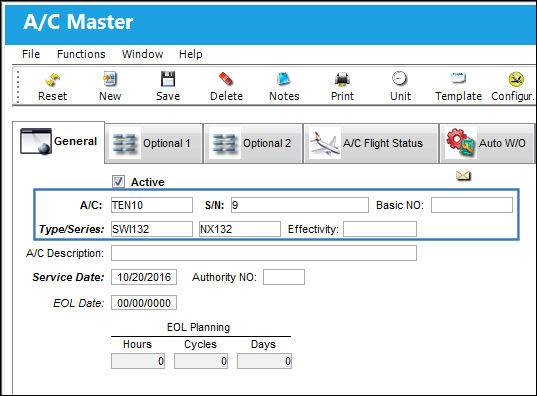
Create a new A/C for this Type/Series.
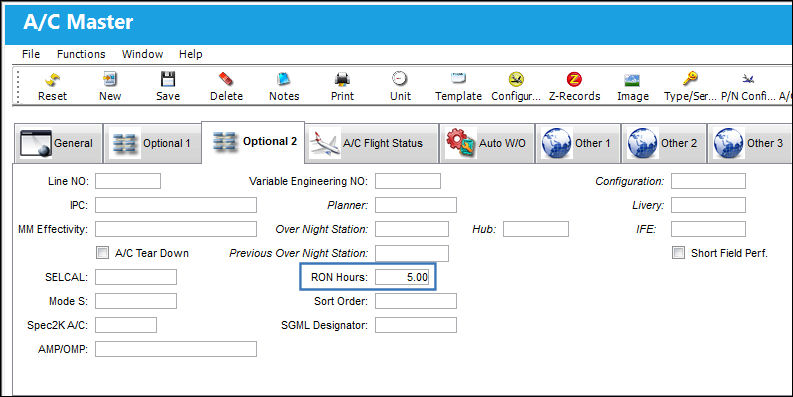
Go to the Optional 2 Tab. The RON Hours have automatically cascaded down to this A/C Tail Number upon creation.
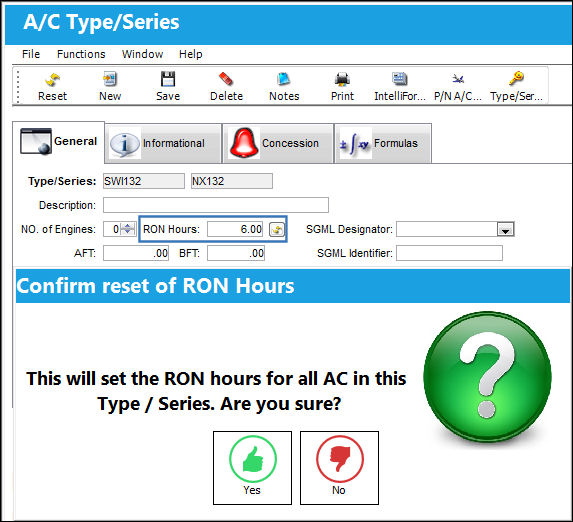
Go back to the A/C Type Series Window and change the 5 to a 6 in the RON Hours field. Select the Reset  button. The Confirm reset of RON Hours Window will appear. Select Yes.
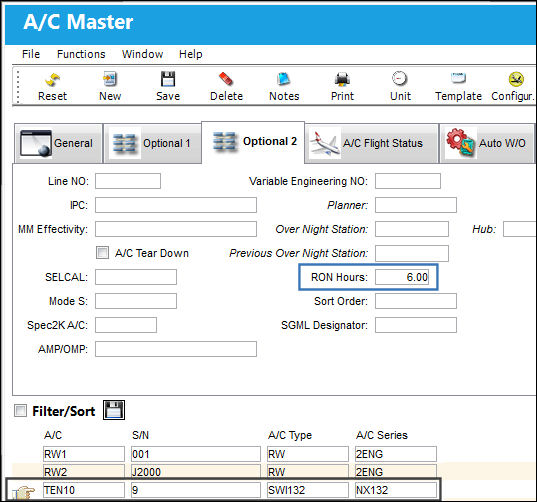
Go to the A/C Master. The RON Hours have automatically been updated for this A/C Tail Number.
When the RON Hours is more than 1, TRAX anticipates that where the A/C is Remaining Over Night will be the Over Night Station.
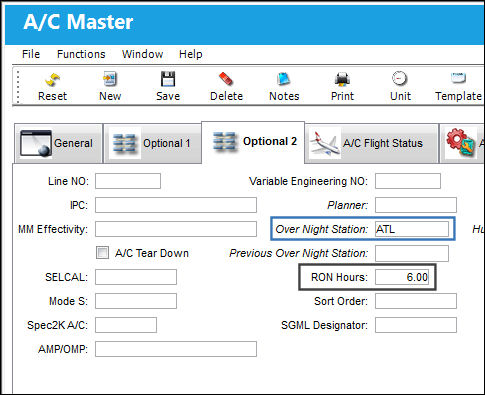
The Over Night Station code is defaulted in the A/C Master, A/C Flight Status Tab and the A/C Master, Auto W/O Tab.
Share
Print
|
©1997-2026 Trax USA Corp. All rights reserved. This manual may not be copied, photocopied, reproduced, translated, or converted to any electronic or machine-readable form, in whole or in part, without prior written approval from Trax USA Corp. |
 |