
 Share
Share
 Print
Print
|
|
|
|
|


The Authorization Copy  button allows users to copy existing authorization steps from another Task Card category to the Task Card category the user is in.
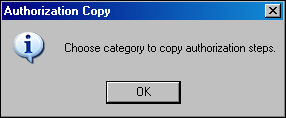
From the Task Card Authorization Steps window, select the Authorization Copy button. The Authorization Copy information pop-up appears. Select OK.
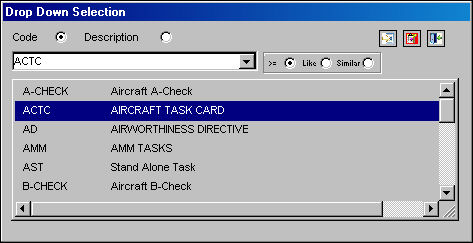
TRAX displays the drop down selection window for the available Task Card category types. Select desired category. It will become highlighted in blue when selected. Double click on selection.
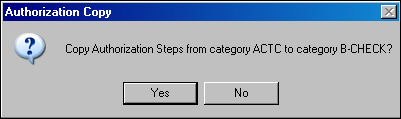
TRAX displays the following following question in the Authorization Copy box. Select Yes to copy the Authorization Steps from category ACTC to category B-CHECK. In the following example, the user will select 'Yes'.
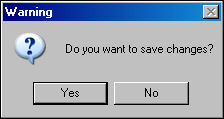
Upon selecting 'Yes,' the following Warning prompt will appear, asking the user if they would like to save any changes. Select 'Yes'.
The Authorization Steps from category ACTC are now copied to category B-CHECK.
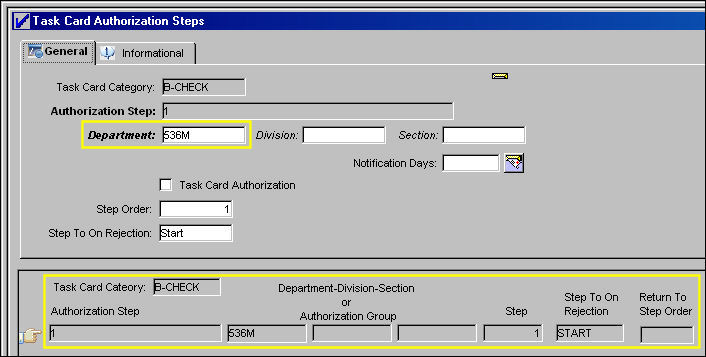
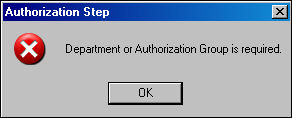
If a Department or Authorization Group is not selected, the following warning will appear:
Share
Print
|
©1997-2026 Trax USA Corp. All rights reserved. This manual may not be copied, photocopied, reproduced, translated, or converted to any electronic or machine-readable form, in whole or in part, without prior written approval from Trax USA Corp. |
 |