
 Share
Share
 Print
Print
|
|
|
|
|


Inventory Query Button, via Buyer Queue
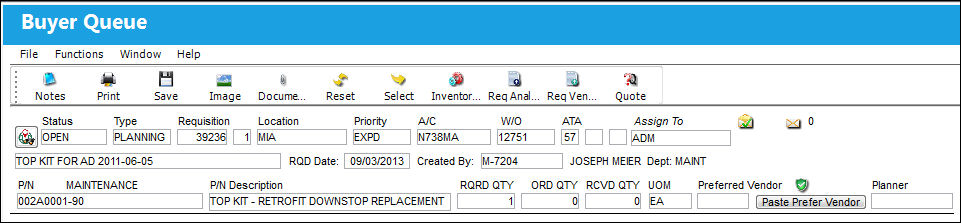
From the Buyer Queue window, place the Hand  pointer on the desired Requisition. Select the Inventory Query
  button.
TRAX displays the Inventory QRY window:
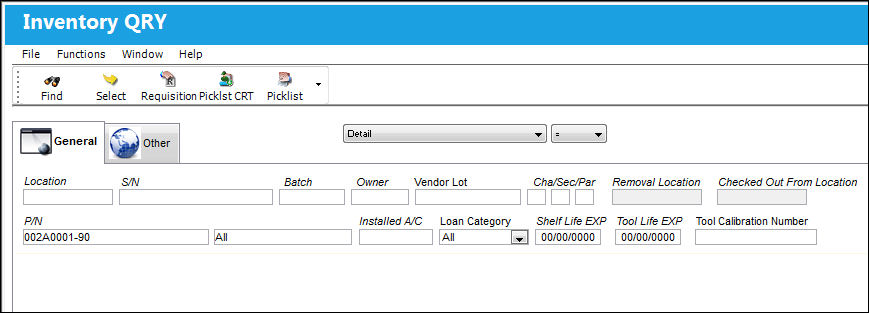
For information regarding the Inventory Query window, refer to the Inventory Query, General Tab via Inventory Query which can be found in the Inventory Training manual.
Share
Print
|
©1997-2026 Trax USA Corp. All rights reserved. This manual may not be copied, photocopied, reproduced, translated, or converted to any electronic or machine-readable form, in whole or in part, without prior written approval from Trax USA Corp. |
 |