
 Share
Share
 Print
Print
|
|
|
|
|


The Print At P/N Transaction Documents  button allows users to add documents to a P/N via the P/N Master, Technical Engineering tab and have these documents print at the time of a P/N Transaction.
From the P/N Master, Technical Engineering tab, select the P/N Transaction Documents button.
The Document Control window appears. Add desired document(s) to this window. In this example, a PDF and Word document are attached.
Go to Technical Record/Update/A/C P/N Transactions.
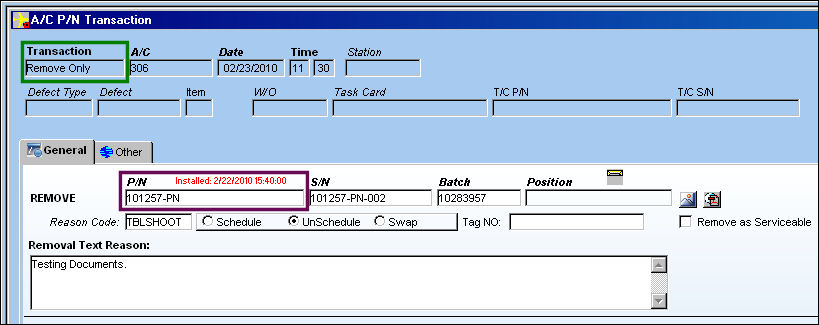
Complete a P/N Transaction. In this example, the user is completing a 'Remove Only' P/N Transaction.
Be sure the 'Remove as Serviceable' checkbox is deselected.
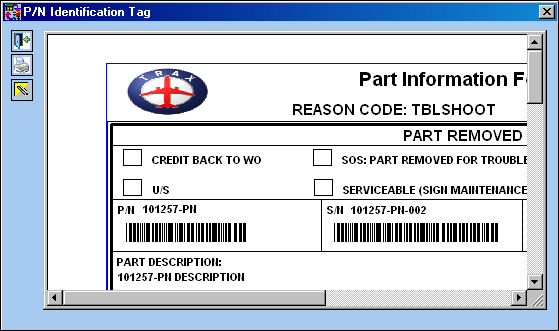
Once the Save prompt appears and the user has selected 'OK', the P/N Identification Tag appears. Exit this window.
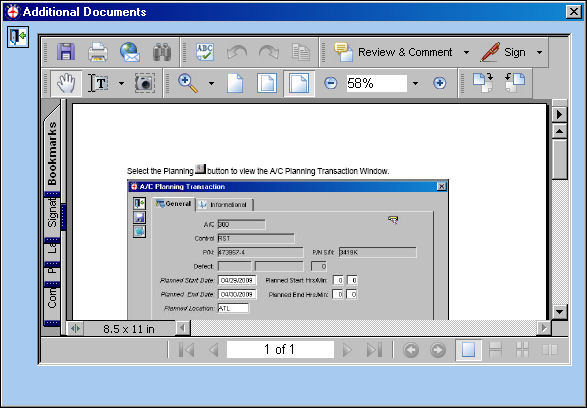
The first attachment, the PDF, appears as shown below. Select the Exit  button.
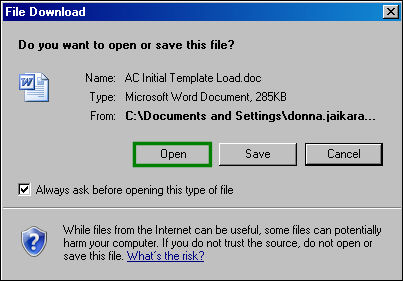
The File Download window appears. Select 'Open' to view the Word document attached to the P/N.
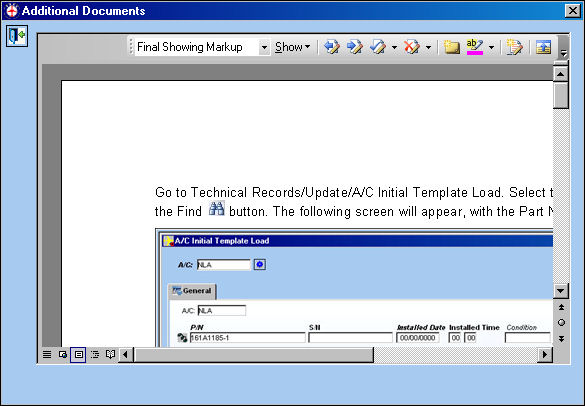
The Word documents appears as shown below:
Share
Print
|
©1997-2026 Trax USA Corp. All rights reserved. This manual may not be copied, photocopied, reproduced, translated, or converted to any electronic or machine-readable form, in whole or in part, without prior written approval from Trax USA Corp. |
 |