
 Share
Share
 Print
Print
|
|
|
|
|


Select the Run Forecast  button to launch a planning query for every maintenance event (E/Cs, P/N E/Cs and P/N Controls) for Task Cards that have P/N Requirements.
 The Run Forecast button is security-controlled via Inventory/ Update/ Inventory Optimization (Expendable)/ Run Forecast Button. For more information refer to the Security Explorer via the System Administration Training Manual.
P/N requirement information is displayed in the Task Card P/N window:
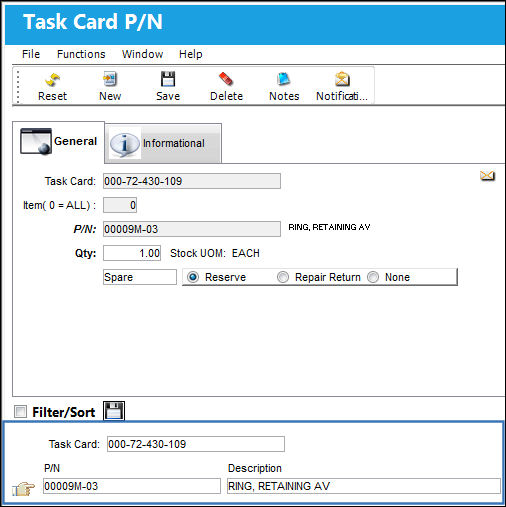
The Run Forecast button generates a sum of the total usage for all expendable P/Ns over the next 12 months.
The query begins as follows:
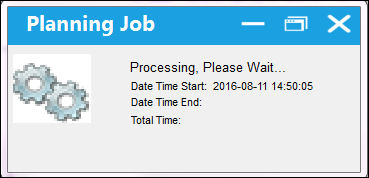
Once the Planning Job is ready, select 'OK'.
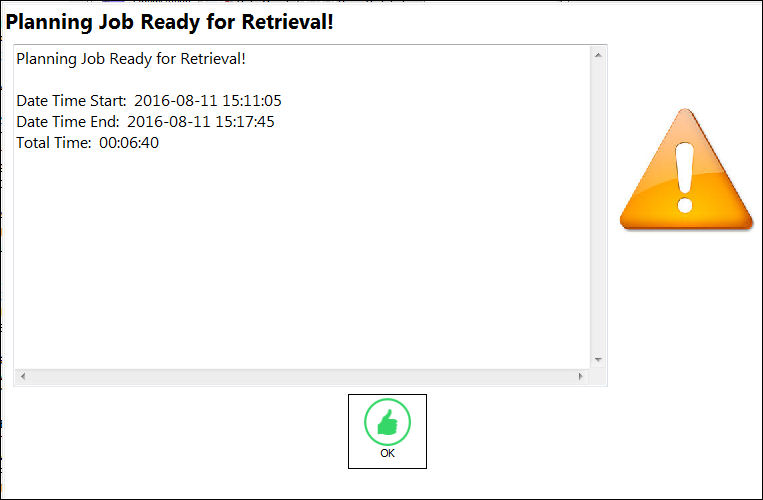
The results of the query will appear in the Inventory Optimization (Expendable), Forecast Usage Tab.
Share
Print
|
©1997-2026 Trax USA Corp. All rights reserved. This manual may not be copied, photocopied, reproduced, translated, or converted to any electronic or machine-readable form, in whole or in part, without prior written approval from Trax USA Corp. |
 |