
 Share
Share
 Print
Print
|
|
|
|
|


The P/N By Location  button allows the user to to view P/Ns by location. From the Inventory Optimization (Expendable), P/N By Location tab, users are able to create requisitions and transfer orders.
From the Inventory Optimization (Expendable) window, select the P/N By Location button.
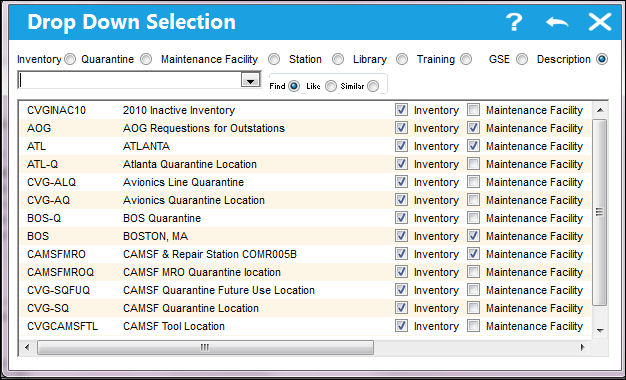
The following Drop Down Selection window appears. Select a location.
The Inventory Optimization (Expendable), P/N By Location tab appears. This tab displays all the P/Ns in the location as the one that was selected.
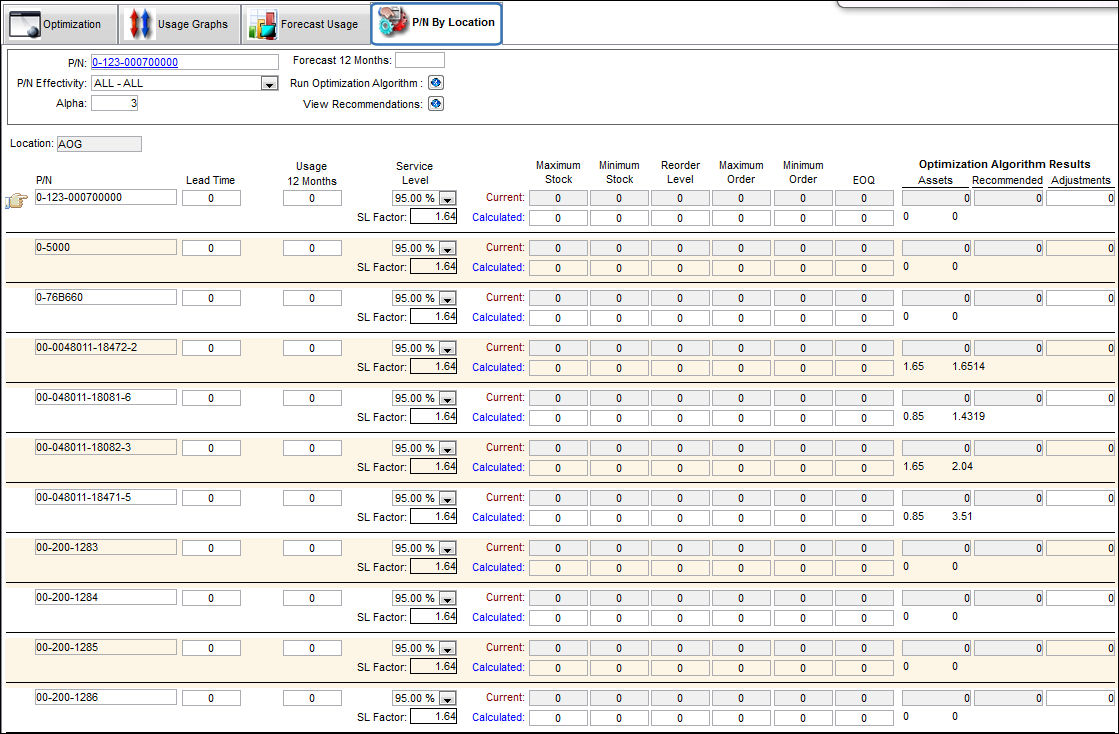
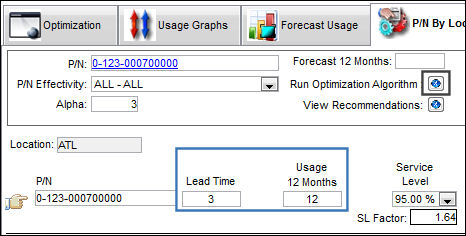
Select a P/N and add values. Select the Run Optimization Algorithm  button.
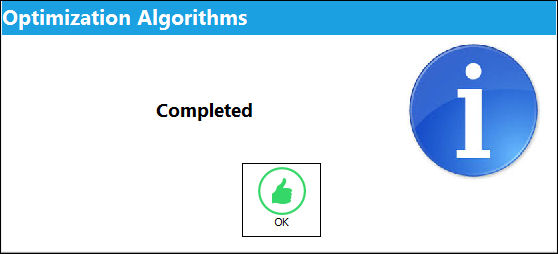
The following information box appears, informing the user that the optimization algorithms is complete. Select 'OK'.
The algorithm produced the following results:
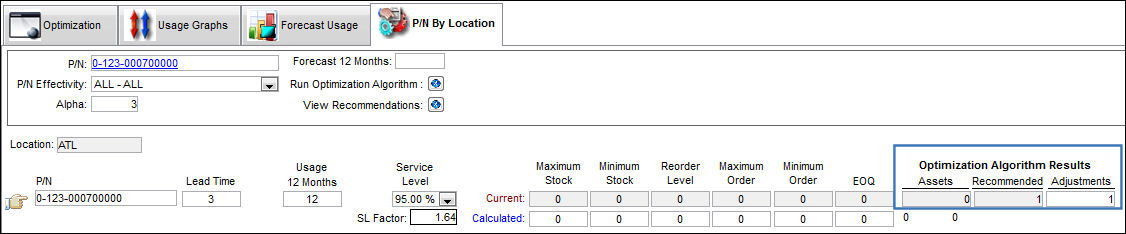
The following Inventory Optimization Recommendations appear.
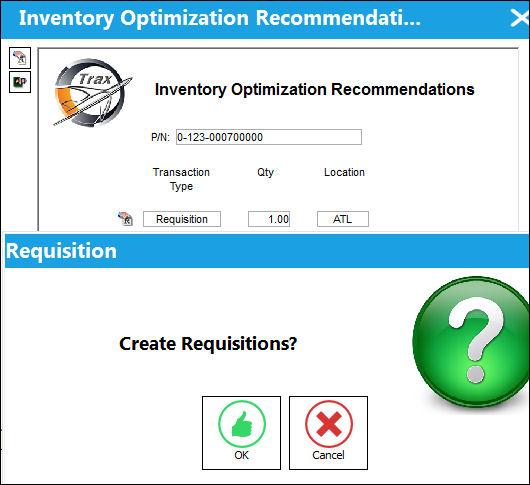
Select the Create Requisitions  button.
The Requisition pop up appears. Select 'OK'.
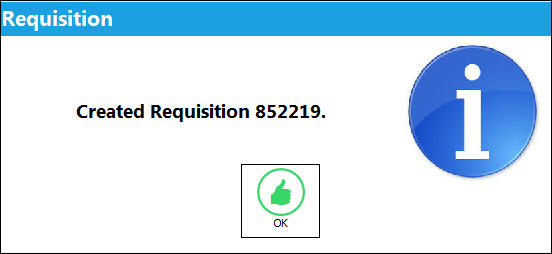
The requisition has been created as shown below. Select 'OK' and exit the window.
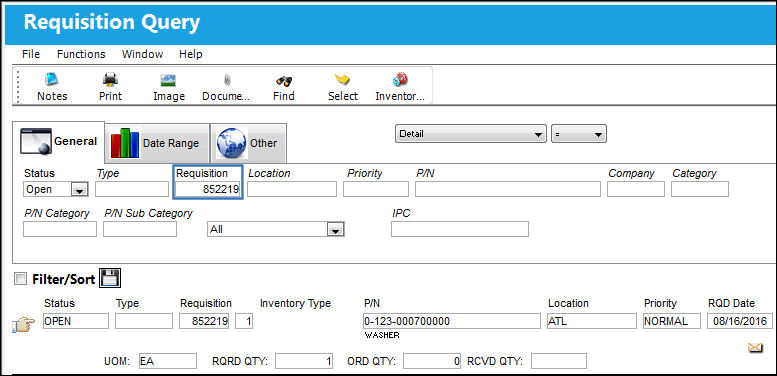
Go to Requisition/ Query/ Requisition Query.
The requisition was created as shown below:
Share
Print
|
©1997-2026 Trax USA Corp. All rights reserved. This manual may not be copied, photocopied, reproduced, translated, or converted to any electronic or machine-readable form, in whole or in part, without prior written approval from Trax USA Corp. |
 |