
 Share
Share
 Print
Print
|
|
|
|
|


When the Check Connectivity  button is selected in the TRX Configuration window, a pop up appears confirming that the TRAX database is connected to the TRX Interface.
 The Check Connectivity button is part of the TRX interface functionality and is only available for customers using this interface. For more information on the TRX interface refer to the TRX Interface (TCS) manual.
For example, select the Check Connectivity button from the TRX Configuration window via Settings/Update/Company Profile window.
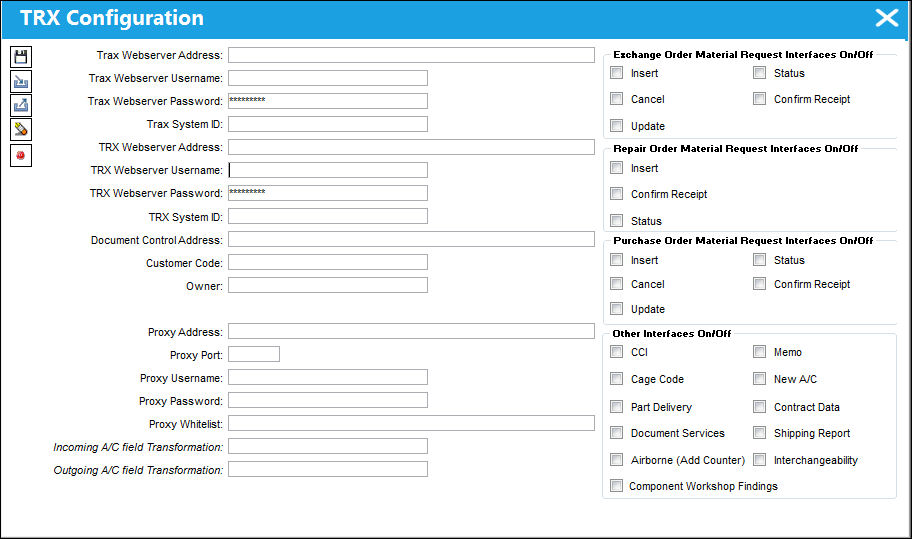
If the TRAX database is connected to the TRAX Interface, a pop up appears to indicate the status.
Share
Print
|
©1997-2026 Trax USA Corp. All rights reserved. This manual may not be copied, photocopied, reproduced, translated, or converted to any electronic or machine-readable form, in whole or in part, without prior written approval from Trax USA Corp. |
 |