
 Share
Share
 Print
Print
|
|
|
|
|


SENDAUDA - Send message automatically
Send message automatically
Affected windows: w_qa_forecasting_sel
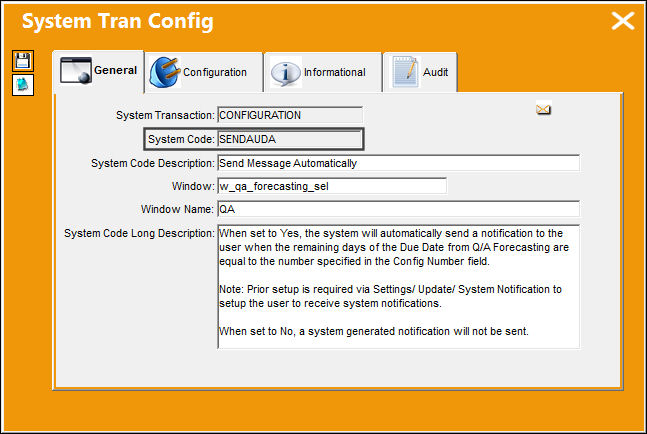
Set Up:
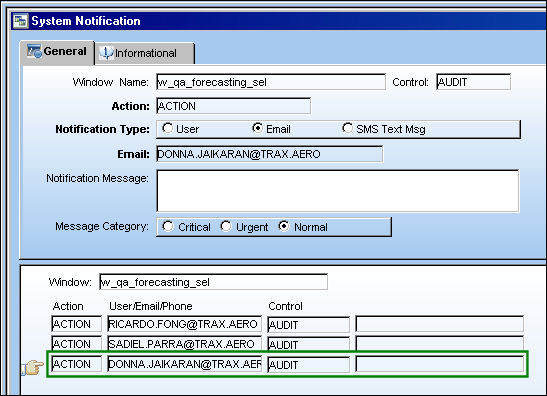
The following system notification was set up via Settings/ Update/ System Notifications.
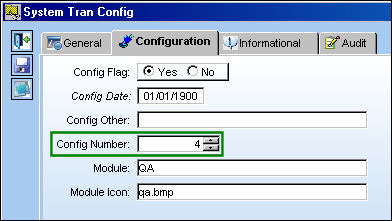
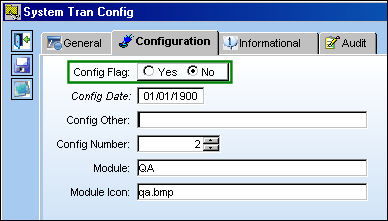
The Config Number field is set to 4.
Switch Set to Yes:
When set to Yes, the system will automatically send a notification to the user when the remaining days of the Due Date from Q/A Forecasting are equal to the number specified in the Config Number field.
Prior setup is required via Settings/ Update/ System Notification to set up the user to receive system notifications.
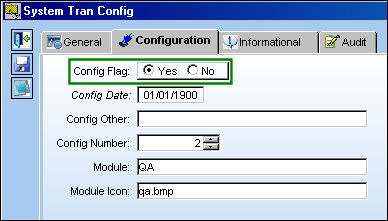
First, set the switch to No.
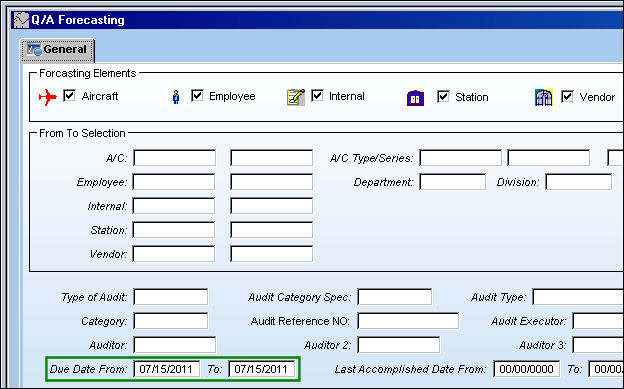
The following Q/A Forecast query is run with a Due Date of 07/15/2011.
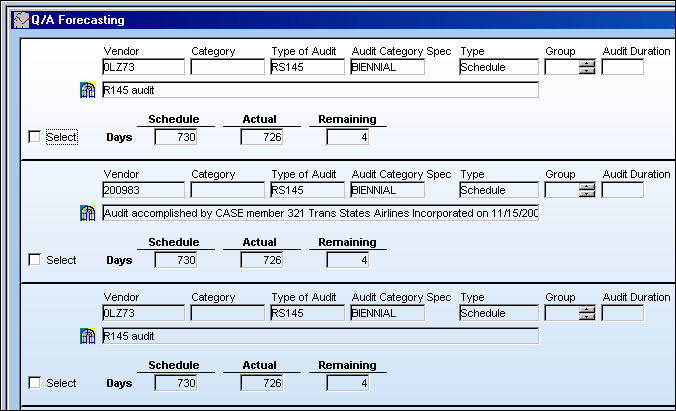
Three records are due on 07/15/2011.
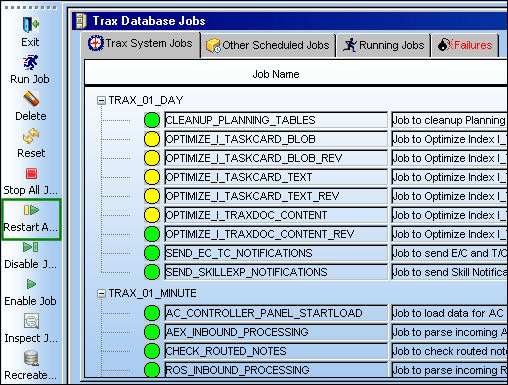
Go to Trax Database Jobs and select the Restart All Jobs  button.
Set the switch back to Yes.
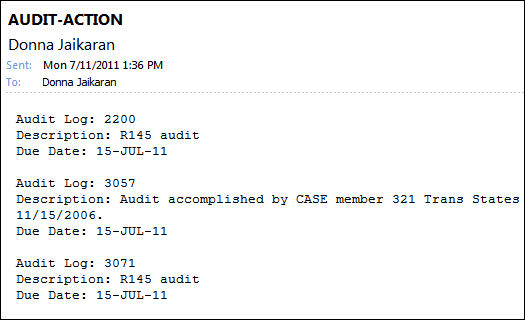
The email notification is sent correctly for the Due Date of 07/15/2011.
Switch Set to No:
When set to No, a system generated notification will not be sent.
Share
Print
|
©1997-2026 Trax USA Corp. All rights reserved. This manual may not be copied, photocopied, reproduced, translated, or converted to any electronic or machine-readable form, in whole or in part, without prior written approval from Trax USA Corp. |
 |