
 Share
Share
 Print
Print
|
|
|
|
|


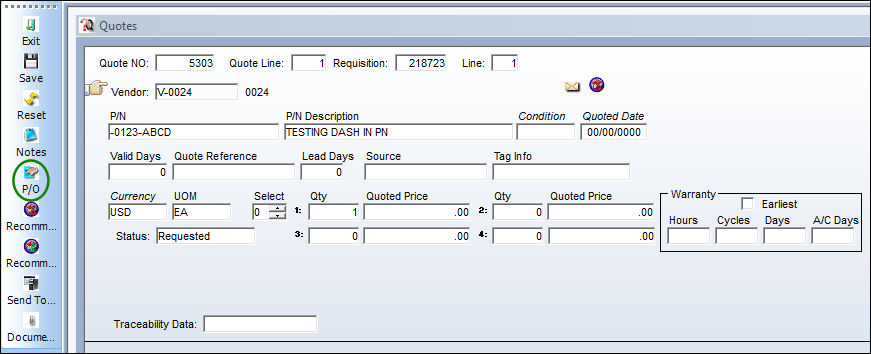
Select the Purchase Order  button to create a purchase order for a quote.
From the Quote window, select the Purchase Order button.
Be sure the Hand pointer is next to the desired vendor quote.
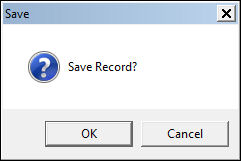
TRAX displays the Save prompt. Select OK to proceed.
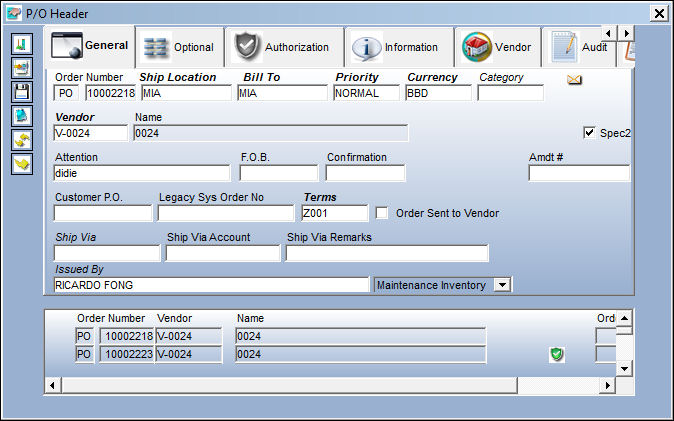
Upon selecting OK to the above prompt, the user will be presented with most recent open Purchase Order header for that vendor as seen below:
Selecting the Save  button will automatically create another line item on the Purchase Order Detail containing the defaulted order information. If the user selects the quote based on best price rather than quantity required, the user will receive the following prompt, as shown below:
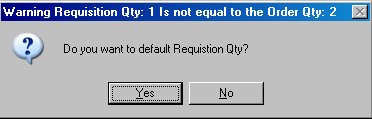
Select Yes to continue to process with order and place the Requisition is ‘Ordered’ status or No to cancel the order.
If there is not an Open Purchase Order, then the user will be forced to created a new Purchase Order header.
Share
Print
|
©1997-2026 Trax USA Corp. All rights reserved. This manual may not be copied, photocopied, reproduced, translated, or converted to any electronic or machine-readable form, in whole or in part, without prior written approval from Trax USA Corp. |
 |