
 Share
Share
 Print
Print
|
|
|
|
|


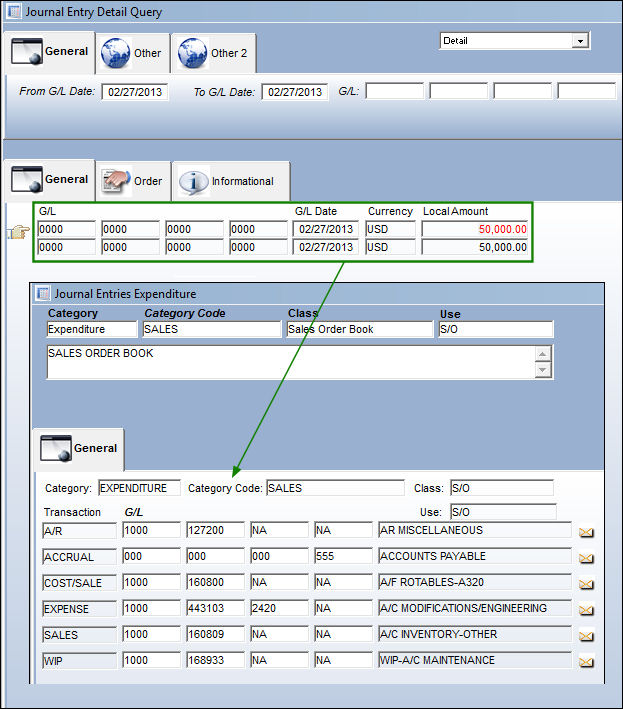
The 'SALES ORDER BOOK' J/E Expenditure Class takes place when a Sales Order is attached to a Third Party Work Order and then invoiced and closed.
Create a Customer Contract with an Expenditure of SALES.
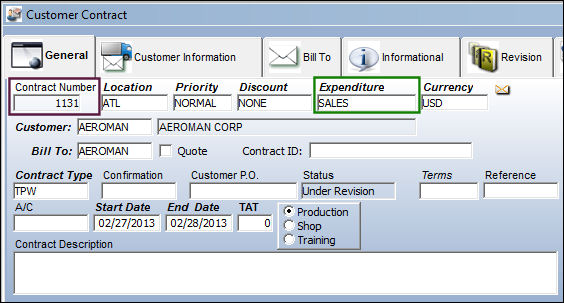
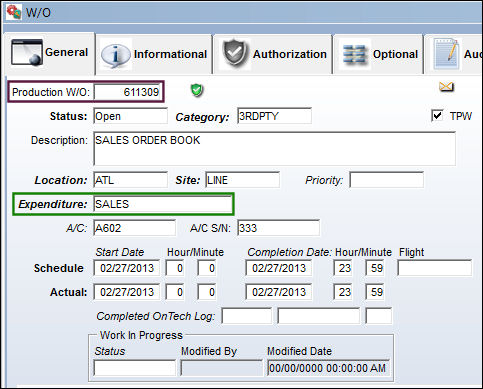
Create a Third Party Work Order. Associate the Work Order to the above Contract.
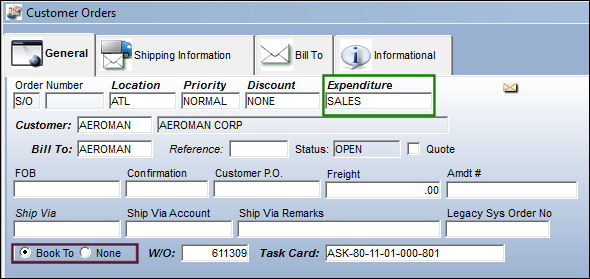
Create a Customer Order. Select the 'Book To' option and select the Save  button.
Be sure to create a SALES Expenditure.
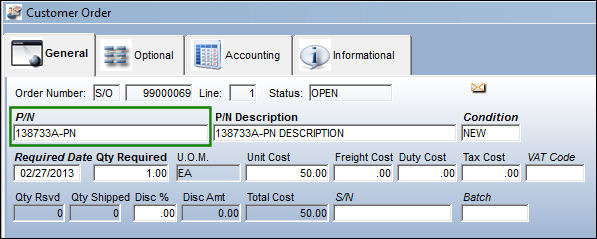
The following P/N is added to the Customer Order Detail, General tab.
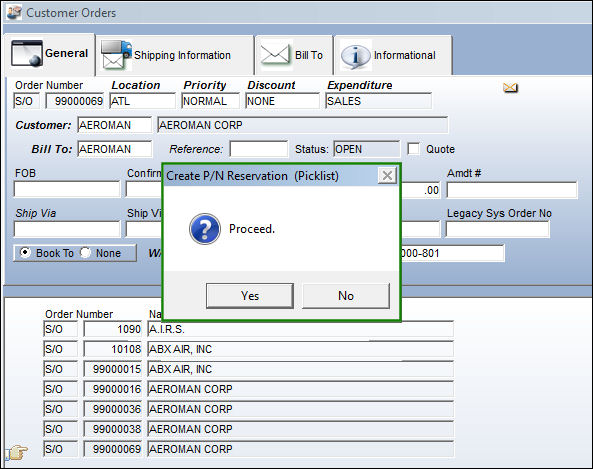
From the Customer Order Detail, select the Picklist  button. The 'Create P/N Reservation (Picklist) pop up appears. Select 'Yes'.
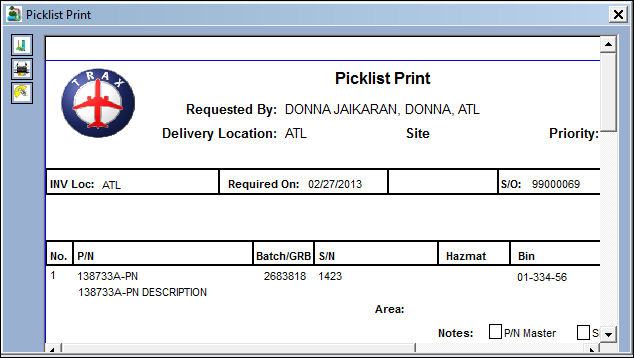
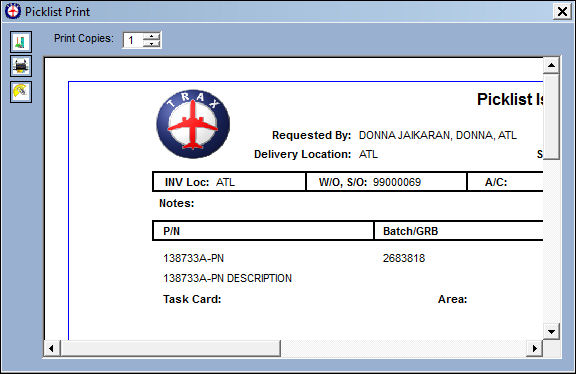
The Picklist Print is generated:
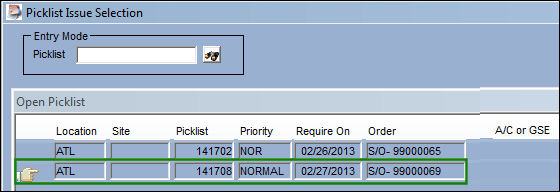
Locate the Picklist in the Picklist Issue Selection window and select into it.
The user is taken to the Picklist Issue window. Select the Save button. The Save prompt appears. Select 'OK'.
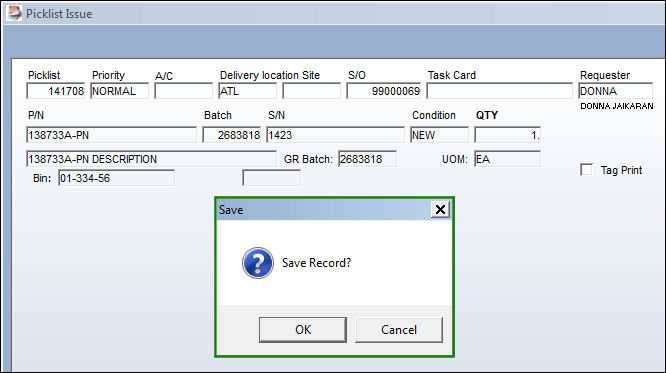
The Picklist is issued:
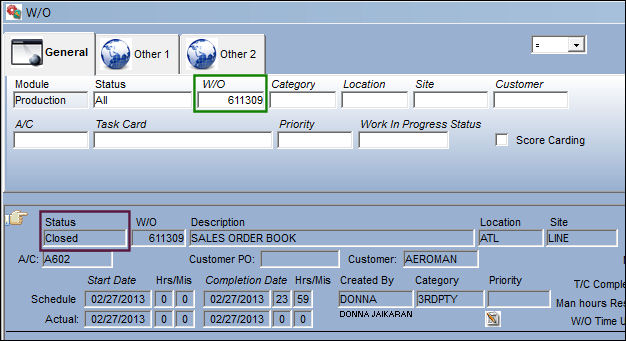
The Work Order and all associated Task Cards have been closed:
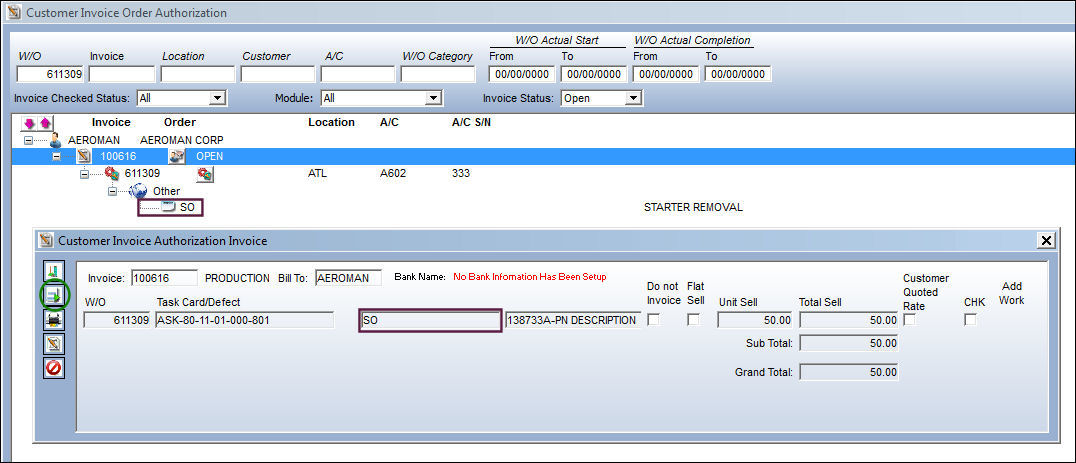
From the Customer Invoice Order Authorization window, locate the Sales Order. From the Customer Invoice Authorization Invoice window, select the Post and Close Invoice  button.
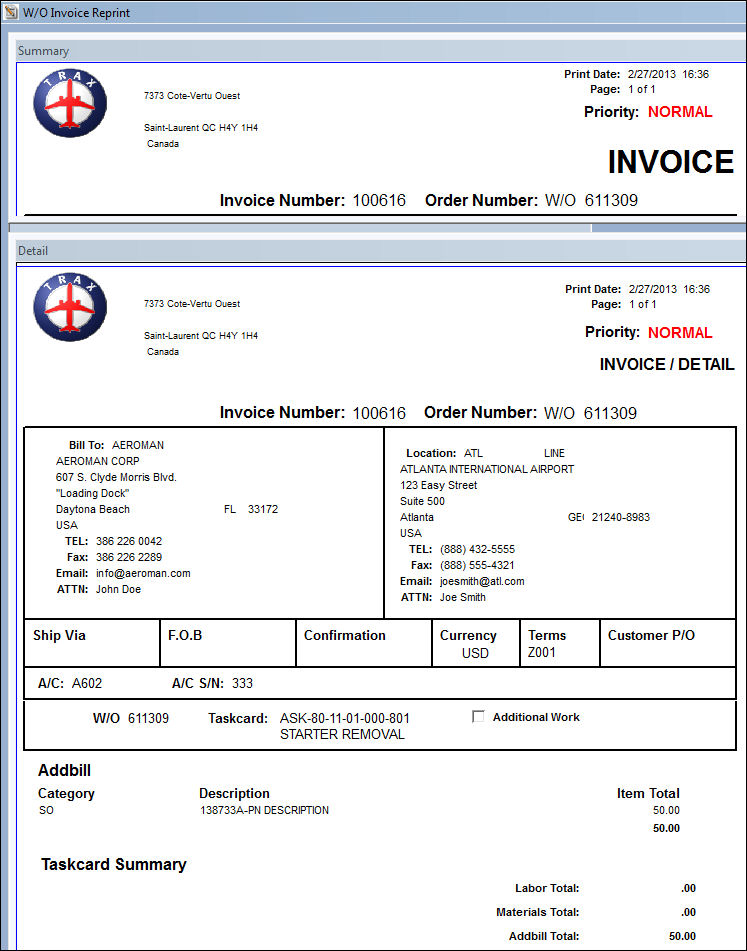
The Invoice Reprints are shown below:
The Journal Entries are written against the G/L Accounts set up for the Sales Order Book Class:
Share
Print
|
©1997-2026 Trax USA Corp. All rights reserved. This manual may not be copied, photocopied, reproduced, translated, or converted to any electronic or machine-readable form, in whole or in part, without prior written approval from Trax USA Corp. |
 |