
 Share
Share
 Print
Print
|
|
|
|
|


Cascading Warranty to all A/C Components
Once the warranty for all components installed on A/C is set up, the system will prompt you with the following messages.
Select the Save  button. The system will provide the following prompt:
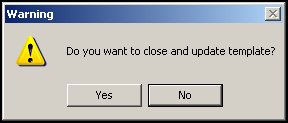
Select No to cancel.
Select Yes to save, update, and close the template.
The following prompt will be displayed:
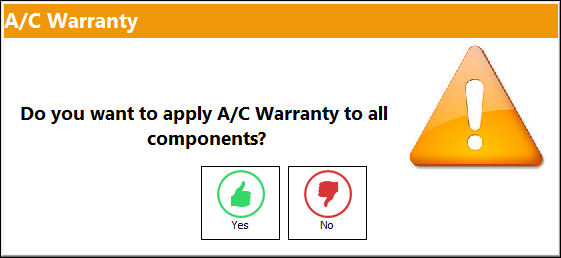
Select No to cancel.
Select Yes to apply the warranty to all A/C Components.
Note: The A/C Component Warranty information is entered on the Optional tab of the A/C Master.
Once completed, the A/C Components may be viewed in the A/C Explorer (via Technical Records/Explorer).
Share
Print
|
©1997-2026 Trax USA Corp. All rights reserved. This manual may not be copied, photocopied, reproduced, translated, or converted to any electronic or machine-readable form, in whole or in part, without prior written approval from Trax USA Corp. |
 |