
 Share
Share
 Print
Print
|
|
|
|
|


SECPRFQKPRT - Link Quick Prints To Profiles

Link Quick Prints To Profiles
Affected Window: w_trax_quick_print
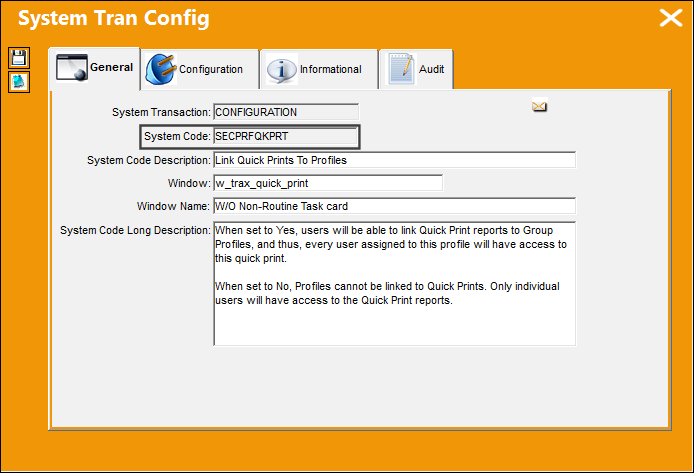
 Configuration Switch SECPRFQKPRT
Switch Set to Yes:
When set to Yes, users will be able to link Quick Print reports to Group Profiles, and thus, every user assigned to this profile will have access to this quick print.
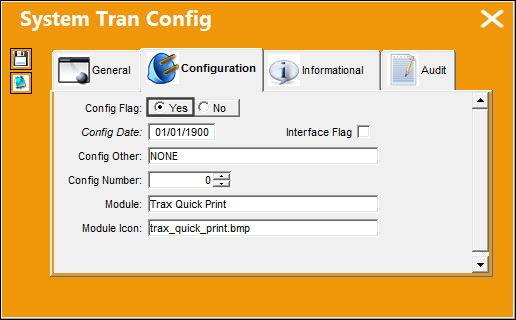
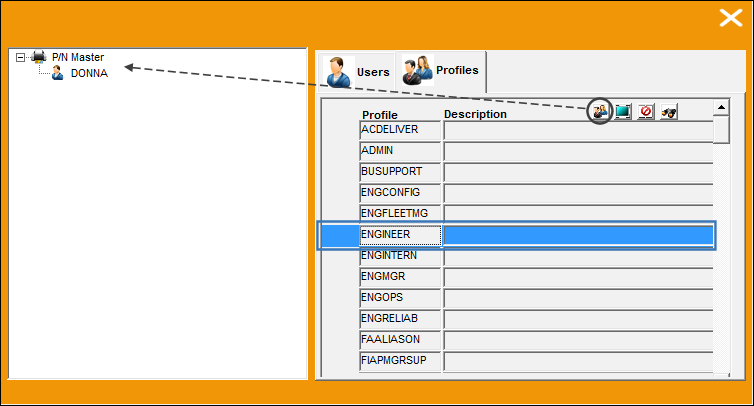
The following report was created by user 'DONNA'. Select the Security  button.
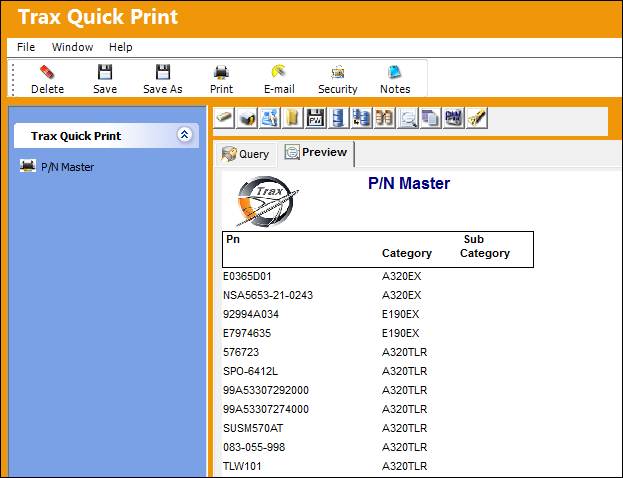
By default, user 'DONNA' is listed under the newly created print. Notice the Profiles tab:
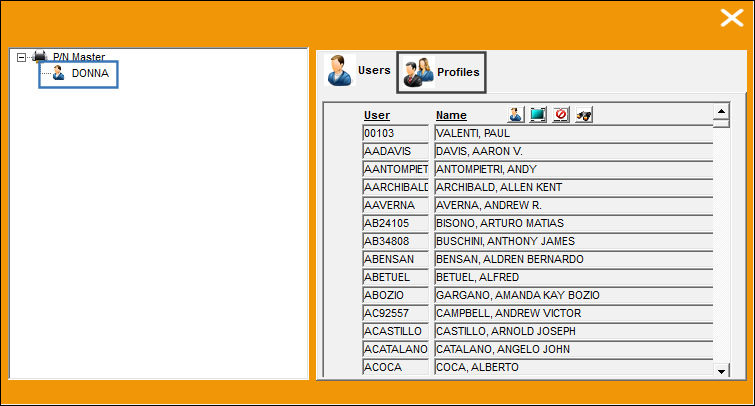
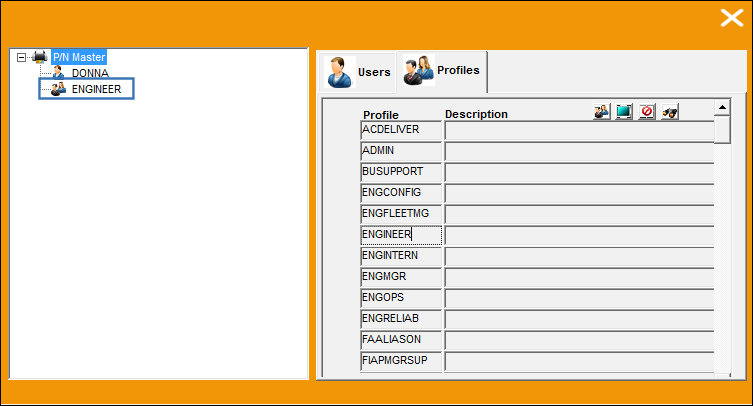
From the Profiles tab, the ENGINEER profile is added to the print:
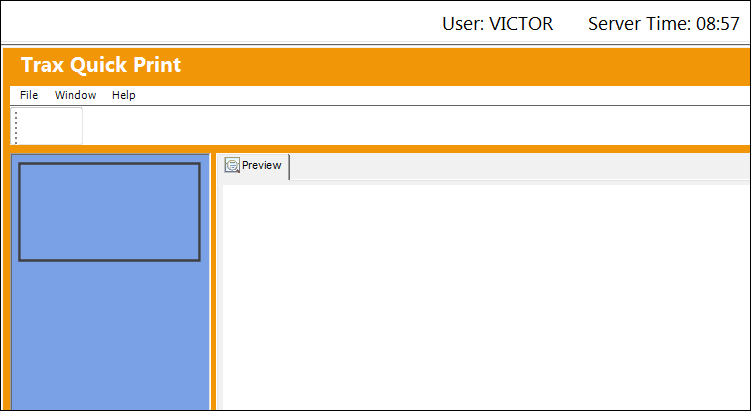
When user 'VICTOR' logs into the system, no Quick Prints are available:
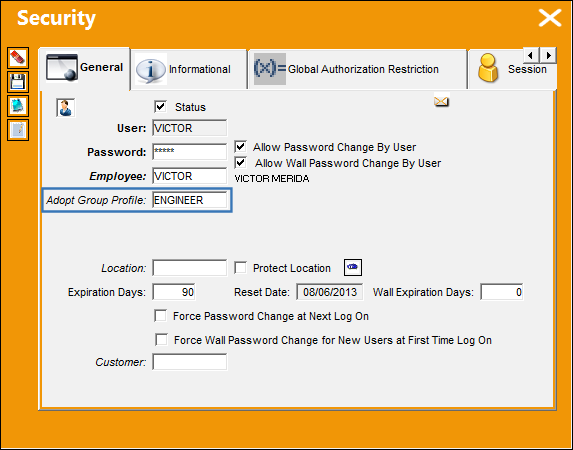
User 'VICTOR' is added to the ENGINEER group profile:
Go to Trax Quick Print/ Print to have view access to prints.
When user 'VICTOR' logs in to TRAX, he has access to the P/N Master print because he has adopted the group profile 'ENGINEER.'
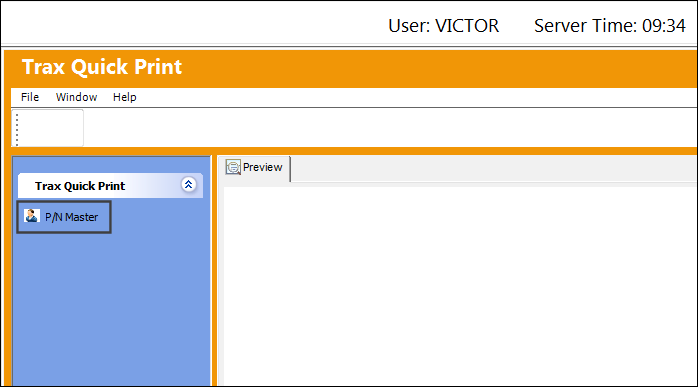
This functionality works the same way for the Multi Profile functionality.
Switch Set to No:
When set to No, Profiles cannot be linked to Quick Prints. Only individual users will have access to the Quick Print reports.
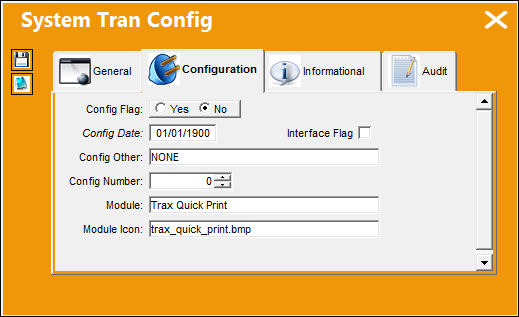
The following report was created by user 'DONNA'. Select the Security button.
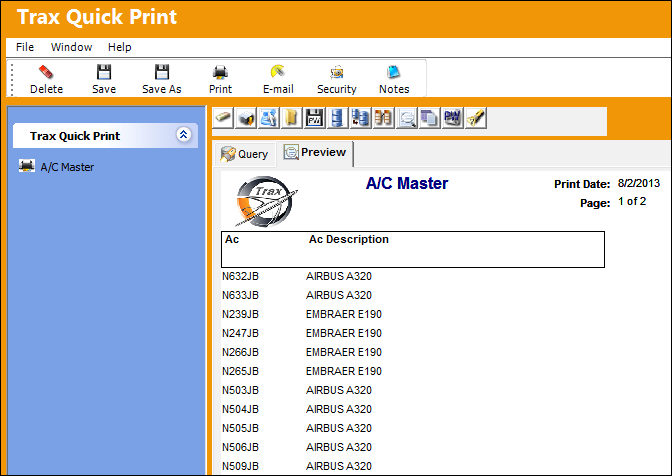
By default, no users have access to the A/C Master print. User 'VICTOR' will be added to the A/C Master print.
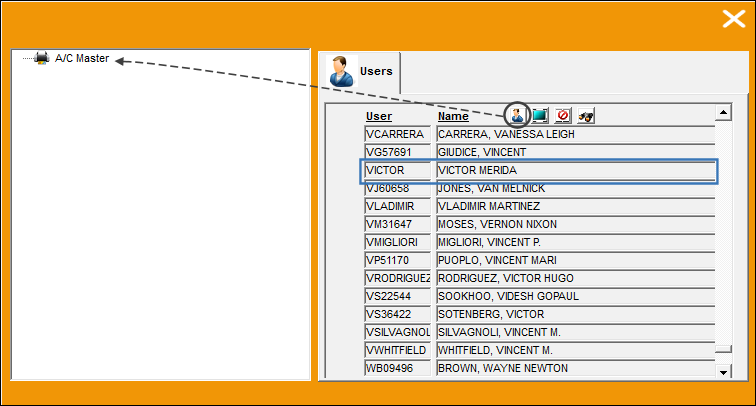
The user is added to the print.
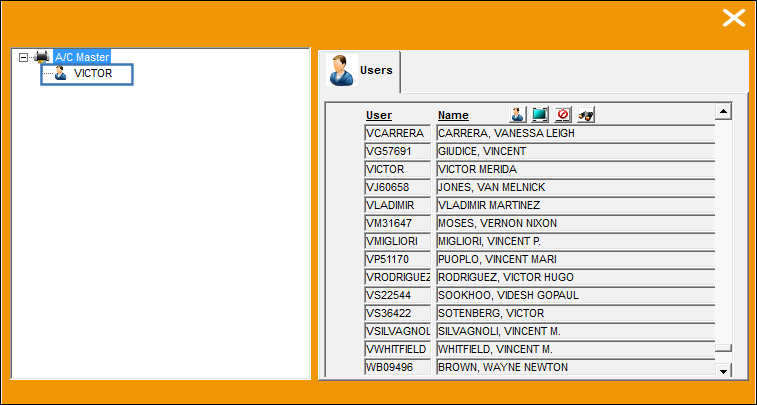
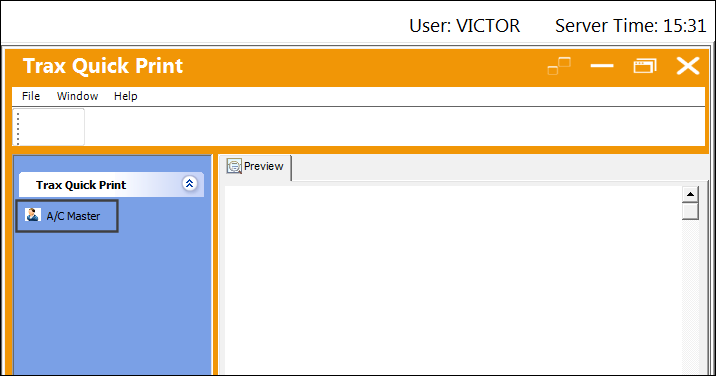
When user 'VICTOR' logs in to TRAX, he has access to the A/C Master print created by user 'DONNA':
Share
Print
|
©1997-2026 Trax USA Corp. All rights reserved. This manual may not be copied, photocopied, reproduced, translated, or converted to any electronic or machine-readable form, in whole or in part, without prior written approval from Trax USA Corp. |
 |