
 Share
Share
 Print
Print
|
|
|
|
|


How to access videos via TRAX
The following topic outlines how the How To Videos can be viewed via the TRAX application.
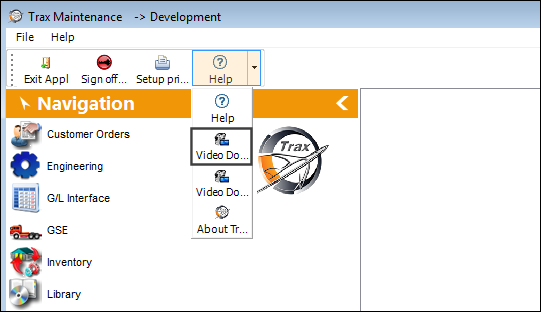
From TRAX, select the Video Documentation  button as shown below:
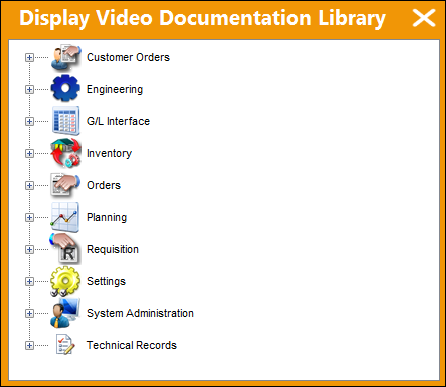
The ‘Display Video Documentation Library’ window appears. The videos are organized by module. Select a module to view the available videos.
In this example, the user will select the Engineering module.
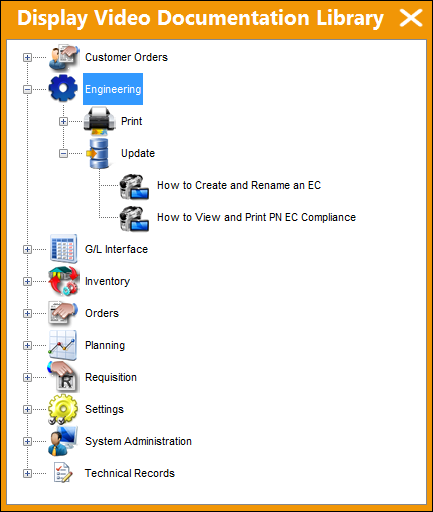
Videos are organized via the Explorer, Print and Update menu:
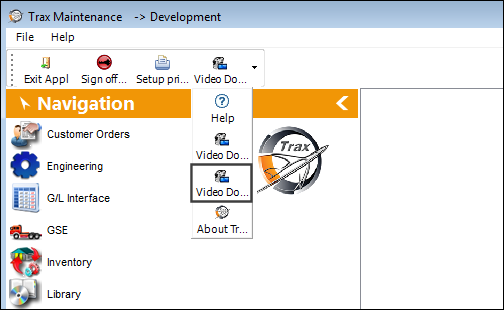
Select the Video Documentation By Topic button:
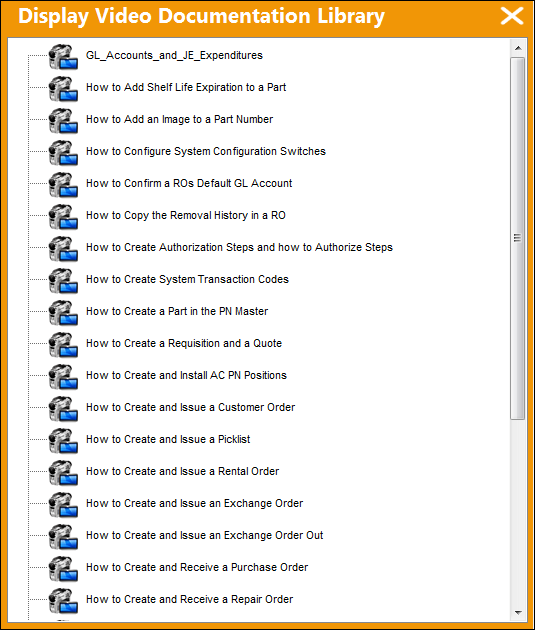
All videos are listed as shown below:
Selecting either the Video Documentation button, or the Video Documentation By Topic button will allow the user view access to the videos.
Note: Right click on the desired video to view the content.
For information on how to configure the settings in your environment of TRAX, please see How to download and link videos to TRAX.
Share
Print
|
©1997-2026 Trax USA Corp. All rights reserved. This manual may not be copied, photocopied, reproduced, translated, or converted to any electronic or machine-readable form, in whole or in part, without prior written approval from Trax USA Corp. |
 |