
 Share
Share
 Print
Print
|
|
|
|
|


Qatar Currency Exchange Rate Button, via Currency

The Qatar Currency Exchange Update  button allows the user to quickly import/update a currency exchange rate for any of the listed currencies under the Currency Transaction Code.
This button is a customized request and is not available for all companies.
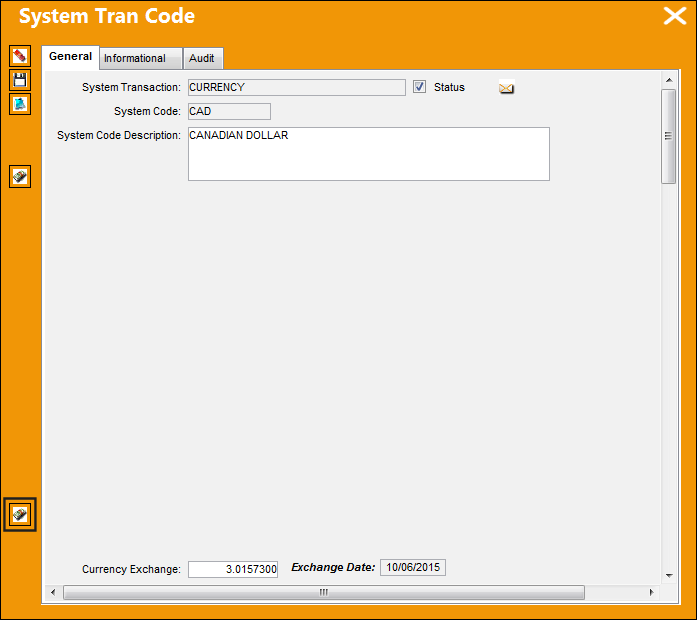
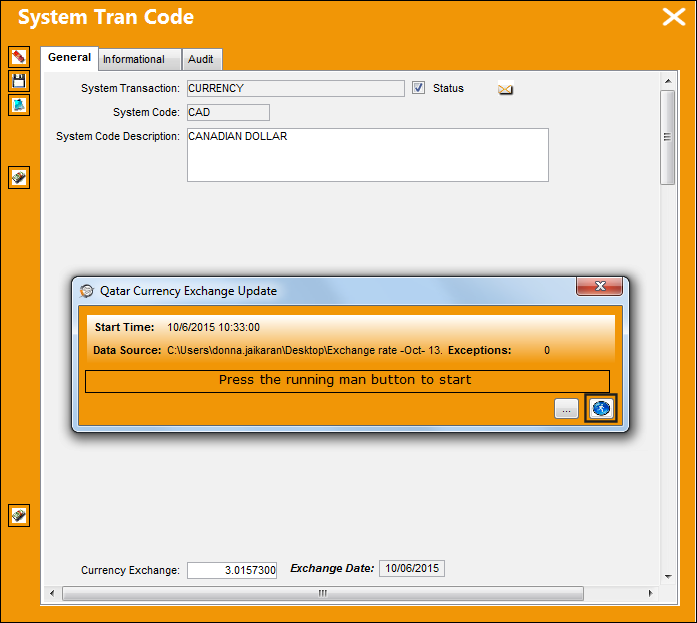
From the Currency Transaction Code, select the Qatar Currency Exchange Update button.
Note that the currency exchange rate for CAD is 3.0156300.
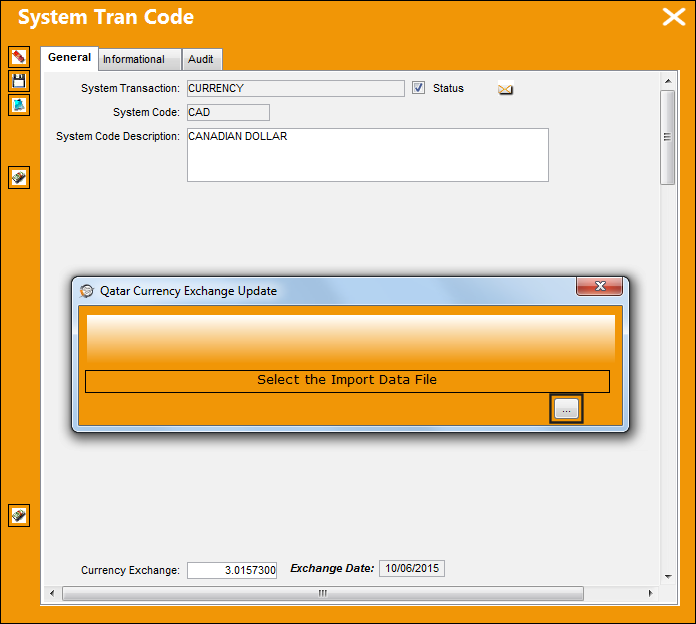
The following pop up window appears. Select the Browse  button.
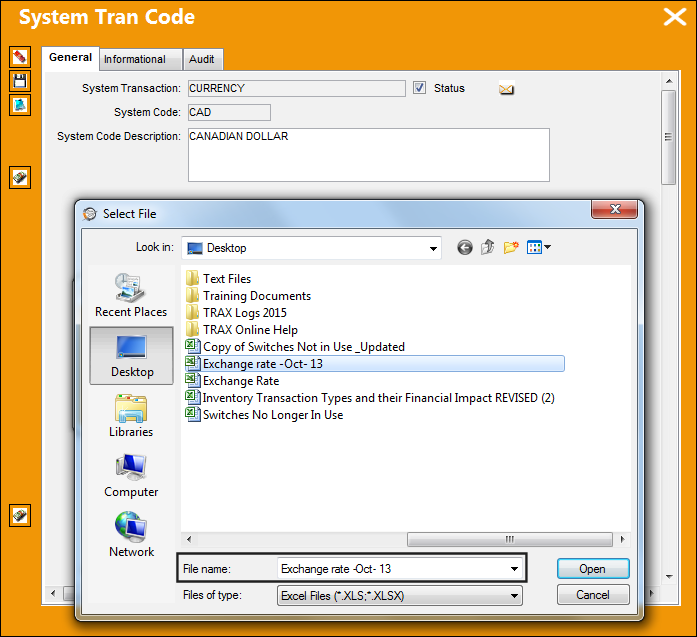
The Select File op up appears. Select the appropriate file.
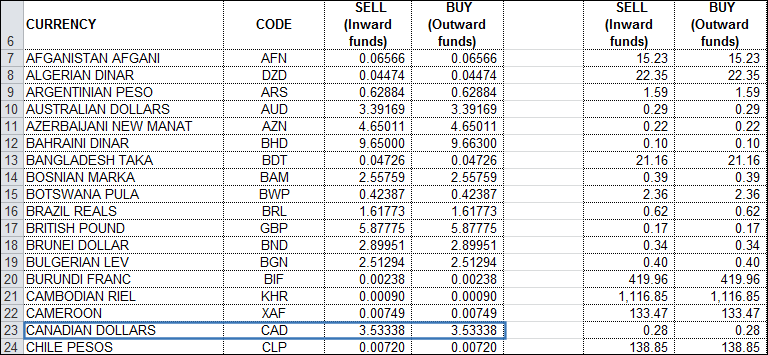
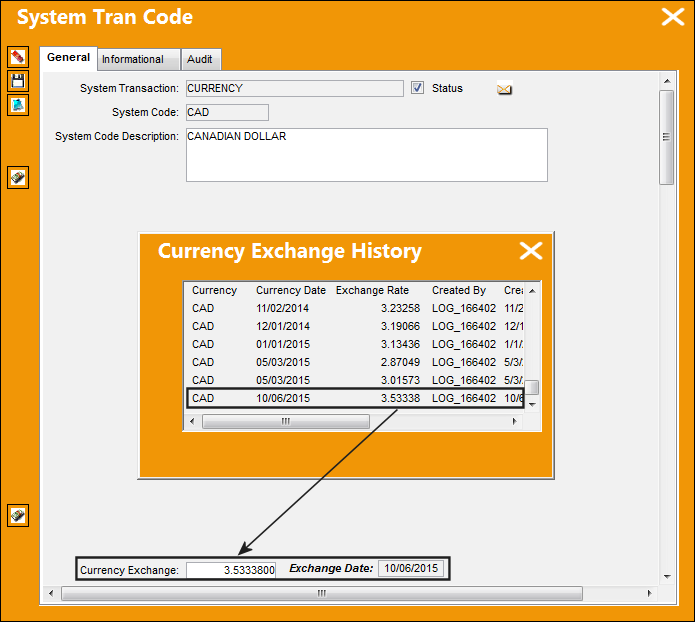
The currency exchange rate that will be imported for CAD is 3.5338.
Select the Run  button. Once the file has been run/imported, exit the pop up window.
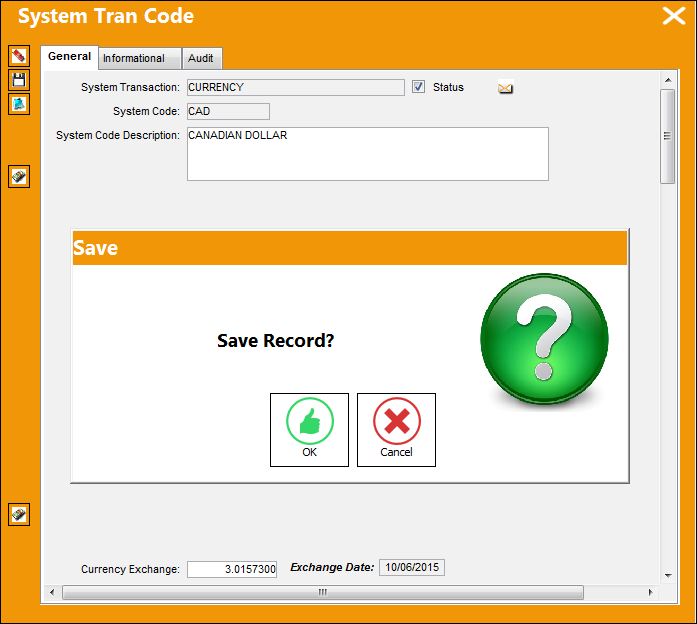
Save the transaction and select the Currency Exchange History button.
The exchange rate currency for CAD has been updated based on the excel file.
Share
Print
|
©1997-2026 Trax USA Corp. All rights reserved. This manual may not be copied, photocopied, reproduced, translated, or converted to any electronic or machine-readable form, in whole or in part, without prior written approval from Trax USA Corp. |
 |