
 Share
 Print
|
|
|
|
|


ROFOLTDF - Repair Orders Fault Found checkbox Defaults
Repair Orders Fault Found checkbox Defaults
Affected Window: w_ro_order_detail_eu
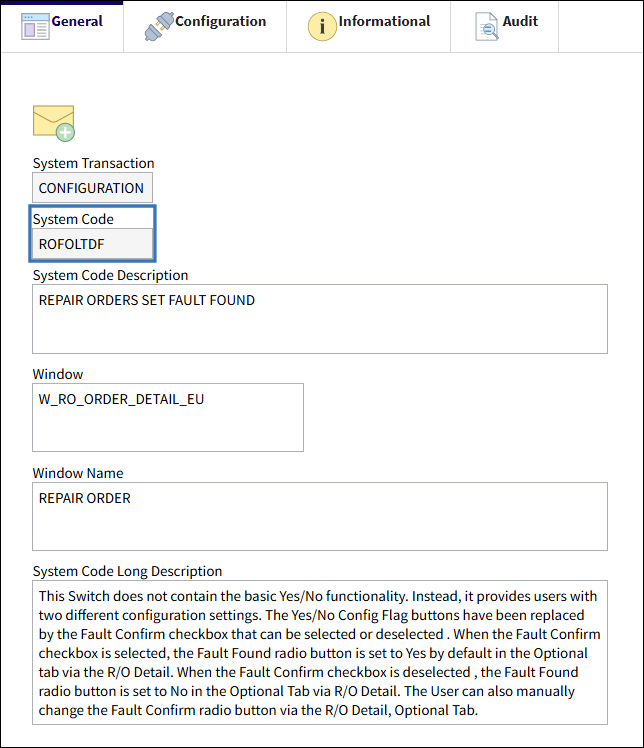
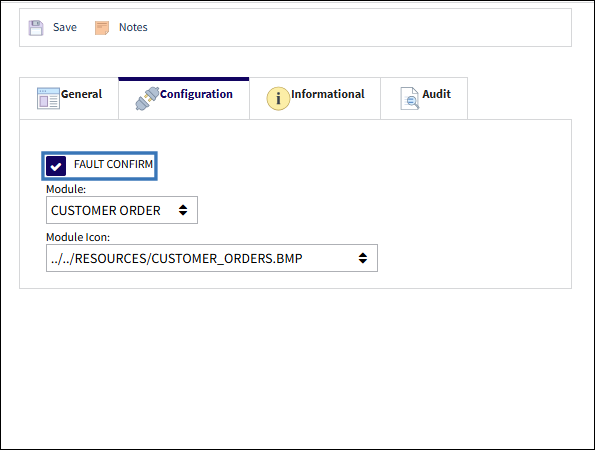
This Switch does not contain the basic Yes/No functionality. Instead, it provides users with two different configuration settings. The Yes/No Config Flag buttons have been replaced by the Fault Confirm checkbox that can be selected or deselected. When the Fault Confirm checkbox is selected, the Fault Found radio button is set to Yes by default in the Optional tab via the R/O Detail. When the Fault Confirm checkbox is deselected, the Fault Found radio button is set to No in the Optional Tab via R/O Detail. The User can also manually change the Fault Confirm radio button in the Optional Tab via the R/O Detail.
When the Fault Confirm checkbox is selected, the Fault Found radio button reflects Yes.
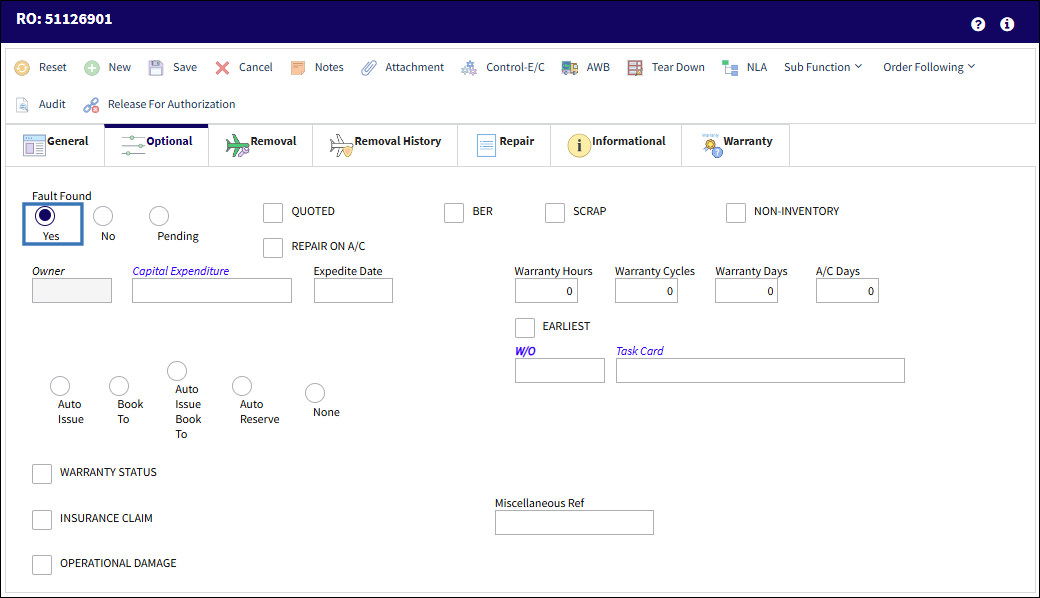
The following Repair Order is being created. Notice the Fault Found radio button in the Optional Tab via R/O Detail is set to Yes.
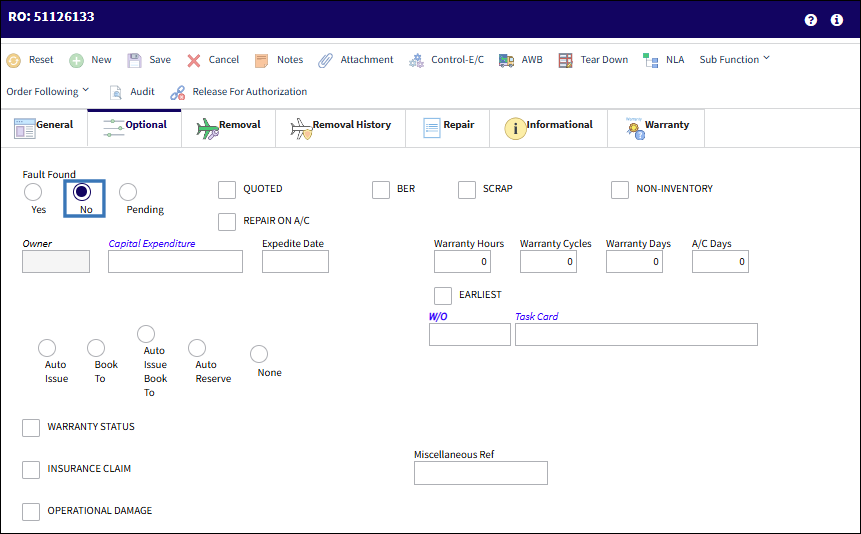
When the Fault Confirm checkbox is deselected, the Fault Found radio reflects No.
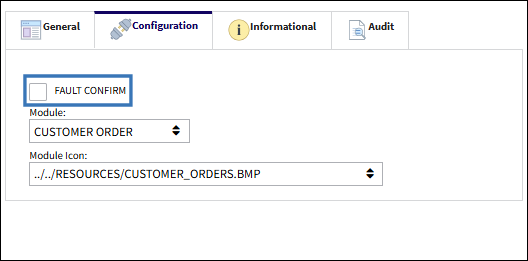
The following Repair Order is being created. Notice the Fault Found radio button in the Optional Tab via R/O Detail is set to No.
Share
Print
|
©1997-2026 Trax USA Corp. All rights reserved. This manual may not be copied, photocopied, reproduced, translated, or converted to any electronic or machine-readable form, in whole or in part, without prior written approval from Trax USA Corp. |
 |