
 Share
 Print
|
|
|
|
|


VENDORUOM - Populate PO Detail UOM with UOM Configured for the P/N Vendor Costing Listing

Populate the P/O Detail UOM with the UOM Configured for the P/N Vendor Costing Listing
Affected window: w_po_order_detail_eu
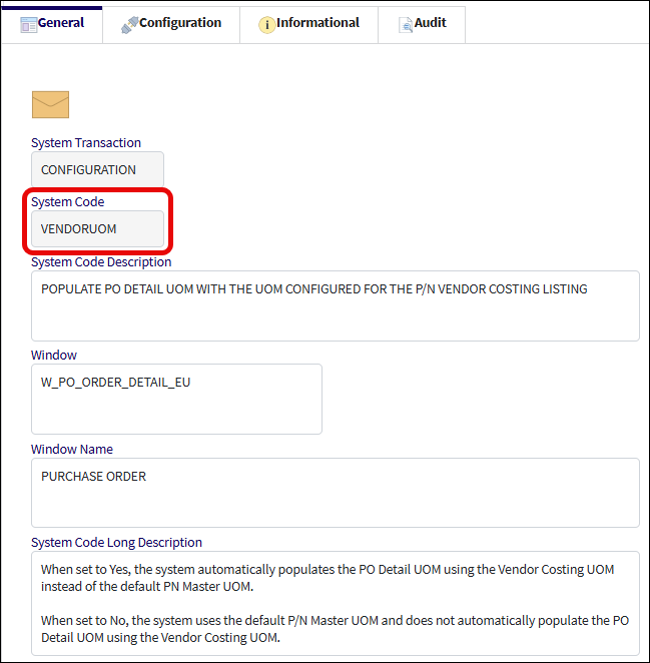
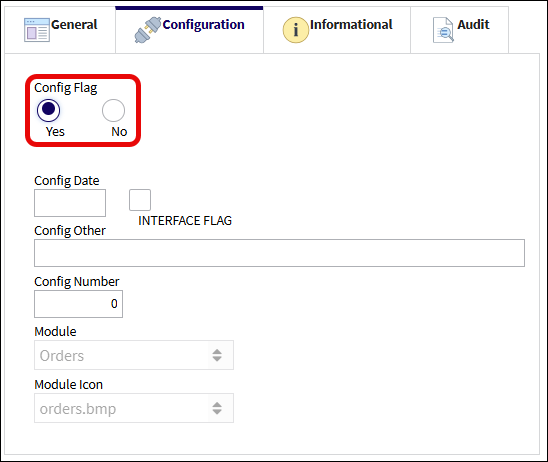
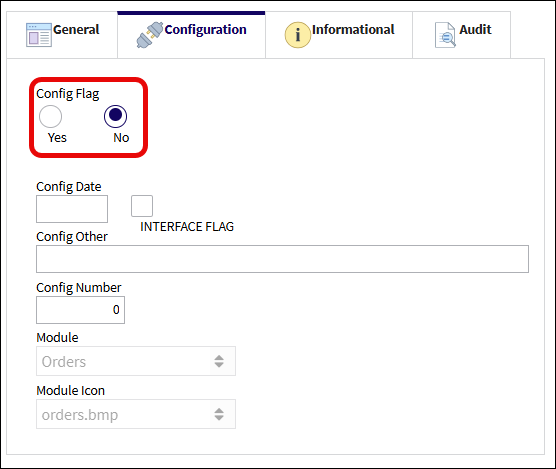
Switch Set to Yes
When set to Yes, the system automatically populates the P/O Detail UOM using the Vendor Costing UOM instead of the default P/N Master UOM.
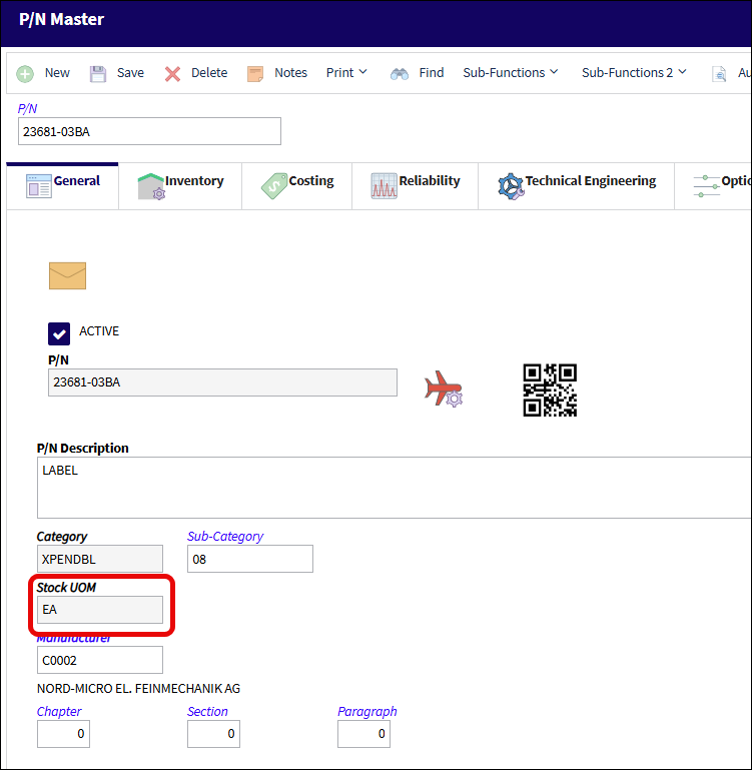
In the P/N Master, the UOM is defined with a default value (e.g., EA for each) for a part.
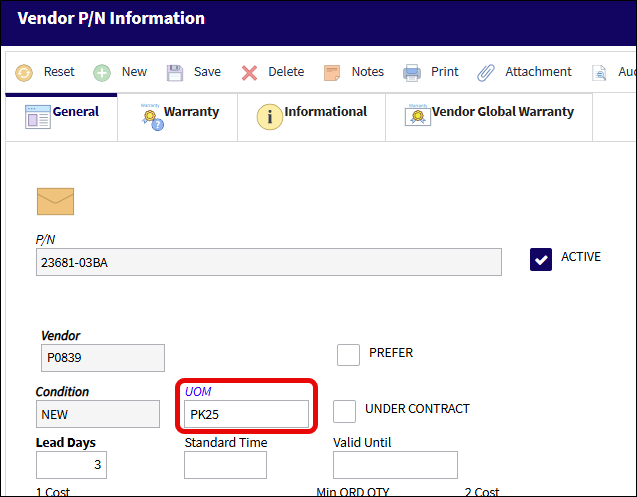
In the Vendor P/N Information window, the UOM for the part is defined as PK25 (a pack of 25, per unit) for the Vendor.
Note: UOM Conversion is defined via the System Tran Code Explorer. Refer to Unit of Measure (UOM) in the Settings Transaction Codes topic.
Switch Set to No
When set to No, the system uses the default P/N Master UOM and does not automatically populate the P/O Detail UOM value defined in the P/N Vendor Costing Listing.
Share
Print
|
©1997-2026 Trax USA Corp. All rights reserved. This manual may not be copied, photocopied, reproduced, translated, or converted to any electronic or machine-readable form, in whole or in part, without prior written approval from Trax USA Corp. |
 |