
 Share
 Print
|
|
|
|
|


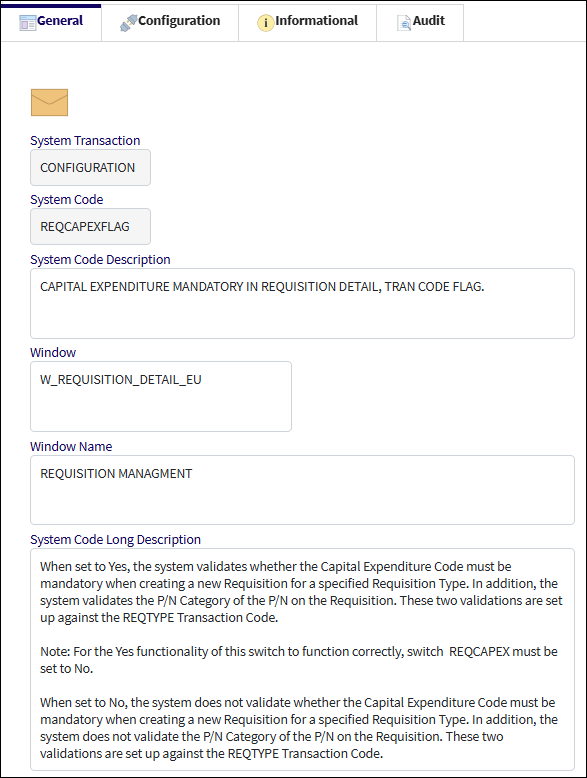
REQCAPEXFLAG - Validate Capital Expenditure and P/N Category
Validate Capital Expenditure and P/N Category
Affected windows: w_requisition_detail_eu
Setup
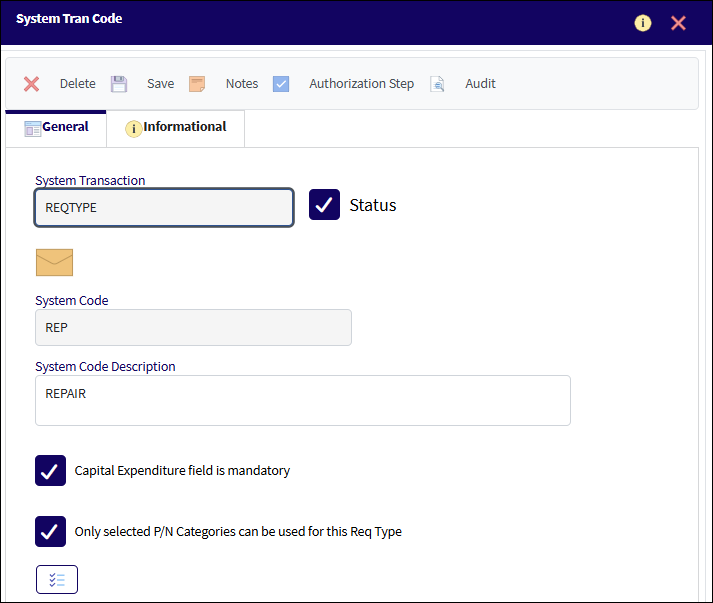
In the REQTYPE Transaction Code, the 'Capital Expenditure field is mandatory' checkbox is selected, and the P/N Category selected for the REQTYPE 'REP' is REPAIR (selected from the Multi PN Category popup window).
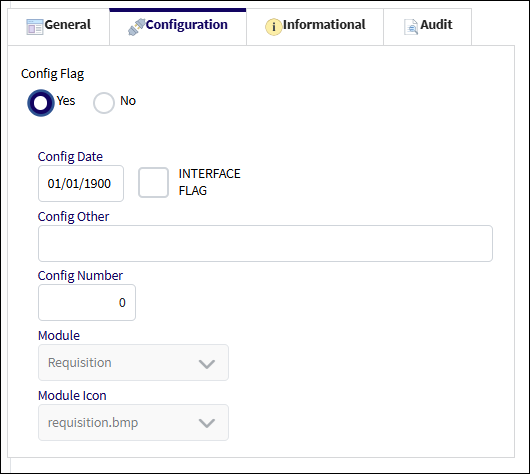
Switch set to Yes
When set to Yes, the system validates whether the Capital Expenditure Code must be mandatory when creating a new Requisition for a specified Requisition Type. In addition, the system validates the P/N Category of the P/N on the Requisition. These two validations are set up against the REQTYPE Transaction Code.
Note: For the Yes functionality of this switch to function correctly, Switch  REQCAPEX must be set to No.
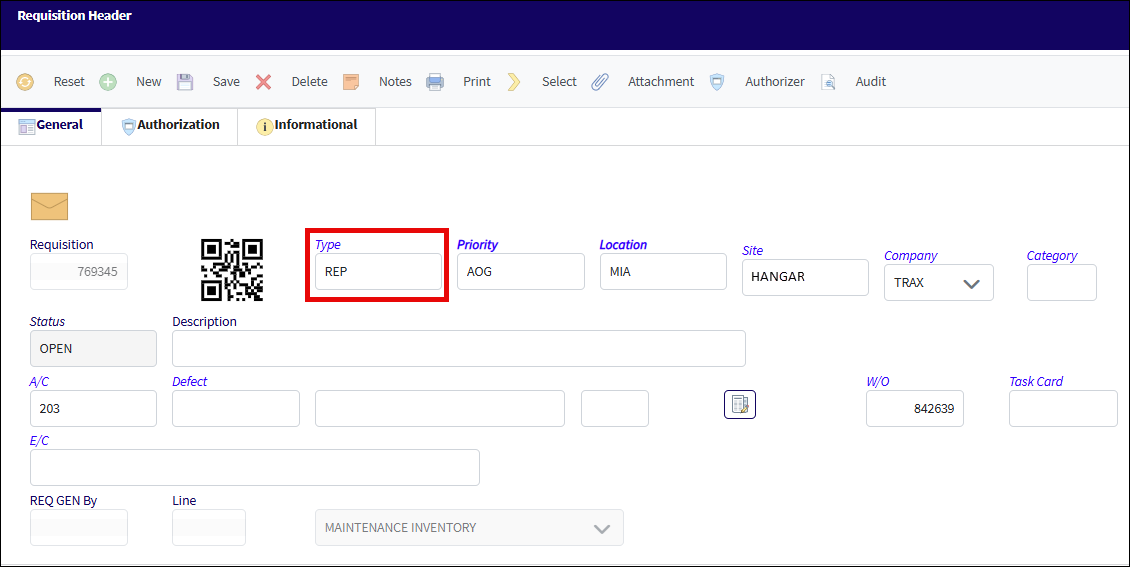
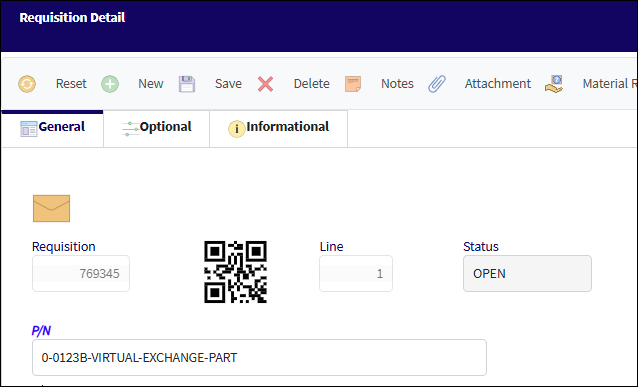
A Requisition with Requisition Type 'REP' is created.
In the Requisition Detail, the system issues the following hard warning because the P/N selected does not have the specified P/N Category associated to it.
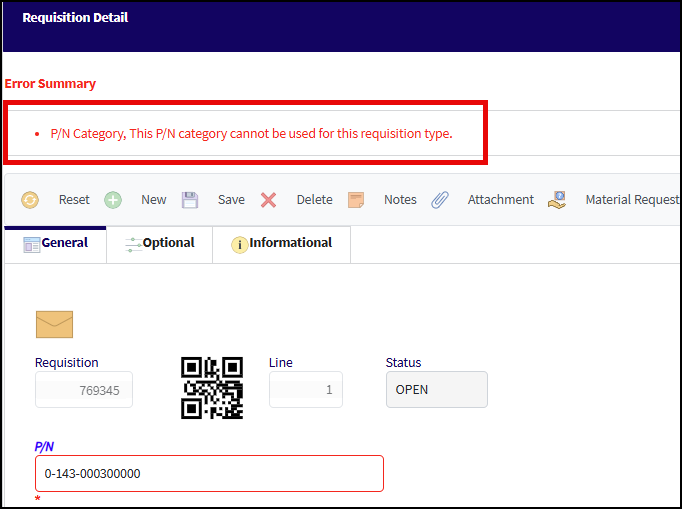
The above P/N is associated to the EXPEND P/N Category.
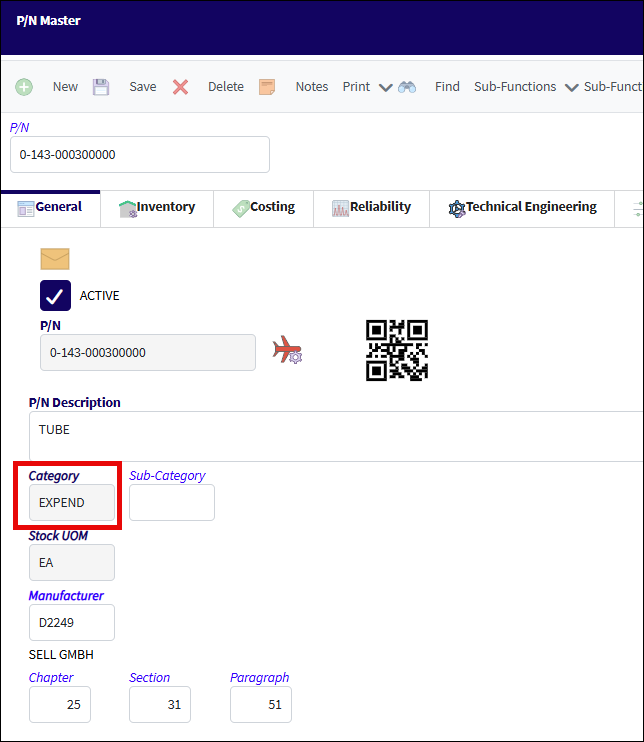
The P/N is updated to a P/N that is associated with a P/N Category; therefore, the system moves on to the next validation: the Capital Expenditure Code.
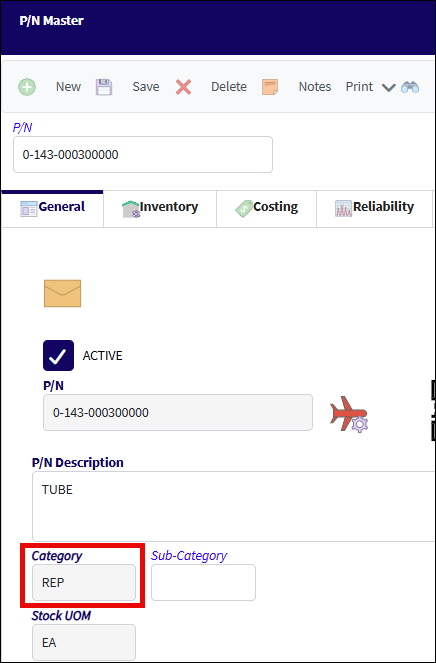
Due to the set up via the REQTYPE Tran Code, the Capital Expenditure Code is mandatory.
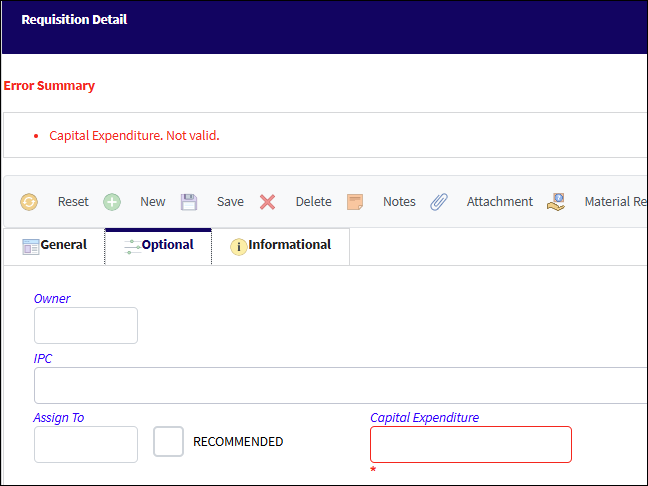
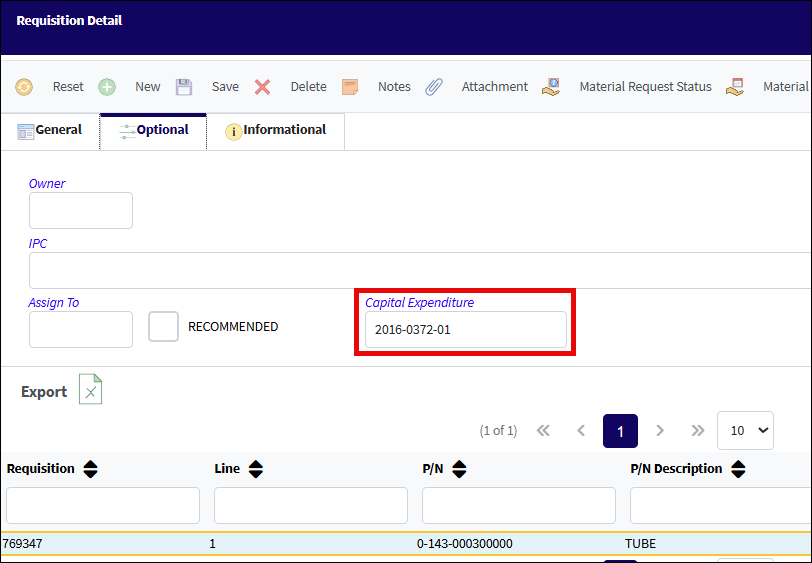
In the Optional tab, enter/select a Capital Expenditure Code. .
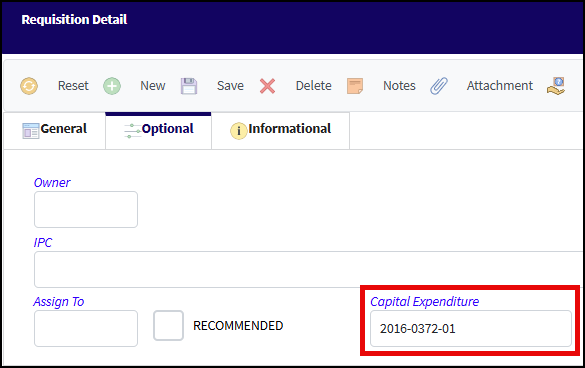
The record can be saved, now that a P/N with the correct P/N Category is selected and the Capital Expenditure Code is entered.
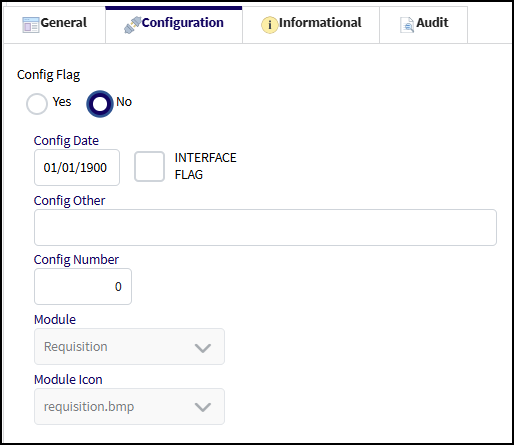
Switch Set to No
When set to No, the system does not validate whether the Capital Expenditure Code must be mandatory when creating a new Requisition for a specified Requisition Type. In addition, the system does not validate the P/N Category of the P/N on the Requisition. These two validations are set up against the REQTYPE Transaction Code.
The system does not validate the Capital Expenditure Code.
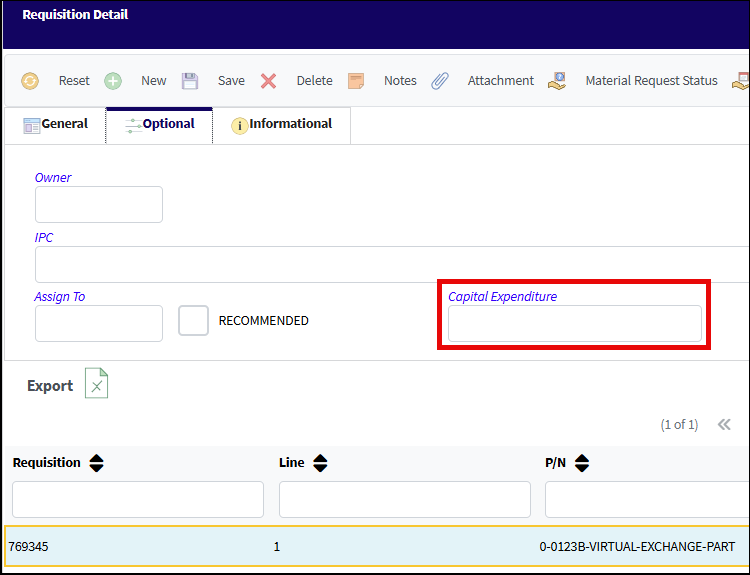
The system does not validate the P/N Category.
Share
Print
|
©1997-2026 Trax USA Corp. All rights reserved. This manual may not be copied, photocopied, reproduced, translated, or converted to any electronic or machine-readable form, in whole or in part, without prior written approval from Trax USA Corp. |
 |