
 Share
 Print
|
|
|
|
|


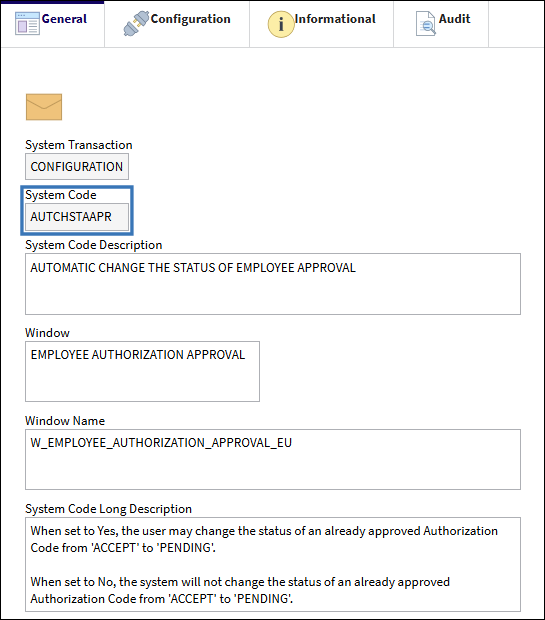
AUTCHSTAAPR - Automatically Change The Status Of Employee Approval
Automatically Change The Status Of Employee Approval
Affected Window: w_employee_authorization_approval_eu
Note: This feature is only to be used if an approval has failed because prerequisites have not been met, or the expiration date has been surpassed.
Note: Switch  VALLICDATE must be set to Yes in order for Switch AUTCHSTAAPR to function correctly.
Note: This switch is not functional or is not in use in eMRO.
Share
Print
|
©1997-2026 Trax USA Corp. All rights reserved. This manual may not be copied, photocopied, reproduced, translated, or converted to any electronic or machine-readable form, in whole or in part, without prior written approval from Trax USA Corp. |
 |