
 Share
 Print
|
|
|
|
|


About eMRO Window, via eMRO Basics
Like most web based platforms, eMRO will release new versions over time to adapt to changes in its industry. It is important to know which version of eMRO you are using when troubleshooting or seeking support. In order to determine this, click on the gold eMRO logo in the upper left hand corner of the browser window.
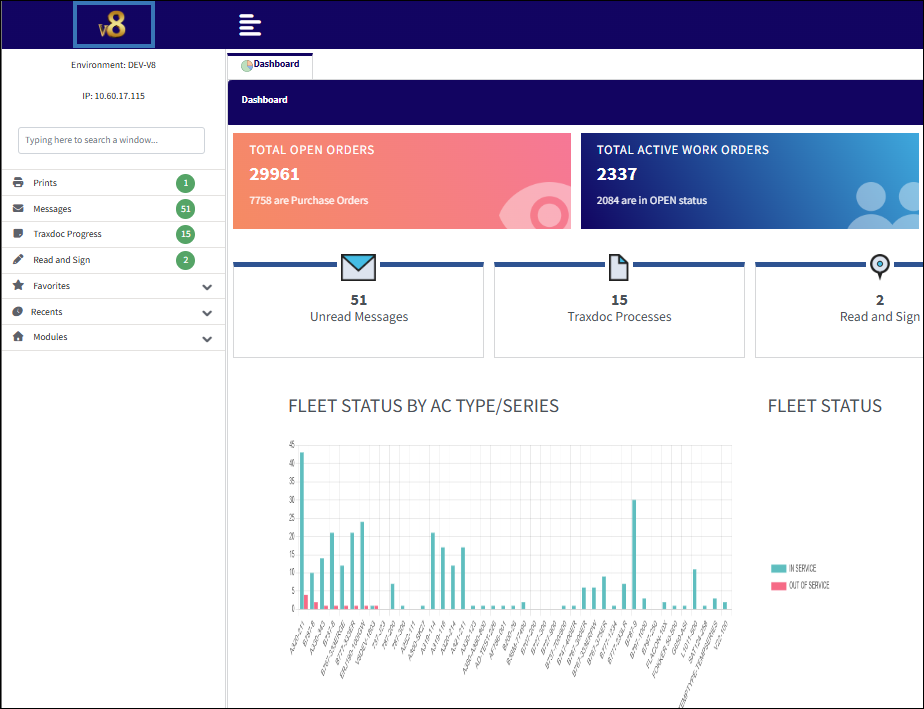
When clicked, eMRO will open the About eMRO dialog box. This box displays the version of eMRO that is being used in that session.
The About eMRO window also notes the number of licensed users and the number of currently logged-on users in the system.
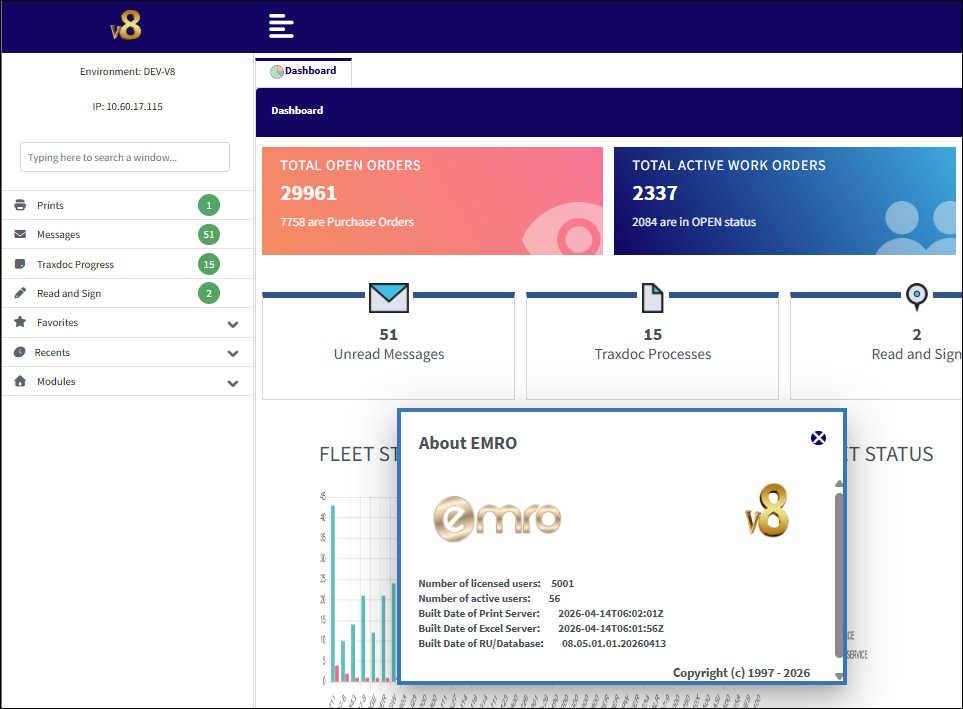
It can be dismissed by clicking the small white 'x' in its upper right hand corner.
The following information/options are available in this window:
_____________________________________________________________________________________
Number of licensed users
The total number of users who are authorized to use the system under valid licensing agreements, regardless of whether they are currently active.
Number of active users
The count of users who are currently using or have access to the system and are actively logged in or performing operations within a defined time period.
Built Date of Print Server 
The version and build date of the currently deployed Print Server.
Note: If the Print Server is unreachable or a configuration error is detected, this field will display “Info not available".
Built Date of Excel Server
The version and build date of the currently deployed Excel Server.
Built Date of RU/Database
The version and build date of the currently deployed RU/ Database.
Share
Print
|
©1997-2026 Trax USA Corp. All rights reserved. This manual may not be copied, photocopied, reproduced, translated, or converted to any electronic or machine-readable form, in whole or in part, without prior written approval from Trax USA Corp. |
 |