
 Share
 Print
|
|
|
|
|


Workflow Type, via Workflow Master
The Workflow Type panel displays a list of transaction codes that authorization steps can be set up for. From this panel users can view existing transaction codes and create new transaction codes.
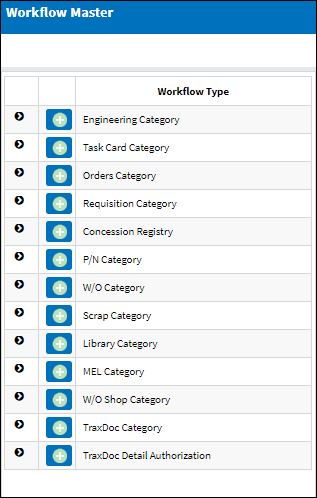
View Existing Transaction Codes
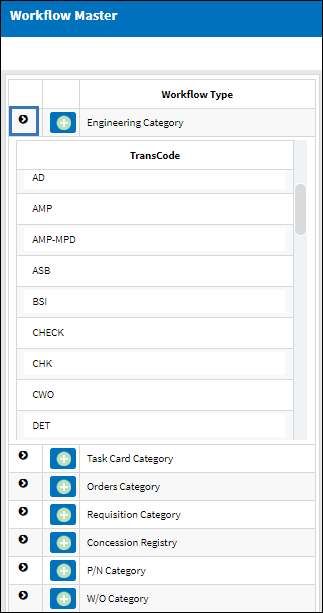
To view the existing transaction codes, select on the expand  button beside the transcode category. A list of transaction codes already set up under that category appear. Select on a transaction codes and its authorization steps appear in the Transcode Workflow window.
Create a New Transcode
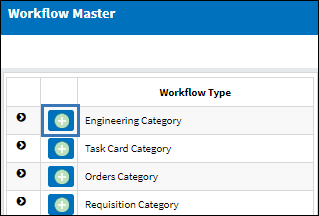
To create a new transcode, select the New  button beside the category.
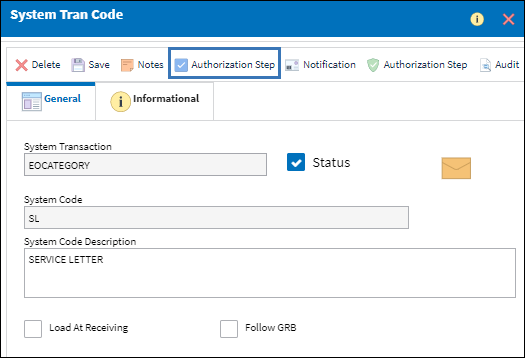
The System Tran Code window appears. Enter the System Code and System Code Description fields and then select the Save  button.
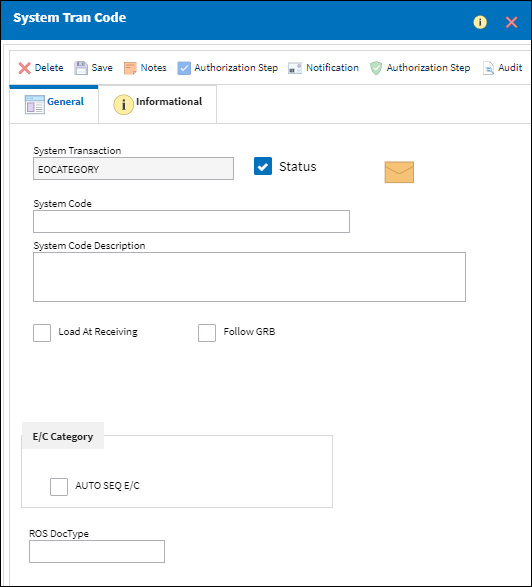
To set up the transcodes authorization steps, select the Authorization Step  button.
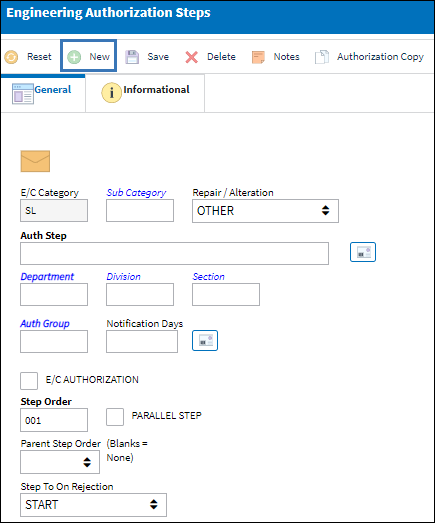
The Authorization Steps window appears, select the New button to create authorization steps. For detailed information how to set up authorization steps, refer to Setup Transcode Authorization Steps.
For detailed information on creating authorization steps for each category transcode, refer to each modules Transaction Codes training manual:
- Engineering Category
- Task Card Category
- Orders Category
- Requisition Category
- Concession Registry
- P/N Category
- W/O Category (W/O Priority)
- Scrap Category
- Library Category
- MEL Category
- W/O Shop Category
- TraxDoc Category (TraxDoc Authorization Routing)
- TraxDoc Detail Authorization
Share
Print
|
©1997-2026 Trax USA Corp. All rights reserved. This manual may not be copied, photocopied, reproduced, translated, or converted to any electronic or machine-readable form, in whole or in part, without prior written approval from Trax USA Corp. |
 |