
 Share
 Print
|
|
|
|
|


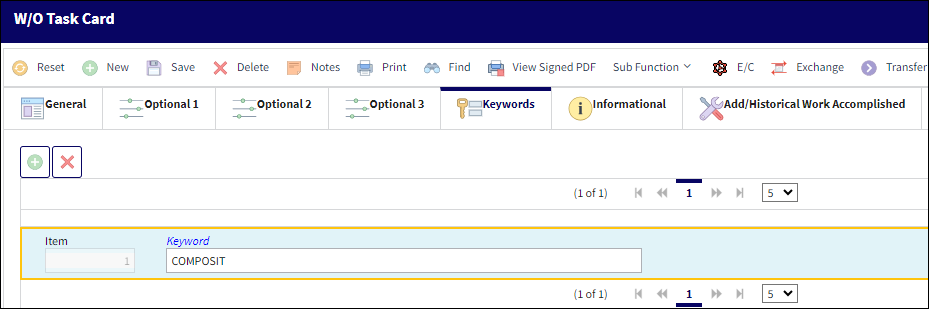
The Keywords tab assigns keywords to a Task Card to help users find the Task Card more easily. Any keywords added to the Engineering Task Card via Task Card Shop/ Task Card Shop Selection/ Keywords tab before it was attached to the Shop W/O will also appear in the Shop W/O Task Card, Keywords tab.
User can add keywords by selecting the New  button, or remove keywords by selecting the Delete
 button. Once a keyword has been added/created, select the Save
 button. Any modifications to the keyword list will only be effective for the current W/O, no modifications will be made to the main Shop Task Card record.
Note: Each keyword must be set up as a transaction code via System Transaction Code Explorer/ Shop/ Shop Keywords. These transaction codes can also be created using the System Tran Code  button within the Keyword field's drop-down selection. The Shop Keywords transaction code allows users to associate a color to each Keyword. Keywords will then be displayed in the selected color in the eShops app when related to a T/C.
Share
Print
|
©1997-2026 Trax USA Corp. All rights reserved. This manual may not be copied, photocopied, reproduced, translated, or converted to any electronic or machine-readable form, in whole or in part, without prior written approval from Trax USA Corp. |
 |