
 Share
Share
 Print
Print
|
|
|
|
|


PSPRINT - Print Packing and Shipping Document According To Printer Configuration

Print Packing and Shipping Document According To Printer Configuration
Affected Windows: w_packing_shipping_header_eu
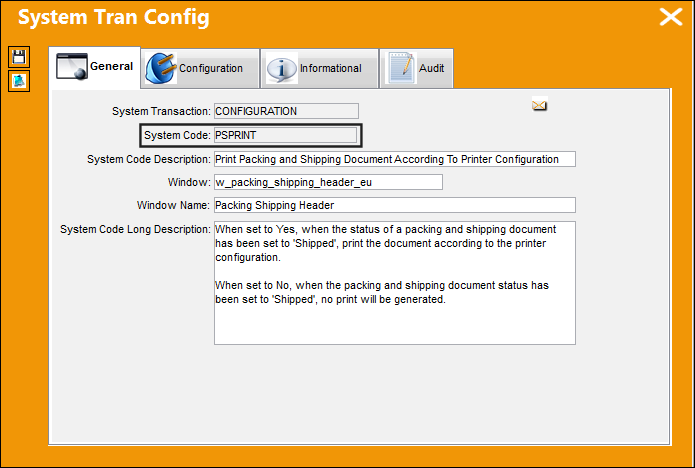
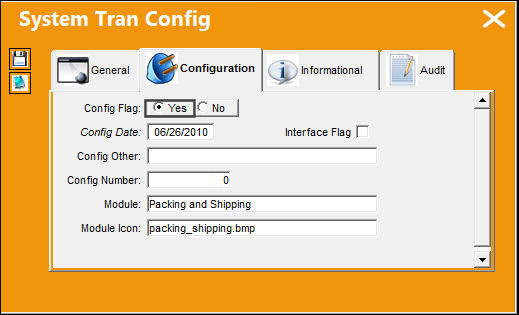
Switch Set to Yes:
When set to Yes, when the status of a packing and shipping document has been set to 'Shipped', print the document according to the printer configuration.
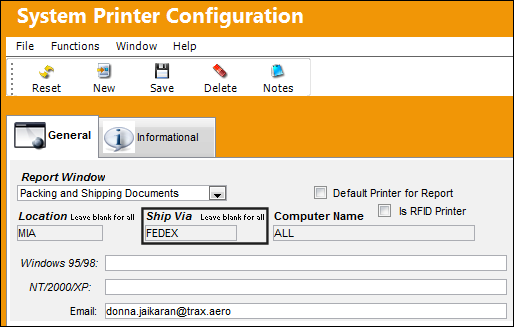
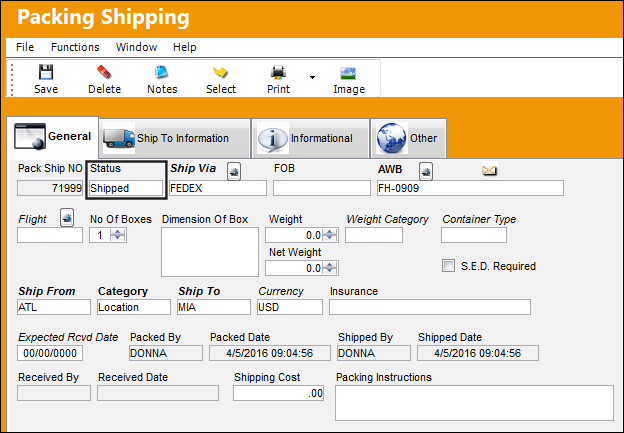
Notice the setting of the Ship Via field.
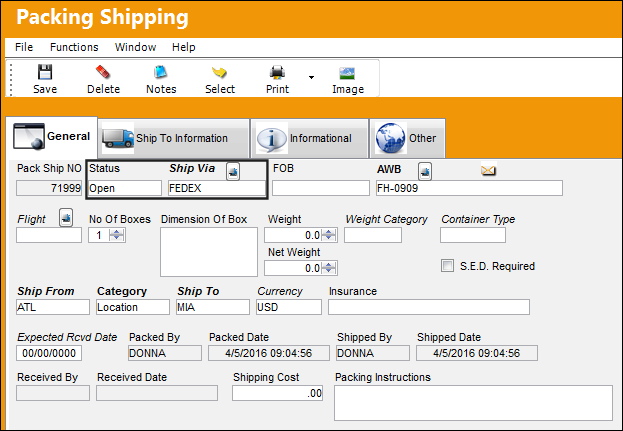
The status of the Packing and Shipping document is currently 'Open'. The Ship Via is set to FEDEX.
The Ship Via option selected in the System Printer Configuration must be the same as the Ship Via selected in the Packing and Shipping window below.
The status of the Packing and Shipping Document has been changed to 'Shipped.'
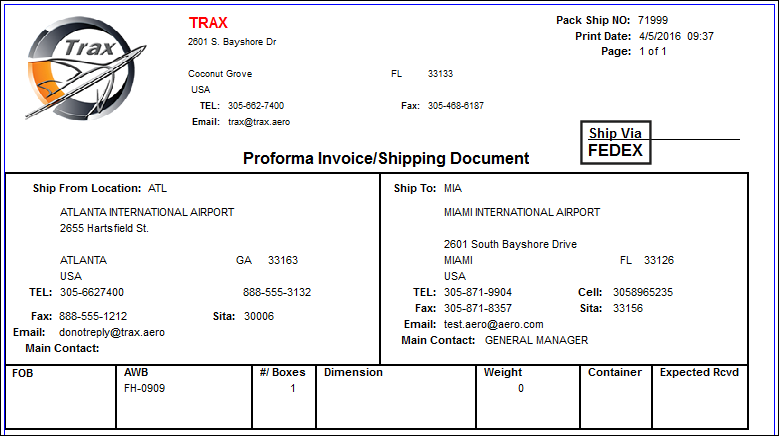
The Ship Via set up against the System Printer Configuration is reflected in the print, as shown below.
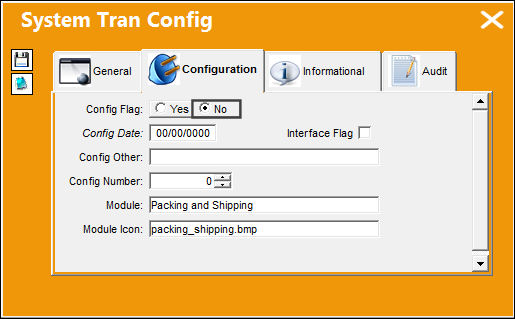
Switch Set to No:
When set to No, when the packing and shipping document status has been set to 'Shipped', no print will be generated.
Share
Print
|
©1997-2026 Trax USA Corp. All rights reserved. This manual may not be copied, photocopied, reproduced, translated, or converted to any electronic or machine-readable form, in whole or in part, without prior written approval from Trax USA Corp. |
 |