
 Share
Share
 Print
Print
|
|
|
|
|


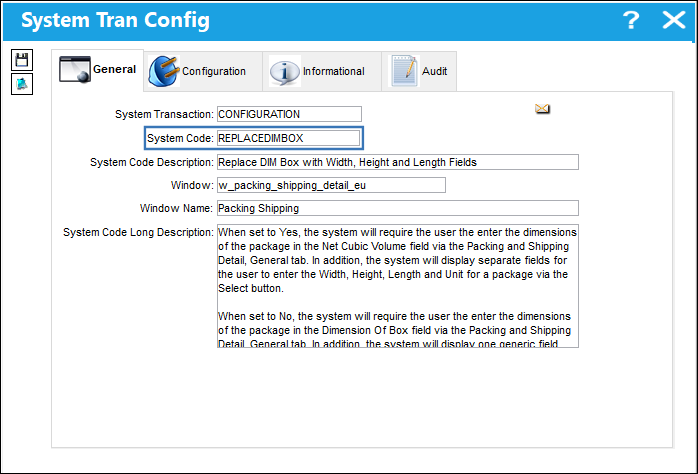
REPLACEDIMBOX - Replace DIM Box with Width, Height and Length Fields

Replace DIM Box with Width, Height and Length Fields
Affected Window: w_packing_shipping_detail_eu
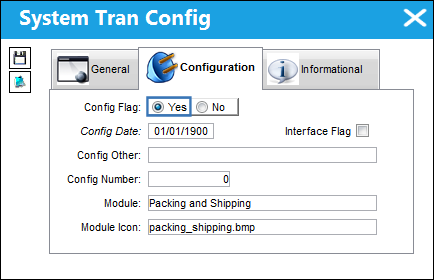
Switch Set to Yes:
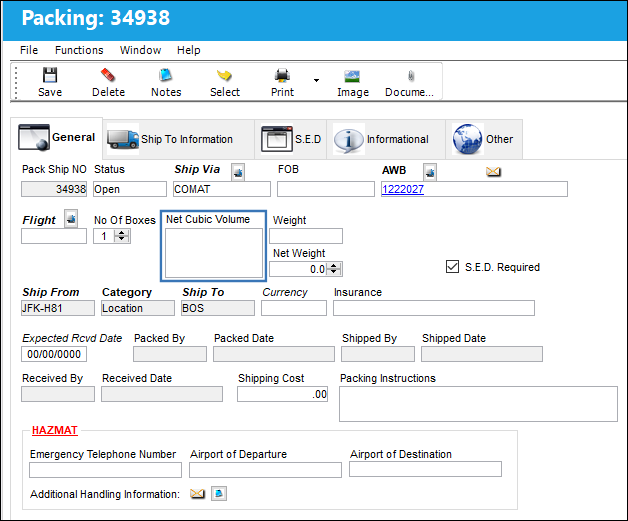
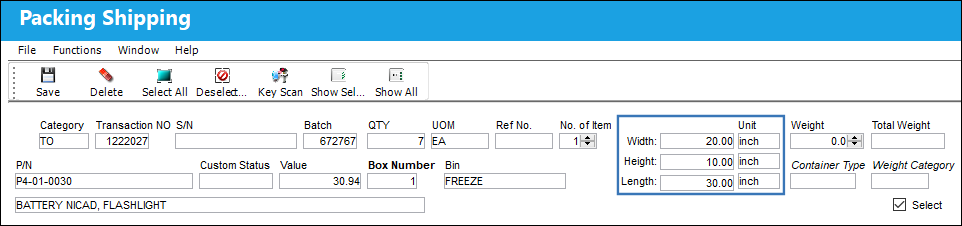
When set to Yes, the system will require the user the enter the dimensions of the package in the Net Cubic Volume field via the Packing and Shipping Detail, General tab. In addition, the system will display separate fields for the user to enter the Width, Height, Length and Unit for a package via the Select  button.
From the Packing and Shipping Detail, the (width, height and length) must be entered in the Net Cubic Volume field.
The Width, Height, Length and Unit can be entered in separate fields.
Switch Set to No:
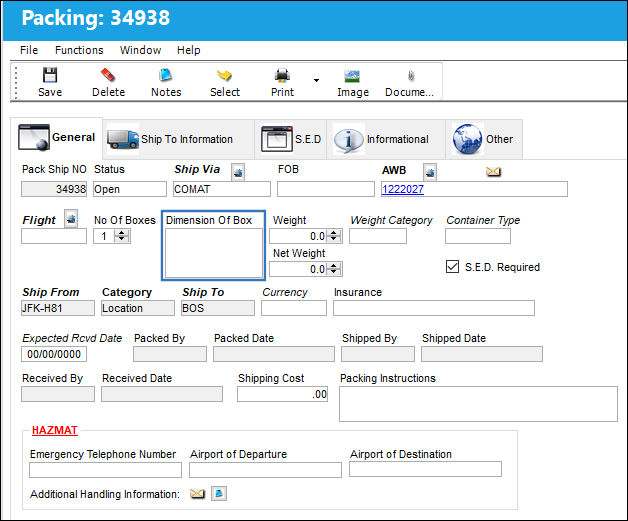
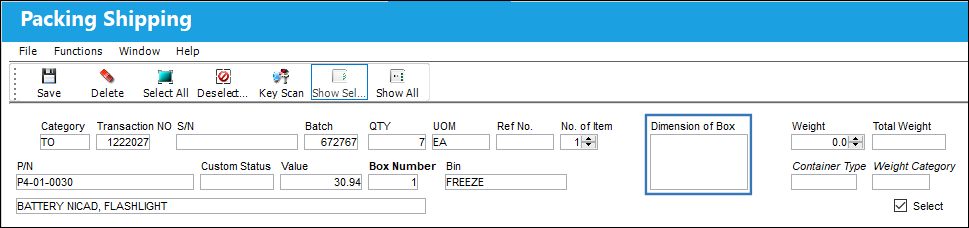
When set to No, the system will require the user the enter the dimensions of the package in the Dimension Of Box field via the Packing and Shipping Detail, General tab. In addition, the system will display one generic field (Dimension of Box) for the user to enter the Width, Height, Length and Unit for a package via the Select button.
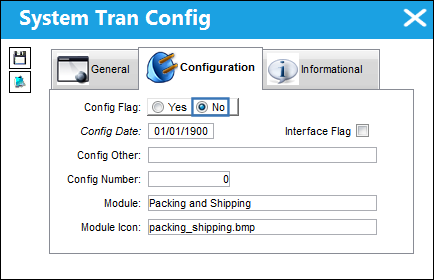
From the Packing and Shipping Detail, the (width, height and length) must be entered in the Dimension Of Box field.
The Width, Height, Length and Unit must all be entered in the Dimension of Box field.
Share
Print
|
©1997-2026 Trax USA Corp. All rights reserved. This manual may not be copied, photocopied, reproduced, translated, or converted to any electronic or machine-readable form, in whole or in part, without prior written approval from Trax USA Corp. |
 |