
 Share
Share
 Print
Print
|
|
|
|
|


PSCOPIES - Packing and Shipping Proforma Invoice Number of Copies to Print
Packing and Shipping Proforma Invoice Number of Copies to Print
Affected Window: w_packing_shipping_print
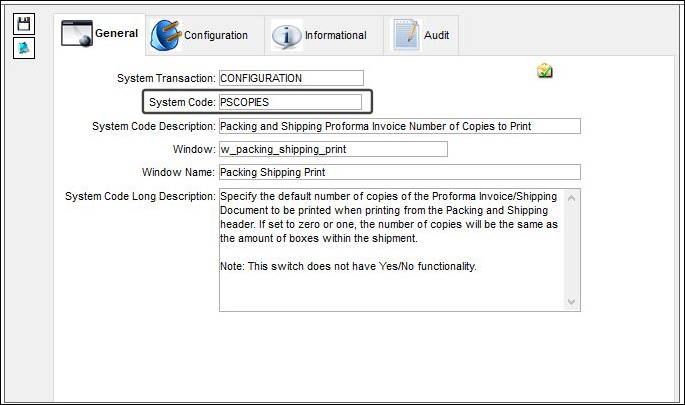
This switch does not have Yes/No functionality.
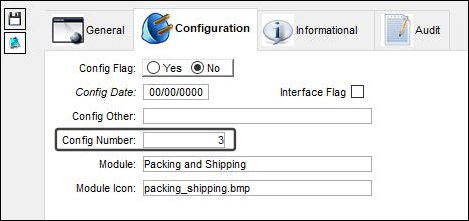
Specify the default number of copies of the Proforma Invoice/Shipping Document to be printed from within the Packing and Shipping header in the Config Number field. If set to 0 or 1, the number of copies will be the same as the amount of boxes within the shipment.
In the following example, the Config Number is set to 3.
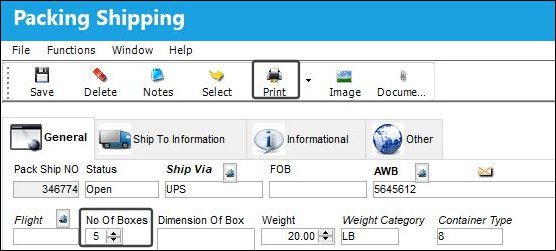
The following Packing and Shipping document is being printed. The No Of Boxes field is set to 5.
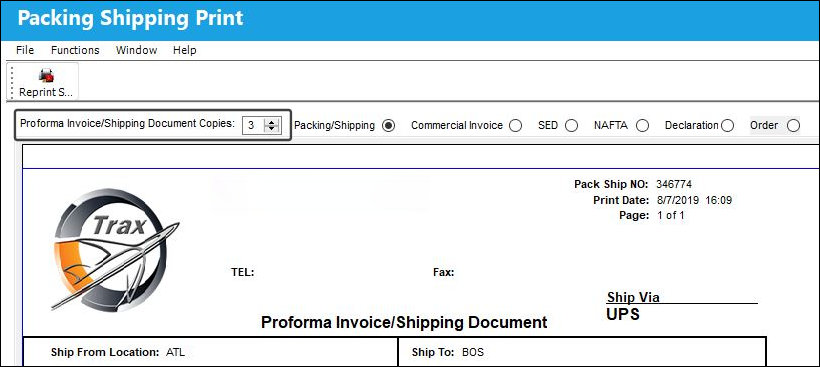
Notice the Proforma Invoice/Shipping Document Copies is set to that of the switch’s Config Number, regardless of the No Of Boxes specified.
In the following example, the switch's config number is set to 0.
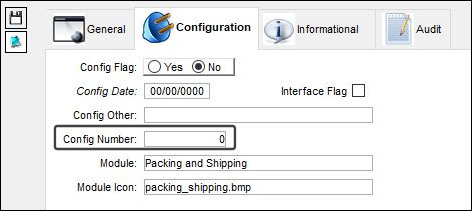
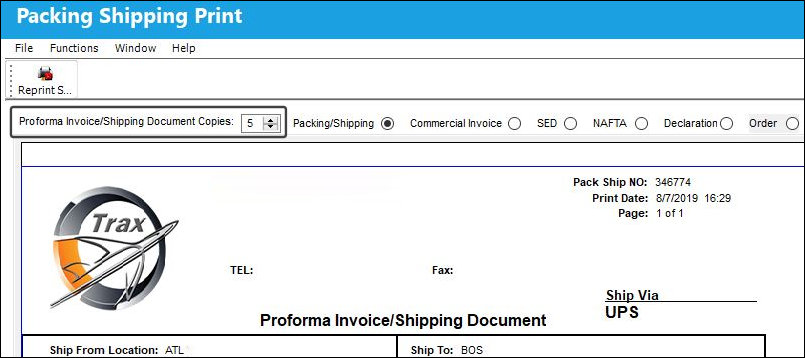
The following Packing and Shipping document is being printed. The No Of Boxes is set to 5.
Notice the Proforma Invoice/Shipping Document Copies is set to the same amount as the No Of Boxes specified within the shipment. This is because the switch's config number was set to 0.
Share
Print
|
©1997-2026 Trax USA Corp. All rights reserved. This manual may not be copied, photocopied, reproduced, translated, or converted to any electronic or machine-readable form, in whole or in part, without prior written approval from Trax USA Corp. |
 |