
 Share
Share
 Print
Print
|
|
|
|
|



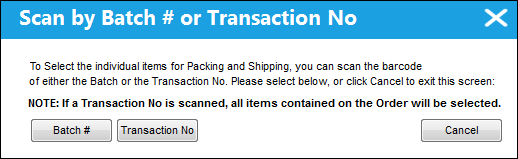
The Key Scan  button allows users to enter and select records for Packing and Shipping through utilizing a bar code to scan. The items to be entered and selected for Packing and Shipping can be scanned through either a Batch number or a Transaction number. This option is presented upon selecting the Key Scan button, as seen below:
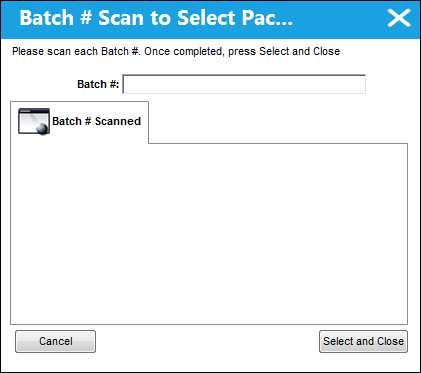
Select the Batch #  button to scan the item(s) by Packing and Shipping in the following window that appears:
Select the Transaction No  button to scan the item(s) by Packing and Shipping in the following window that appears:
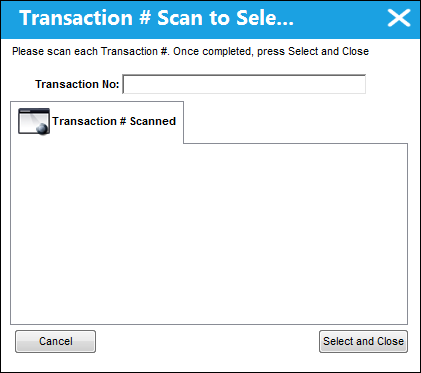
If a Transaction No is scanned, all items contained on the Order will be selected.
After scanning the necessary items, select the Select and Close  button to add them to the record to save and ship.
Share
Print
|
©1997-2026 Trax USA Corp. All rights reserved. This manual may not be copied, photocopied, reproduced, translated, or converted to any electronic or machine-readable form, in whole or in part, without prior written approval from Trax USA Corp. |
 |