
 Share
Share
 Print
Print
|
|
|
|
|



The Show Selected  and Show All
  buttons allow the users to display the records in the Packing and Shipping Selection as needed based on whether or not the record has been selected for shipment.
When selecting the records to be shipped, select the Show Selected button to filter the window to only display those records that have their Select checkbox selected.
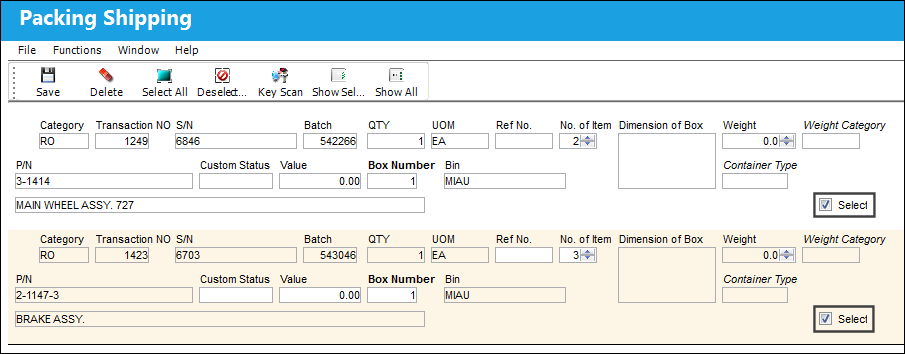
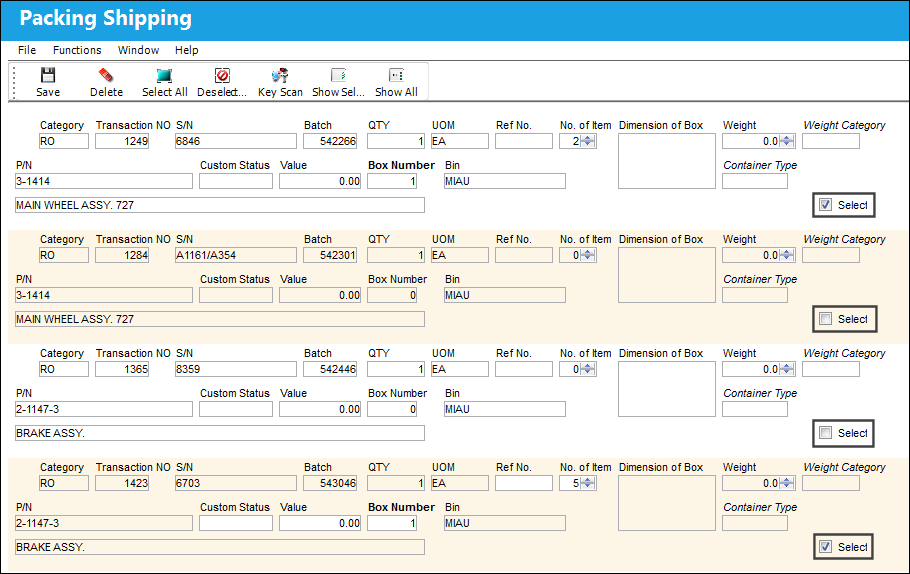
To display all order records associated to the Packing and Shipping record, as it was upon opening the window, select the Show All button. Anything that is to be shipped will remain selected.
Share
Print
|
©1997-2026 Trax USA Corp. All rights reserved. This manual may not be copied, photocopied, reproduced, translated, or converted to any electronic or machine-readable form, in whole or in part, without prior written approval from Trax USA Corp. |
 |