 Download Online Help
 Print
|
|
|
|
|


The Auto Exchange Order Out option allows the user to set up an auto generated Exchange Order Out for parts that are moved from one company to another through a remove/install transaction. Once the remove/install transaction is completed, the parts that belong to Company A will change ownership as the remove/install transaction is completed on Companies Bs Work Order. This functionality works both for serialized and consumable parts. Once the Task Card(s) and Work Order are closed, the system will auto generate an Exchange Order Out and set it to Closed status. The Exchange Order Out is generated based on the Expenditure Code set up through the Inter Company Billing functionality in the Company Profile window.
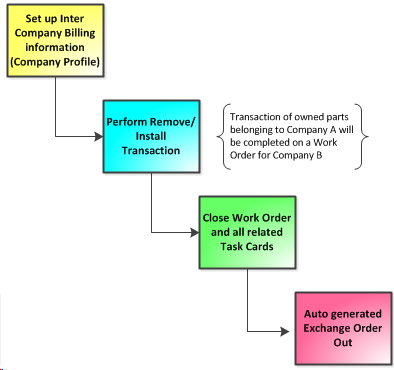
In the following scenario, two parts (core and supplied) that belong to an initial Company will change ownership once a remove/install transaction is completed for a Work Order for another Company. The new ownership will be reflected on an auto Exchange Order Out generated by the system once the Work Order is closed.
Setup:
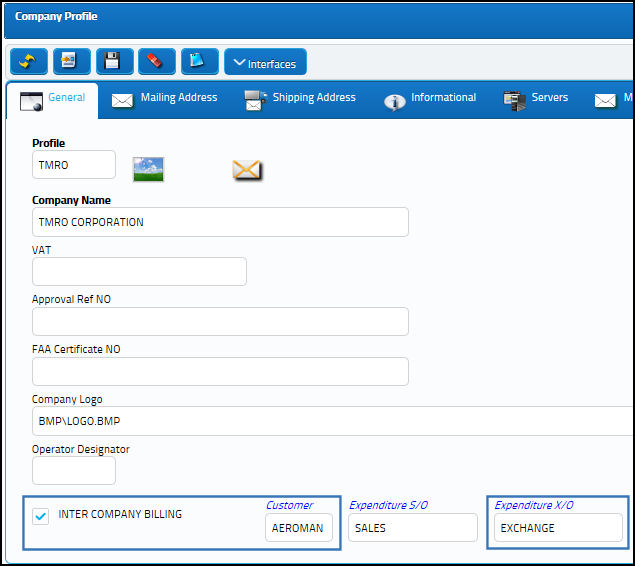
The Inter Company Billing checkbox is selected for a Company and the Customer and Exchange Order Out Expenditure Code are established, as shown below:
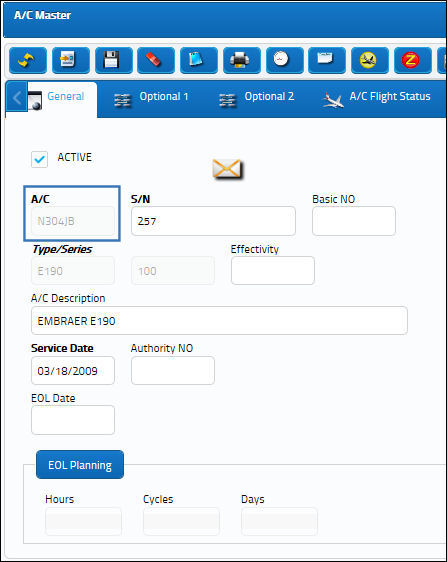
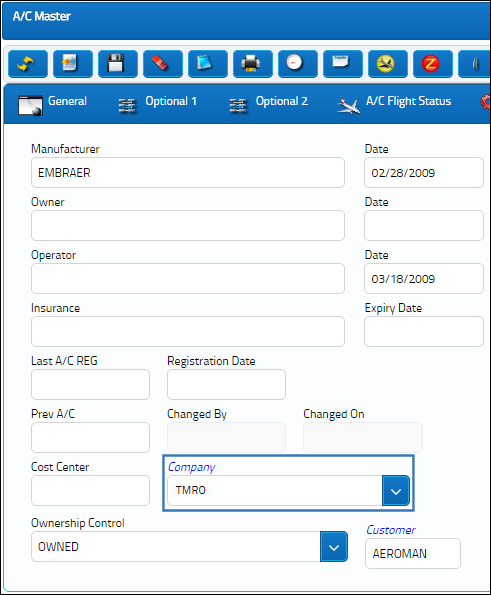
The following aircraft is owned by the specified Company.
Create Work Order for a Company
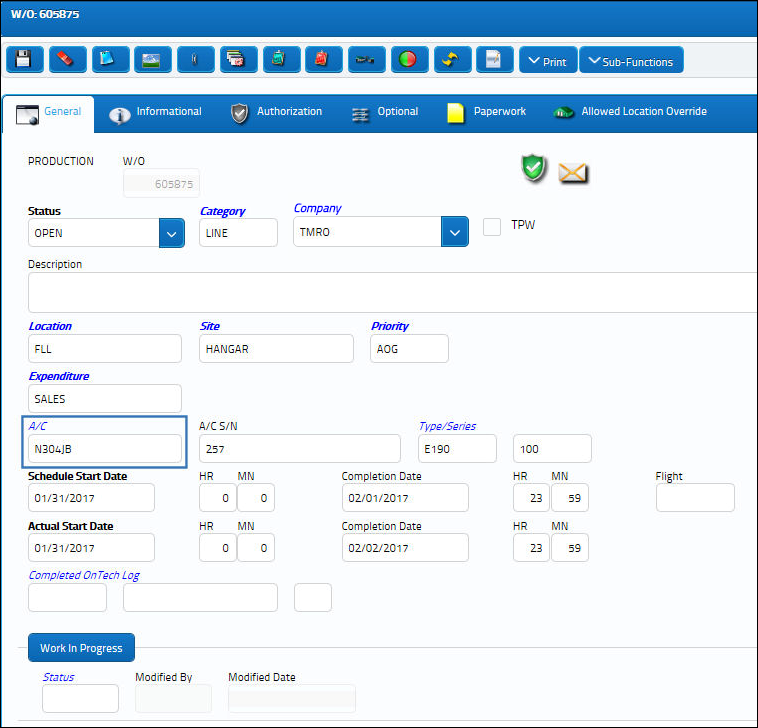
The following Work Order is created for the specified Company and Aircraft.
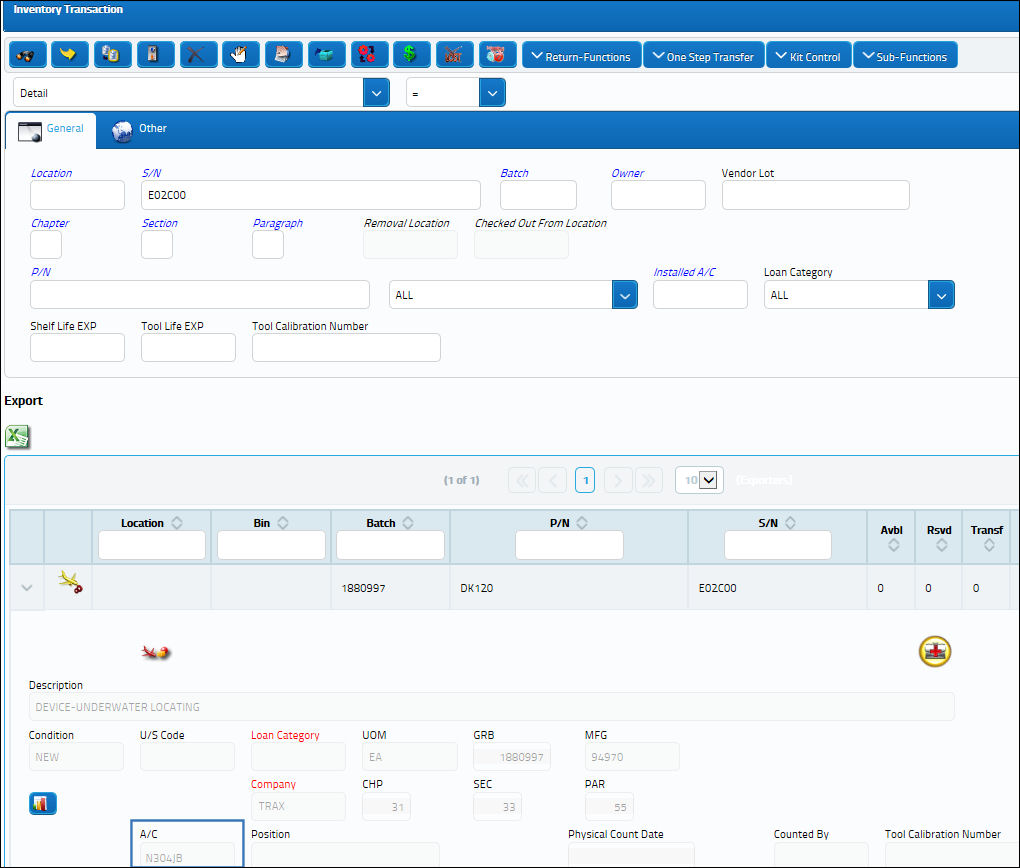
A Serial Number belongs to a particular Company and is installed on the Aircraft.
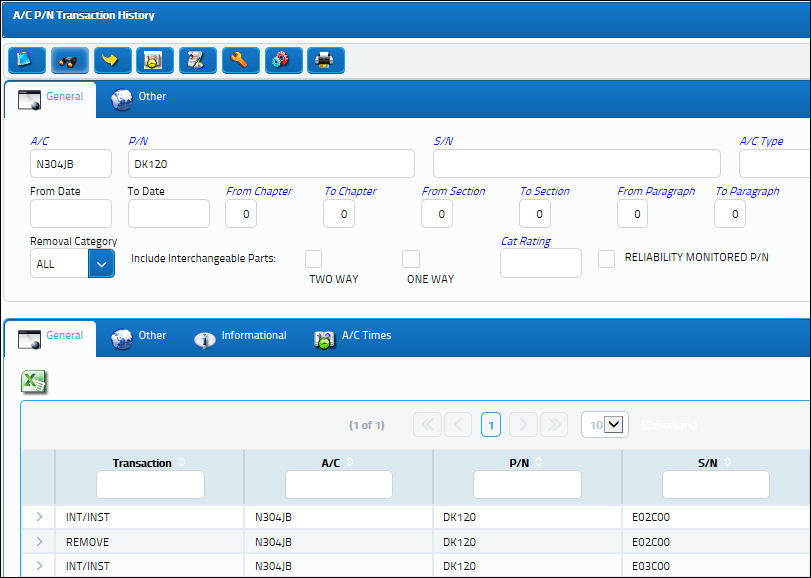
Remove/Install Transaction
The Serial Number has been removed from the aircraft and another Serial Number has been installed on the Aircraft.
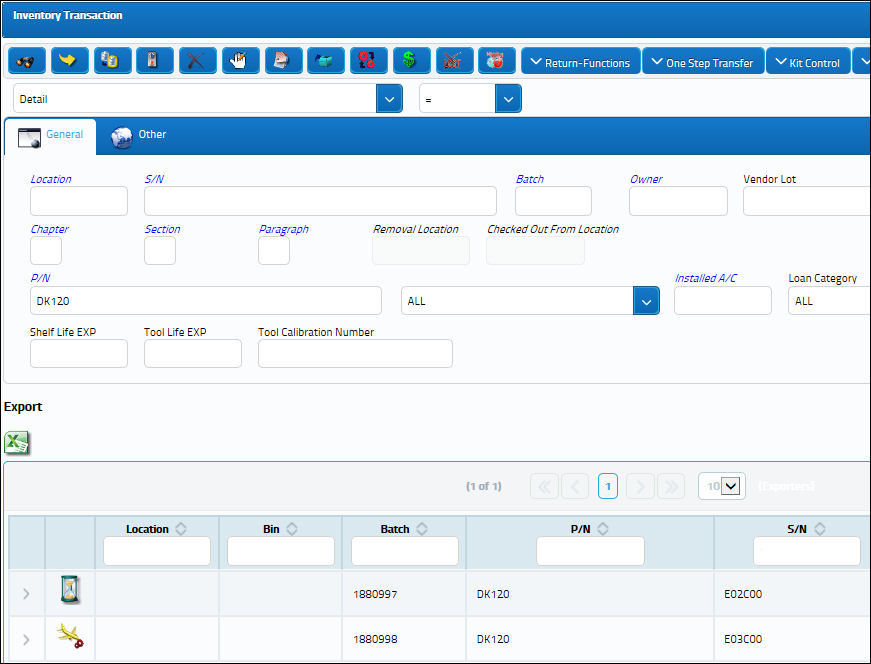
Inventory reflects the remove/install transaction.
Close the Work Order
The following Work Order and all related Task Cards are closed.
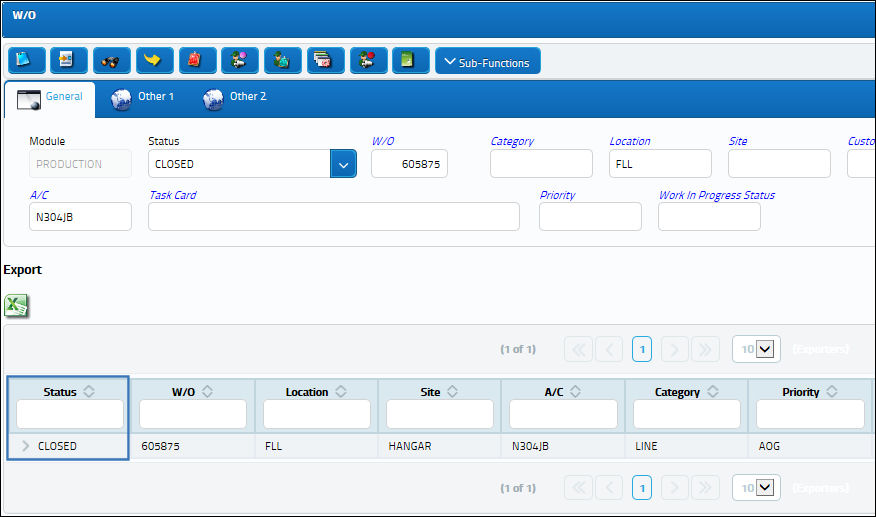
Auto Generate Exchange Order Out
The system automatically generates the following Exchange Order Out and places it in 'Closed' status.
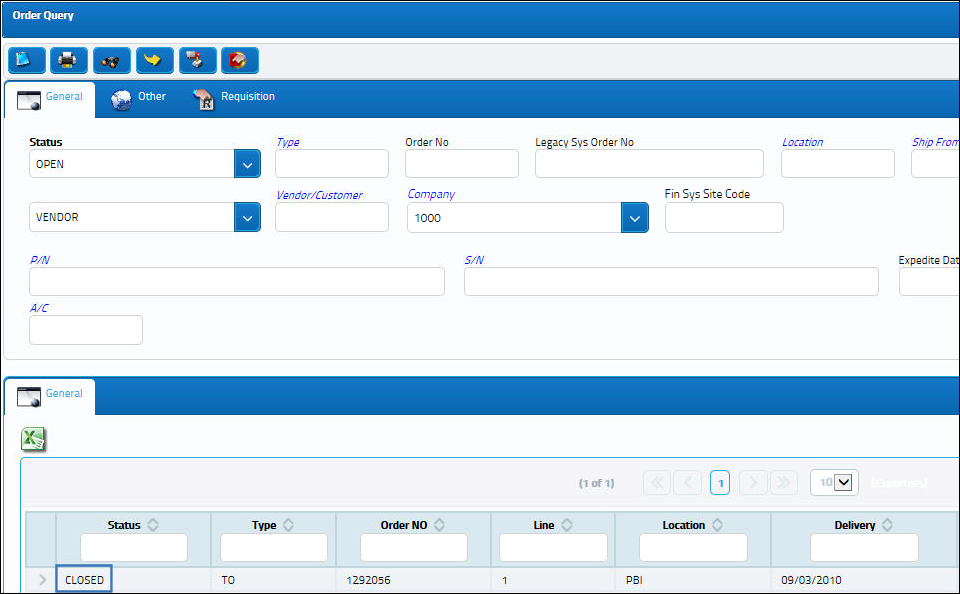
Notice that the Exchange Order Out was created for the initial Company even though the core part and the supplied part belonged to the other Company.
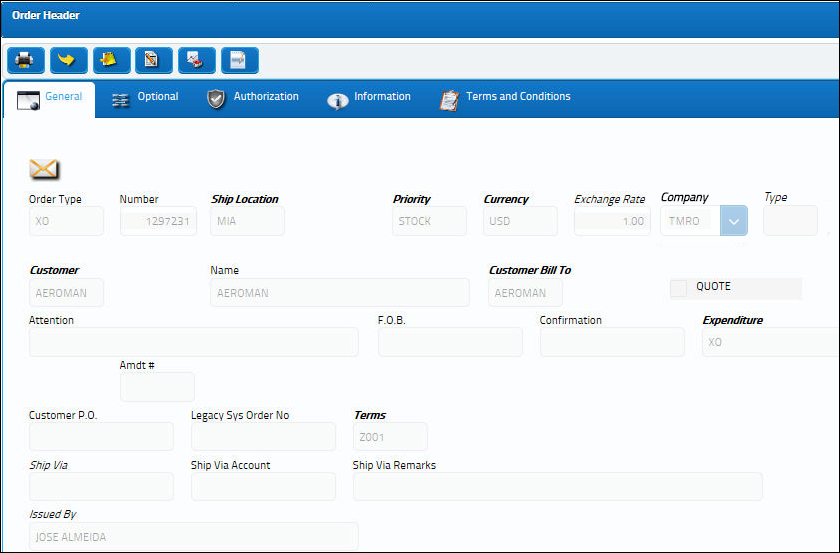
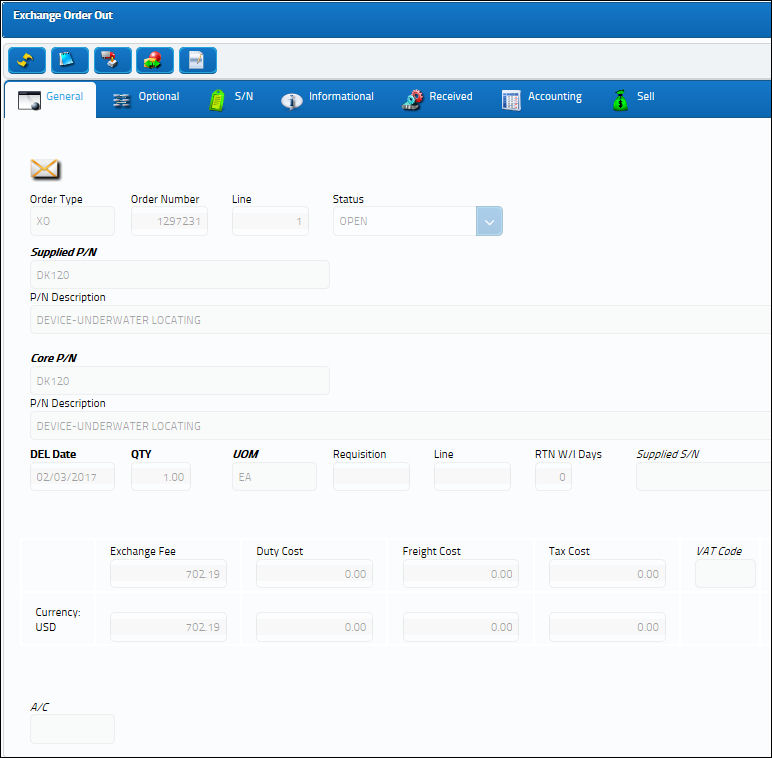
Select into the detail of the Exchange Order Out to view the details of the order.
Download Online Help
Print
|
©1997-2018 Trax USA Corp. All rights reserved. This manual may not be copied, photocopied, reproduced, translated, or converted to any electronic or machine-readable form, in whole or in part, without prior written approval from Trax USA Corp. |
 |