 Download Online Help
 Print
|
|
|
|
|


Customer Orders Creation/Update
The Customer Orders Creation/Update window allows the user to create a new Customer Order or query an existing Customer Order to open and edit. From this window, information can be filtered for the query and utilized through the following windows and buttons.
Customer Orders Creation/Update Tabs |
Customer Orders Creation/Update Buttons |
|
|


 AWB button
 Receiving Discrepancy button
Upon creating a new record or opening an existing one, the user is brought to the header window depending on the specified Order Type:
Creating New Customer Orders:
Select the New  button to create a new order.
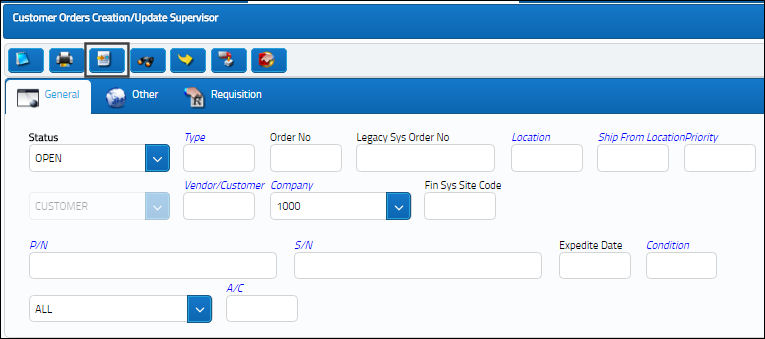
A drop down selection window will appear. Select the type of order that is to be created.
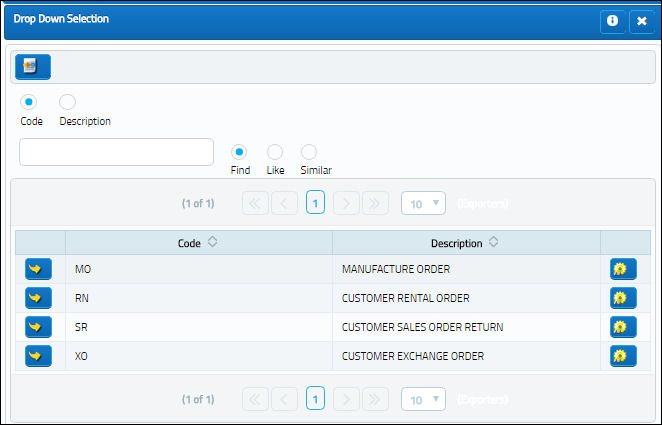
Note: The Order Types available in this pop-up window are determined by the Vendor/Customer Order radio buttons in the Order Type transaction code. Only Order Types flagged as 'Customer' will be available in the above pop-up.
Upon selecting the order type, the user will be redirected to the appropriate order type window. For more information on each order type window, follow the corresponding links from the list of order types above.
Accessing Existing Orders:
To view existing orders, enter as much information into the filter fields as possible to narrow down the search and select the Find  button. The results will be displayed in the bottom section of the window.
Click the Select  button next to the order that is to be viewed.
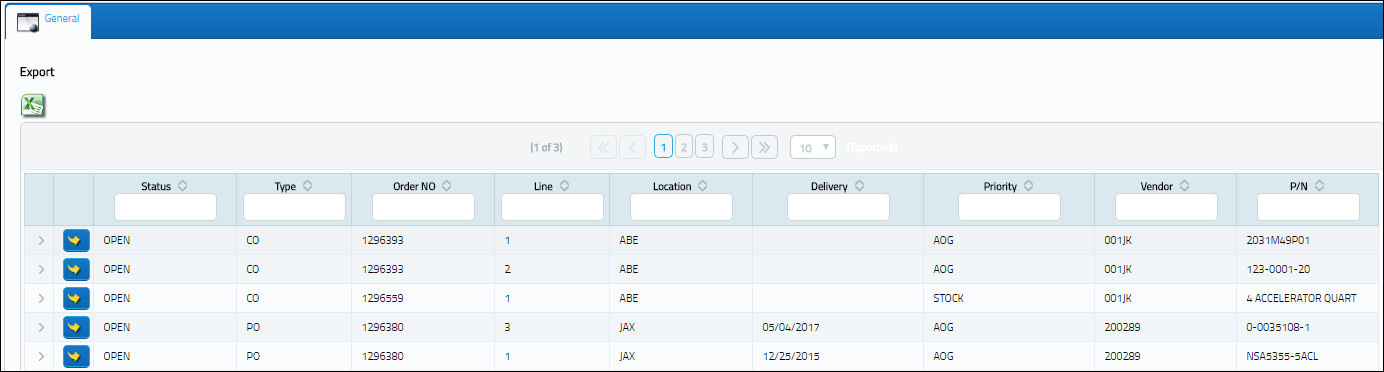
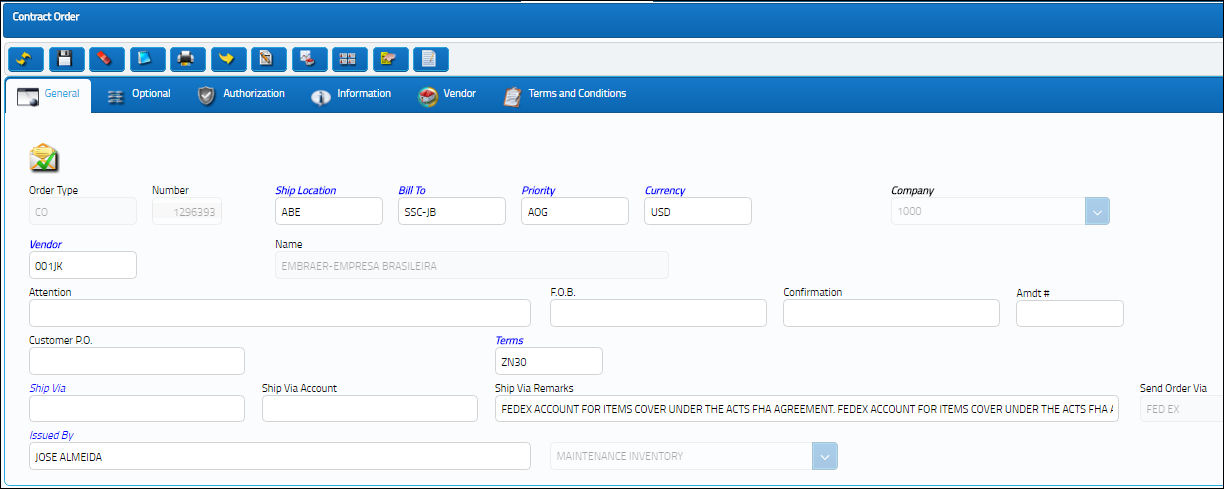
The user will automatically be redirected to the appropriate order type window. For more information on each order type window, follow the corresponding links from the list of order types above.
Download Online Help
Print
|
©1997-2018 Trax USA Corp. All rights reserved. This manual may not be copied, photocopied, reproduced, translated, or converted to any electronic or machine-readable form, in whole or in part, without prior written approval from Trax USA Corp. |
 |