 Download Online Help
 Print
|
|
|
|
|


The Release Authorization  button can be accessed by selecting a Pending Authorization E/C in the Engineering Control Authorization window:
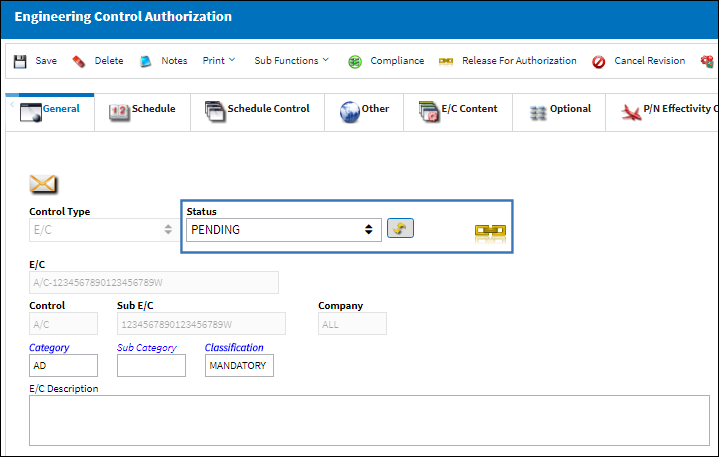
Because the status of the E/C is 'Pending' and must be at 'Open' in order for the E/C to be performed, the Release Authorization button must be clicked to start the Authorization Process.
Note: User must have the appropriate security access to this button.
Select the Release Authorization button. Once selected, the button will disappear, indicating that the item has been sent to the E/C Authorization queue (Engineering/Explorer/Engineering Authorization) to await authorization. The E/C has been Released To Authorization and the E/C cannot be edited via Engineering/Update/ E/C. However, it can be edited (last minute changes can be made) through Engineering/Update/Engineering Authorization Management.
Download Online Help
Print
|
©1997-2018 Trax USA Corp. All rights reserved. This manual may not be copied, photocopied, reproduced, translated, or converted to any electronic or machine-readable form, in whole or in part, without prior written approval from Trax USA Corp. |
 |