 Download Online Help
 Print
|
|
|
|
|


Posting an Invoice, via Invoice Order Detail
Once an invoice has been authorized, the user may post it.
For information regarding how to authorize an invoice, go to the Invoice Authorization Management section of the Link Training Manual.
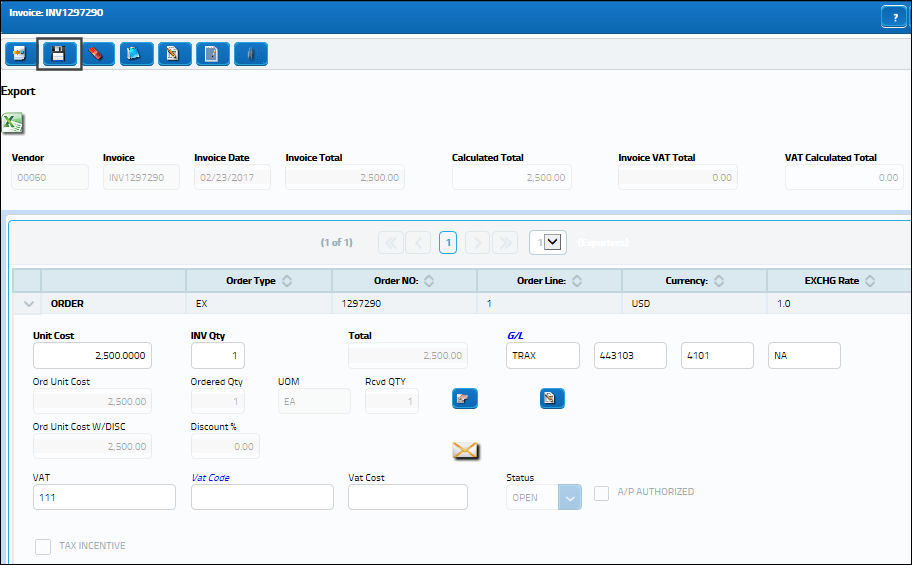
Select the Save  button.
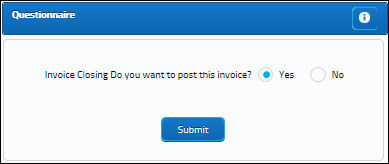
The Invoice Closing pop-up appears. Select 'Yes' to post the invoice.
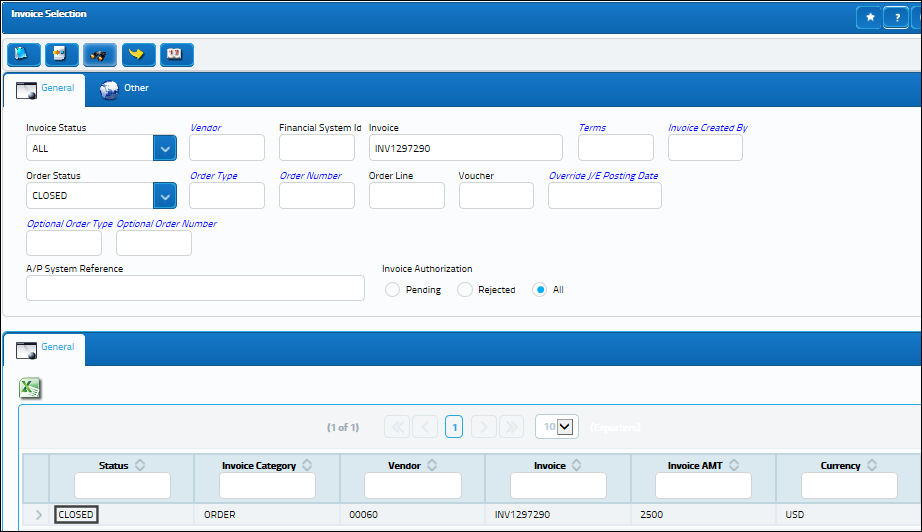
The invoice status is now 'Closed.'
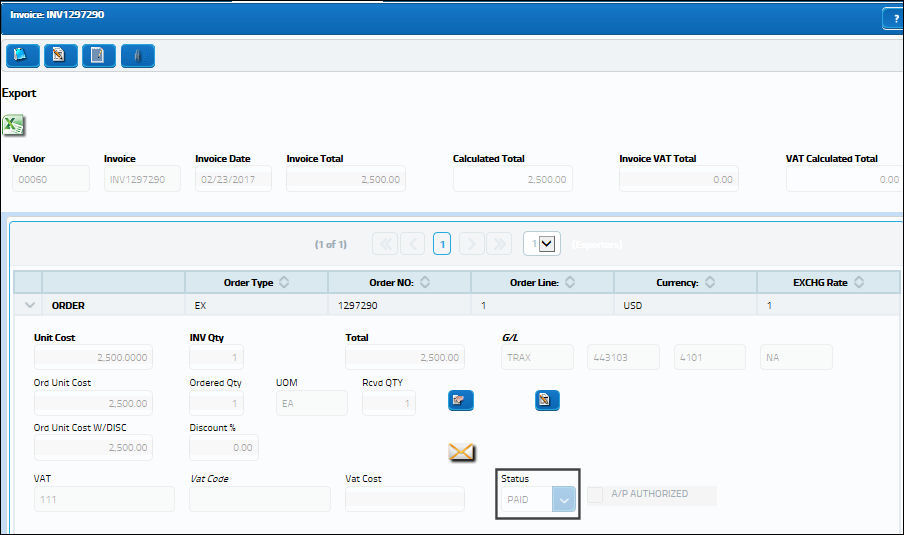
The invoice is now paid:
Download Online Help
Print
|
©1997-2018 Trax USA Corp. All rights reserved. This manual may not be copied, photocopied, reproduced, translated, or converted to any electronic or machine-readable form, in whole or in part, without prior written approval from Trax USA Corp. |
 |