 Download Online Help
 Print
|
|
|
|
|


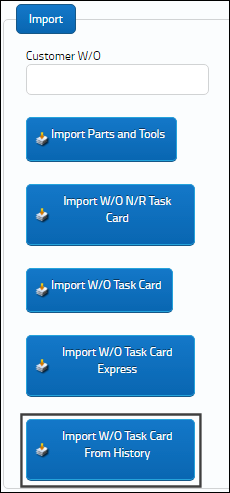
The Import Work Order Task Card From History  button allows the user to import E/Cs, Task Cards and Non-Routine Task Cards to a Work Order.
Note: This import option is only used for Third Party Work Orders. The Third Party checkbox must be checked for this option to be available.
From the Work Order Detail, Optional tab, select the Import Work Order Task Card From History button.
The system displays the Import W/O Task Card From History window:
Enter any of the below search criteria to query for a desired Work Order and select the Find  button.
For information regarding the above fields, refer to the Work Order Header, General Tab via the Work Order section of the Production Training Manual.
Download Online Help
Print
|
©1997-2018 Trax USA Corp. All rights reserved. This manual may not be copied, photocopied, reproduced, translated, or converted to any electronic or machine-readable form, in whole or in part, without prior written approval from Trax USA Corp. |
 |