 Download Online Help
 Print
MANUALS > Production > Production Switches > ENABLEPW - Enable fields in W/O, Paperwork tab
|
|
|
|
|


ENABLEPW - Enable fields in W/O, Paperwork tab
Enable fields in W/O, Paperwork tab
Affected Window: w_wo_eu_0
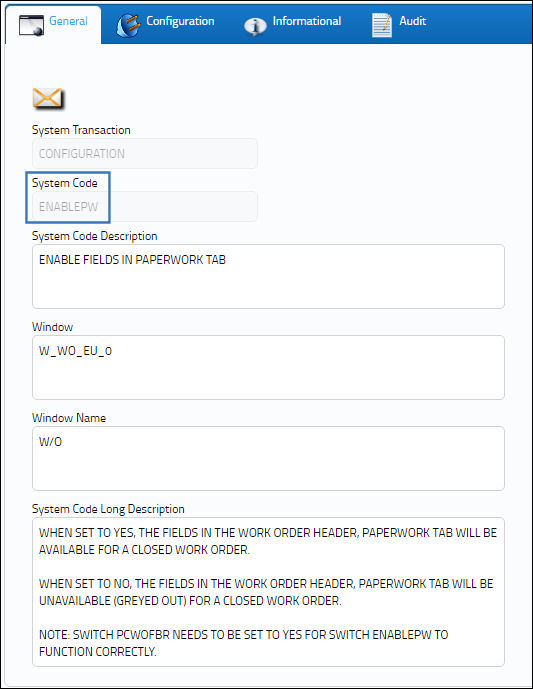
Note: Switch  PCWOFBR needs to be set to Yes for Switch ENABLEPW to function correctly.
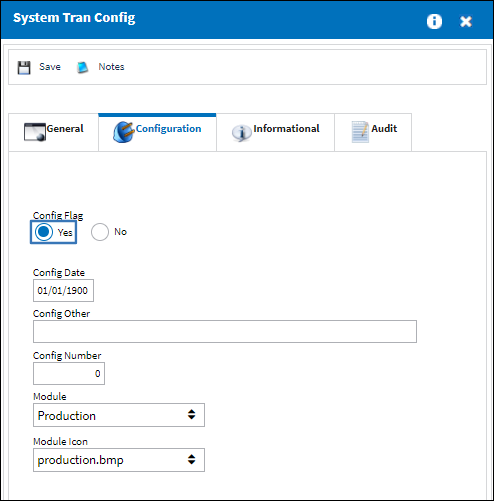
Switch Set to Yes:
When set to Yes, the fields in the Work Order Header, Paperwork tab will be available for a closed Work Order.
The following Work Order is in 'CLOSED' status.
The PaperWork Store Location field and the Bin field are available and the user may populate the fields.
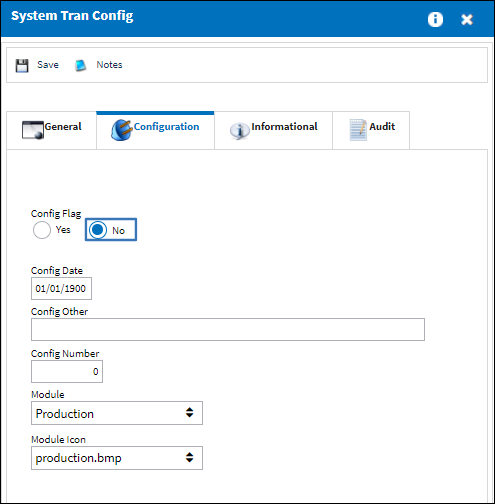
Switch Set to No:
When set to No, the fields in the Work Order Header, Paperwork tab will be unavailable (greyed out) for a closed Work Order.
The following Work Order is in 'CLOSED' status.
The PaperWork Store Location field and the Bin field are unavailable and the user may not populate the fields.
Download Online Help
Print
|
©1997-2018 Trax USA Corp. All rights reserved. This manual may not be copied, photocopied, reproduced, translated, or converted to any electronic or machine-readable form, in whole or in part, without prior written approval from Trax USA Corp. |
 |