
 Share
Share
 Print
Print
|
|
|
|
|


Select the Transfer T/C  button to transfer the currently selected Task Card to another selected Work Order.
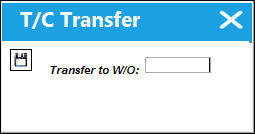
You will be asked to confirm your request.
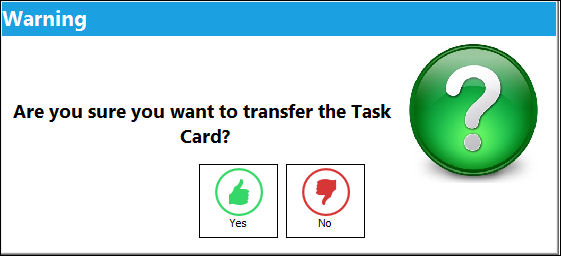
The Task Card will then appear on the designated Work Order.
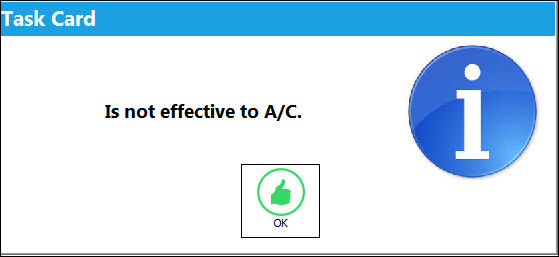
Note that A/C Effectivity applies to the transfer:
Employees who are currently booked to the Task Card will remain booked after the transfer to the new Work Order.
Share
Print
|
©1997-2026 Trax USA Corp. All rights reserved. This manual may not be copied, photocopied, reproduced, translated, or converted to any electronic or machine-readable form, in whole or in part, without prior written approval from Trax USA Corp. |
 |