 Download Online Help
 Print
|
|
|
|
|


Physical Inventory Print
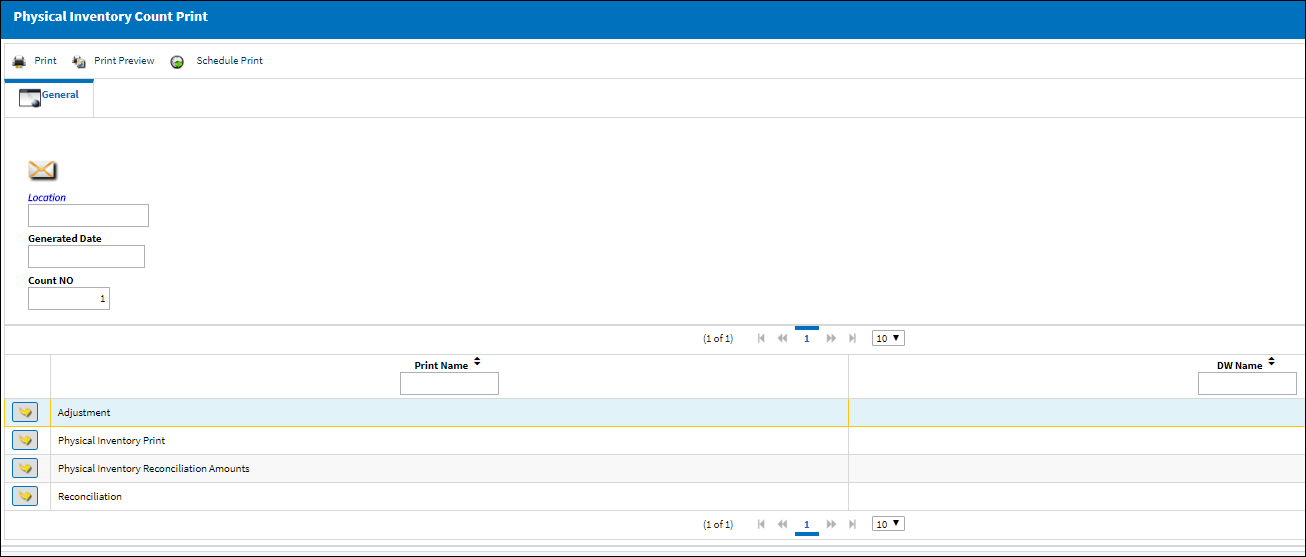
The Physical Inventory Print Window allows the user to print and then view reports that contains Physical Inventory information.
Note: These are customized prints. Print layouts and options may vary per operator.
The following options/information is available in this window:
_________________________________________________________________________
Location
The Location for maintenance events, inventory stores, orders, transactions, or training events.
Generated date
The date on the Physical Inventory Count print that the count was generated.
Count NO
Once the Physical Count sheet is printed, a manual count must be done to confirm the actual quantities. Inventory personnel will now enter quantities into the Count field located on the Physical Inventory Count print.
_________________________________________________________________________
Download Online Help
Print
|
©1997-2018 Trax USA Corp. All rights reserved. This manual may not be copied, photocopied, reproduced, translated, or converted to any electronic or machine-readable form, in whole or in part, without prior written approval from Trax USA Corp. |
 |