
 Share
Share
 Print
Print
|
|
|
|
|


From the TraxDoc AIPC Import window, select the Effectivity  button. Here the user may view effective aircraft.
The TraxDoc must be effective to at least one Type/Series.
New Effectivity will be added in the form of IPC P/N Effectivity Range. IPC Range will be define for Type/Series by SGML Designator. Range will assign Aircraft Effectivity matching A/C Tail Number to IPC Field in Optional 2 tab A/C Master
If the TraxDoc is effective to multiple Type/Series, then the SGML Designator for each Type/Series must be set to the same value.
The TraxDoc Effectivity Selection window appears:
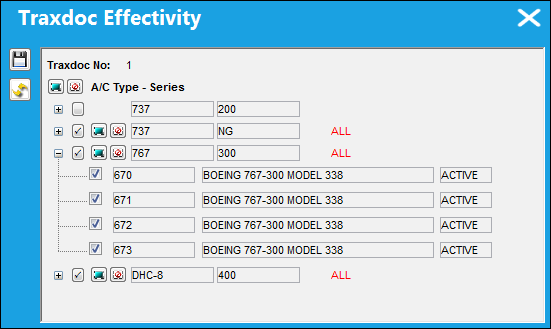
This is a view only window.
The TraxDoc must be effective to at least one Type/Series. If effectivity is not established, a warning will appear.
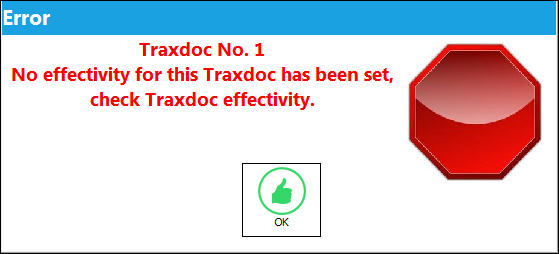
If the TraxDoc is effective to multiple Type/Series, then the SGML Designator for each Type/Series must be set to the same value.
Share
Print
|
©1997-2026 Trax USA Corp. All rights reserved. This manual may not be copied, photocopied, reproduced, translated, or converted to any electronic or machine-readable form, in whole or in part, without prior written approval from Trax USA Corp. |
 |