
 Share
Share
 Print
Print
|
|
|
|
|


Override Schedule: Overtime
A new Overtime schedule can be entered by an employee from this window. See above for more information on creating new Overrides.
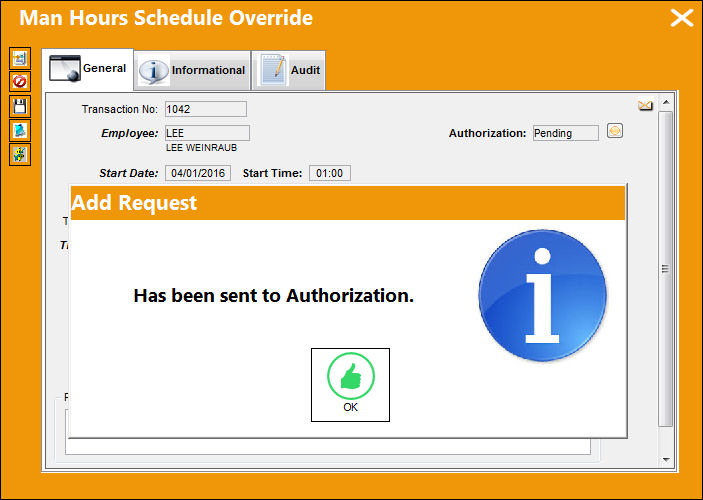
However, when a supervisor creates an Overtime schedule override via the Man Hours Schedule Override window, the employee is allowed to update the Payment Code field which determines how they will be compensated for their overtime work. Notice that the following Overtime has been saved and sent for authorization.
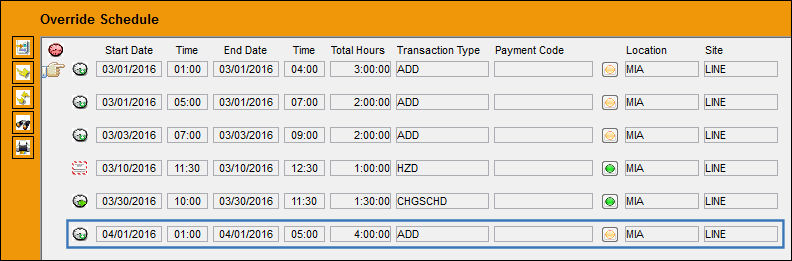
From the Employee Schedule Self-Management window, Override Schedule section, select into the override.
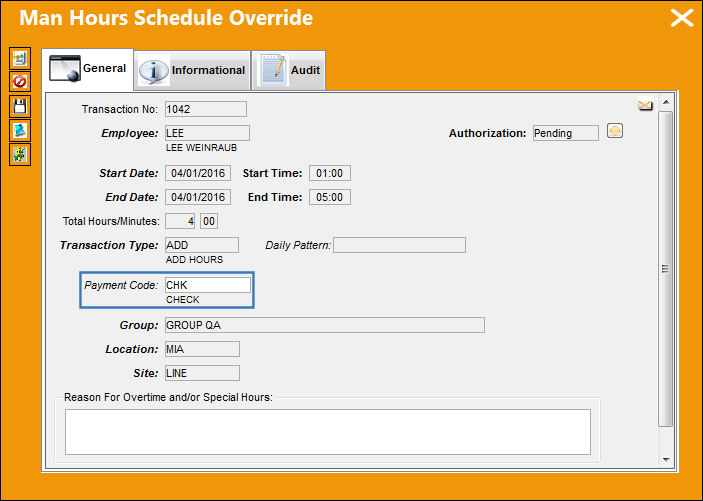
From the Man Hours Schedule Override window pop-up, the user working the overtime can modify the Payment Code field.
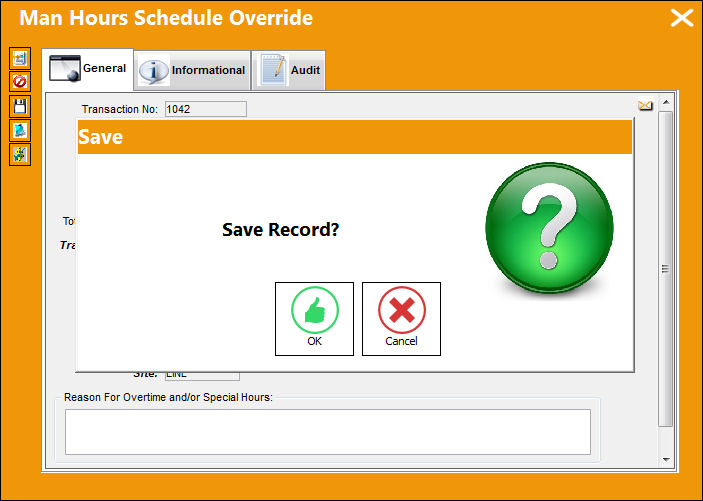
When ready, the user must select the Payment Validation  button to save the overtime schedule override.
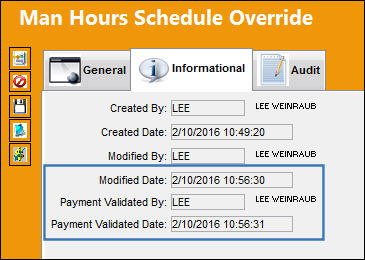
From the Man Hours Schedule Override, Information tab, the Payment Validated fields indicate when the Payment Code was validated by the employee.
Share
Print
|
©1997-2026 Trax USA Corp. All rights reserved. This manual may not be copied, photocopied, reproduced, translated, or converted to any electronic or machine-readable form, in whole or in part, without prior written approval from Trax USA Corp. |
 |