
 Share
Share
 Print
Print
|
|
|
|
|


The Copy Schedule  button allows the user to copy the schedule of one employee to another employee.
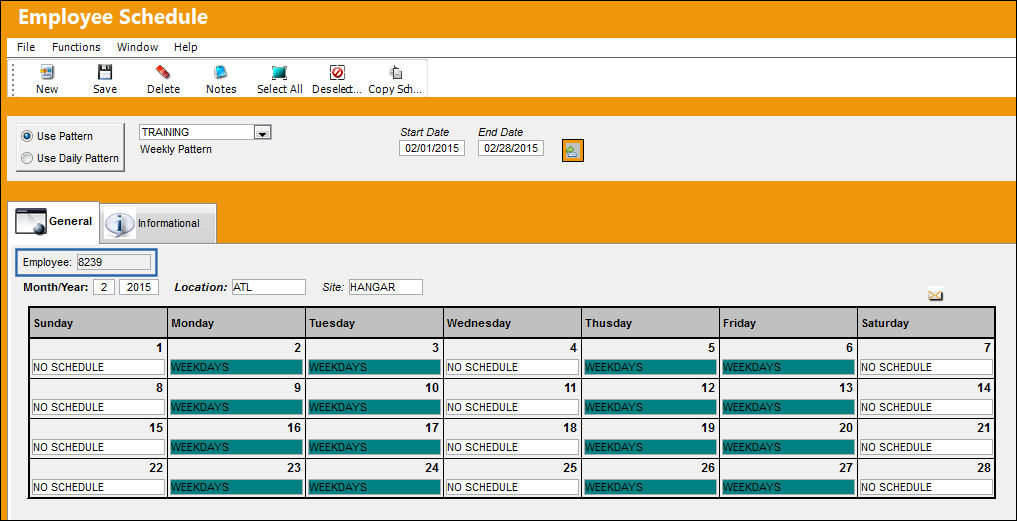
The employee in the below example has a schedule:
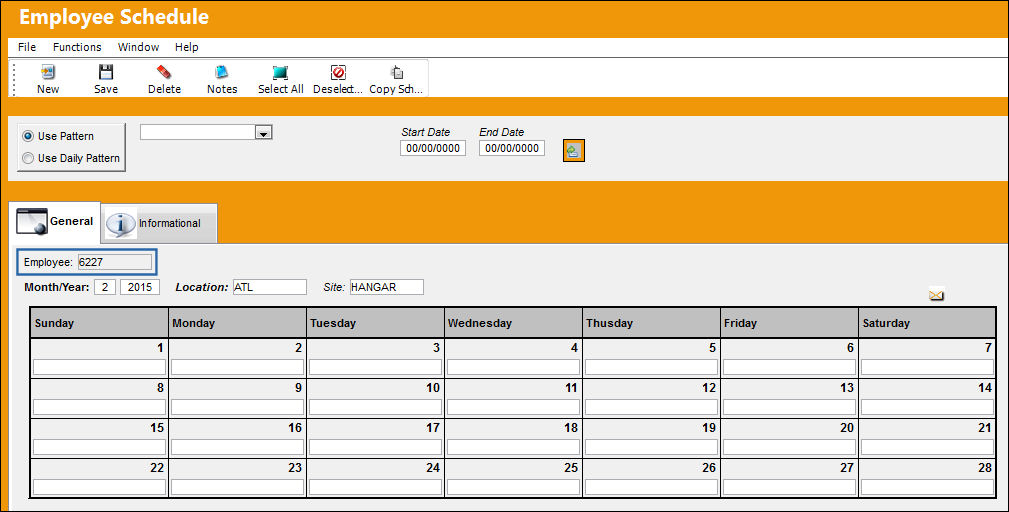
The employee in the below example does not have a schedule:
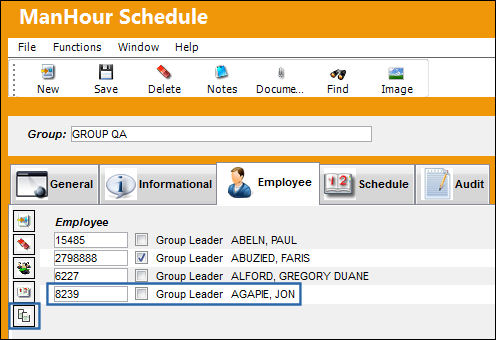
Go to Planning/Update/Man Hours Schedule, Employee tab.
Highlight the employee and select the Copy Schedule button.
The Employee Schedule Copy window appears. Highlight the name of the employee the schedule is to be copied for. Be sure the All Months/Years checkbox is selected. Select the Save  button.
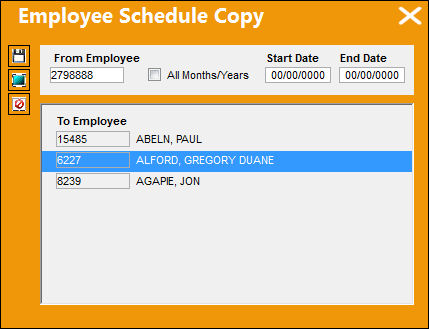
Select the Select All  button to select all employees to have a schedule copied.
Select the De-select All  button to de-select already highlighted employee names.
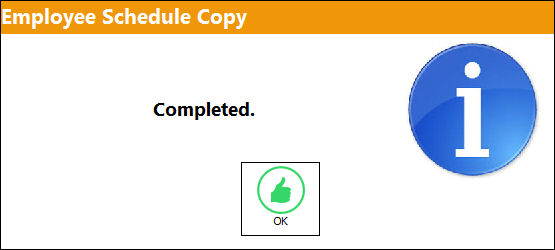
The following information box appears informing the user that the schedule from the original employee has been copied for the second employee.
Select 'OK.'
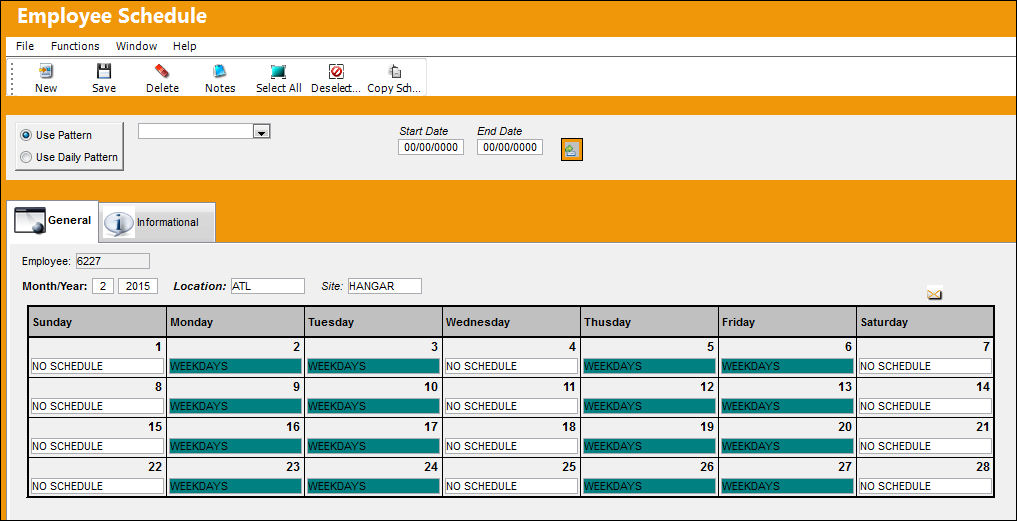
The schedule has been copied for the employee as shown below:
Share
Print
|
©1997-2026 Trax USA Corp. All rights reserved. This manual may not be copied, photocopied, reproduced, translated, or converted to any electronic or machine-readable form, in whole or in part, without prior written approval from Trax USA Corp. |
 |