
 Share
Share
 Print
Print
|
|
|
|
|


The Survey  button opens the W/O Task Card Survey Answers window. User can view and answer survey questions attached to the Non Routine Task Card.
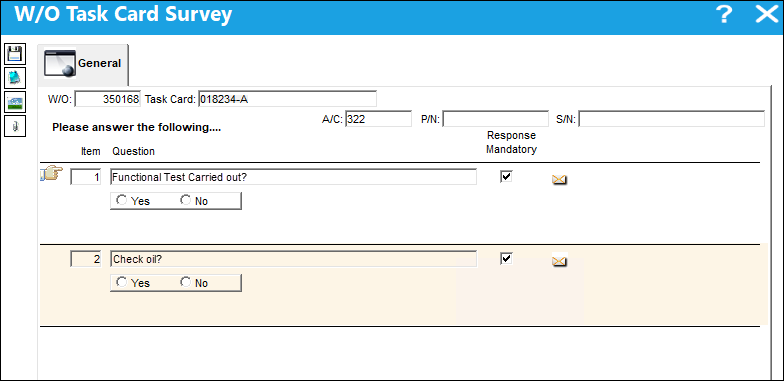
The following information/options are available in this window:
_____________________________________________________________________________________
Depending on the question, the user will answer using different types of responses:
- AlphaNumeric - The response can include both letters and numbers.
- Numeric - The response will include only numbers.
- AlphaNumeric Range - The response will consist of a range and both letters and numbers can be used.
- Numeric Range - The response will consist of a range and only numbers can be used.
- Yes/No - The response will be either Yes or No.
- Multiple Choice - The response will be a selection made from one of the available options provided.
_____________________________________________________________________________________
Share
Print
|
©1997-2026 Trax USA Corp. All rights reserved. This manual may not be copied, photocopied, reproduced, translated, or converted to any electronic or machine-readable form, in whole or in part, without prior written approval from Trax USA Corp. |
 |